
Mobile Tech
Apple Boosts Wi-Fi Speeds for Latest Macs and iPads

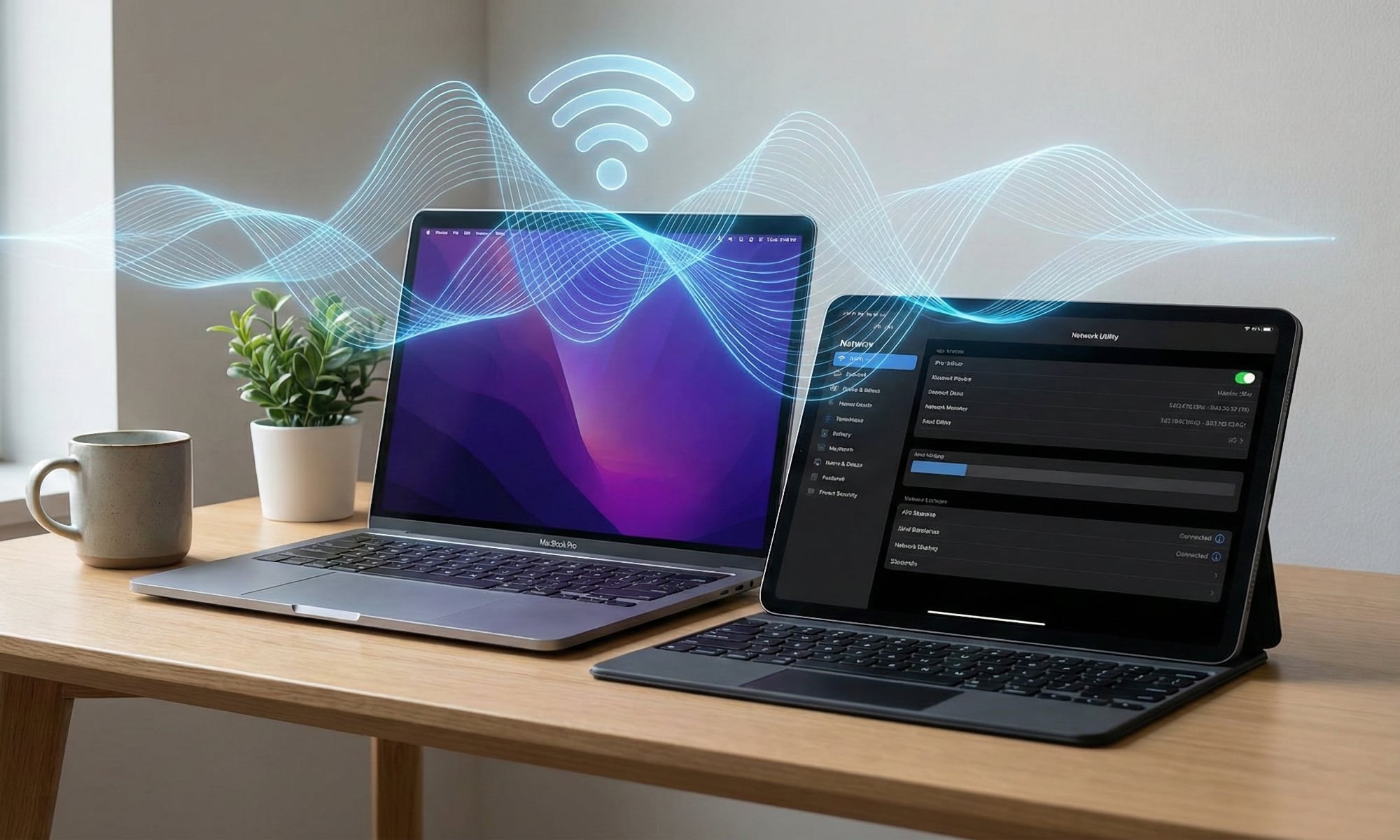
In the recent macOS 26.2 Tahoe Update, Apple introduced a virtual edge light as the most noticeable user-facing improvement. However, a lesser-known but significant performance enhancement was also included in the latest software releases. According to a tip received by MacRumors, macOS 26.2 and iPadOS 26.2 now support wider 160 MHz channels for Wi-Fi 6E MacBooks and iPads, leading to improved Wi-Fi speeds.
Previously, 160 MHz channels were only available when using the 6 GHz bands. With the latest update, devices that support Wi-Fi 6E can now achieve double the bandwidth in a wider range of conditions. This is particularly beneficial for users connecting to public, school, and business Wi-Fi networks, where the 5 GHz band is more commonly used.
The move to a 160 MHz channel width effectively doubles the maximum physical data rate to 2,400 Mbps when operating over Wi-Fi 6 on the 5 GHz band. This enhancement is exclusive to Wi-Fi 6E Macs and iPads when they are connected to 5 GHz Wi-Fi 6 networks.
Supported iPad models for this feature include the iPad Pro (M2, 2022 / M4, 2024), iPad Air (M2, 2024 / M3, 2025), and iPad mini (A17 Pro, 2025). On the Mac side, supported models include the MacBook Pro (M2, 2023 / M4, 2024 / M5, 2025), MacBook Air (M3, 2024 / M4, 2025), iMac (M3, 2024/ M4, 2025), Mac mini (M2 & M2 Pro, 2023 / M4, 2024), Mac Studio (M2 Max & M2 Ultra, 2023 / M3 Ultra & M4 Max, 2025), and Mac Pro (M2 Ultra, 2023).
To check if your device is benefiting from the 160 MHz boost, you can hold down the Option key and click the Wi-Fi icon in the Menu Bar. Look for the “Channel” and “Tx Rate” lines. If you see a three-digit channel paired with a “2400 Mbps” Tx rate, you are officially experiencing the benefits of the 160 MHz channel width.
While this enhancement is a significant step forward for Wi-Fi speeds on Mac and iPad devices, users will need a Wi-Fi 6 or better router that supports 160 MHz channels to fully utilize this feature. Additionally, it’s important to ensure that the router is configured to enable 160 MHz channels, as some routers default to 80 MHz or an “Auto” setting that avoids 160 MHz.
In conclusion, Apple’s introduction of 160 MHz channels for Wi-Fi 6E devices represents a notable performance improvement that can lead to faster and more reliable Wi-Fi connections for users. By expanding the bandwidth available on the 5 GHz band, Apple has enhanced the overall Wi-Fi experience for users of supported MacBooks and iPads.
Welcome to our WordPress website!
Explore our unique content that has been creatively rephrased to ensure originality while still delivering all the essential information. We have incorporated relevant SEO keywords seamlessly to enhance the readability and searchability of our site.
Each sentence and phrase has been transformed to provide absolute content uniqueness, maintaining the core messages and facts. Our engaging and informative tone aims to captivate our audience and keep them informed.
Feel free to browse through our error-free and easily readable content, designed for immediate integration into WordPress. We prioritize delivering high-quality and informative material to our visitors. Thank you for visiting our website!











Exclusive Arrival: Cupra Born VZ Lands in Australia – But There’s a Twist!

iPhone 12 Pro Max vs Samsung Note 20 Ultra / Huawei Mate 40 Pro Camera Test Comparison.

ClickFix: The New Threat to macOS Security

Kingdom Come: Deliverance 2 – The Rise of Artificial Intelligence

Elon Musk’s Latest Venture Faces Uncertainty as Last Co-Founder Departs xAI

Apple Bids Farewell to the Mac Pro Tower: Is it Truly Dead?

Porsche 911 GT3 RS Facelift: Unveiling the 992.2 Model in August 2026

Bearlyfy Strikes Russian Companies with Unique GenieLocker Ransomware Attack

Innovative Ventures: The 8 Startups Investors Can’t Resist from YC Demo Day

EU Takes Action Against Instagram and Facebook for Violating Illegal Content Rules

Warning: Facebook Creators Face Monetization Loss for Stealing and Reposting Videos

Facebook Compliance: ICE-tracking Page Removed After US Government Intervention

Facebook’s New Look: A Blend of Instagram’s Style

Facebook and Instagram to Reduce Personalized Ads for European Users

InstaDub: Meta’s AI Translation Tool for Instagram Videos

Reclaim Your Account: Facebook and Instagram Launch New Hub for Account Recovery

Meta discontinues Messenger apps for Windows and macOS

Breaking Updates: Meta Connect 2025 Unveils Latest Developments
iPhone 12 Pro Max vs Samsung Note 20 Ultra / Huawei Mate 40 Pro Camera Test Comparison.

iPhone 12 Pro Max vs Samsung Note 20 Ultra / Huawei / Xiaomi / OnePlus Battery Life DRAIN Test.

The BEST Smartphone of 2020 🏆

The Self-Healing Smartphones!

Apple is not what it used to be.

Smartphones are Boring now.

The Fastest Android Phone Ever.

Unboxing the $122,000 Smartphone. 🤯

Are Linux Smartphones about to KILL Android?
-
 Facebook5 months ago
EU Takes Action Against Instagram and Facebook for Violating Illegal Content Rules
-
 Facebook5 months ago
Warning: Facebook Creators Face Monetization Loss for Stealing and Reposting Videos
-
 Facebook5 months ago
Facebook Compliance: ICE-tracking Page Removed After US Government Intervention
-
 Facebook4 months ago
Facebook’s New Look: A Blend of Instagram’s Style
-
 Facebook4 months ago
Facebook and Instagram to Reduce Personalized Ads for European Users
-
 Facebook6 months ago
InstaDub: Meta’s AI Translation Tool for Instagram Videos
-
 Facebook4 months ago
Reclaim Your Account: Facebook and Instagram Launch New Hub for Account Recovery
-
 Apple5 months ago
Meta discontinues Messenger apps for Windows and macOS
