
Security
Beware of Phishing Scams: Lost iPhone Recovery Warning

Protect Yourself from iPhone Phishing Scams
iPhone users beware! The Swiss National Cyber Security Centre (NCSC) has issued a warning about a new phishing scam targeting iPhone owners. This scam pretends to have found your lost or stolen iPhone but is actually a ploy to steal your Apple ID credentials.
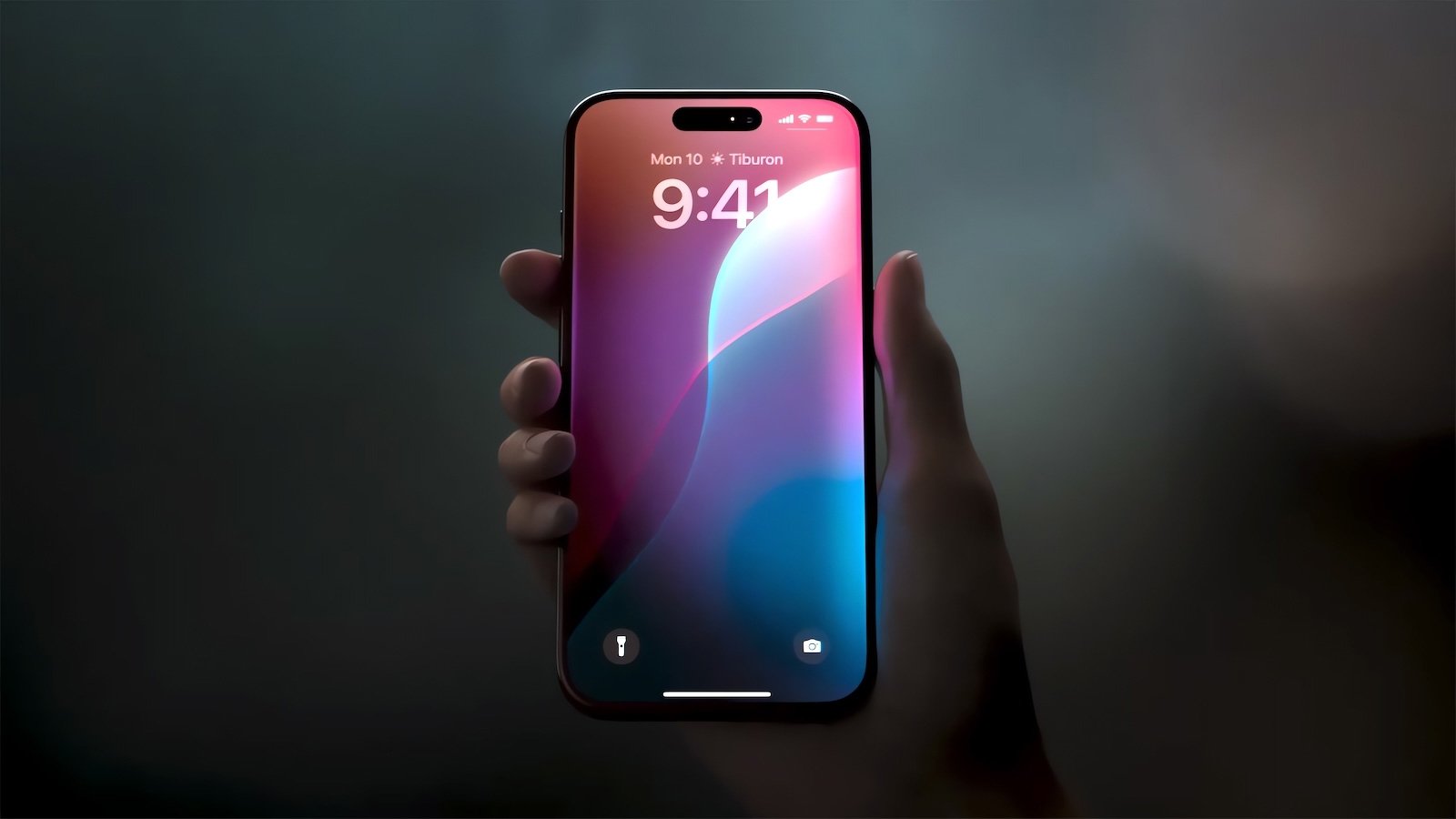
When you lose your iPhone or it gets stolen, you can set a custom message in Apple’s Find My app that appears on the lock screen. This message may include contact information for the owner, such as an email address or phone number.
Scammers are now using this information to send targeted phishing texts (smishing) through SMS or iMessage to the displayed contact information. They claim to be from Apple’s Find My team and falsely state that they have found your lost phone.
The NCSC warns that scammers may exploit the hope of recovering a lost iPhone by sending convincing messages that include details like the phone’s model, color, and other information that can be easily obtained from the locked device.
These phishing messages often contain a link to a fake Find My website that appears to show the device’s location. However, this link redirects to a phishing page that mimics Apple’s official website. When victims enter their Apple ID and password, the scammers gain full access to their account.
The ultimate goal of these scammers is to remove Apple’s Activation Lock, a security feature that links an iPhone to its owner’s Apple ID and prevents unauthorized access.
The NCSC recommends the following preventive measures:
- Avoid clicking on links in unsolicited messages or entering Apple ID details on external websites.
- If your device is lost, immediately enable Lost Mode through the Find My app or iCloud.com/find to secure it.
- Consider using a dedicated email address for displaying contact details on a lost device’s lock screen.
- Keep your device registered to your Apple account to maintain Activation Lock protection.
- Protect your SIM card with a PIN to prevent misuse of your phone number.
Remember, Apple will never contact customers via SMS or email to report a found device. Stay vigilant and ignore any suspicious messages claiming to have found your lost iPhone.
Stay Safe with MCP Best Practices

As MCP (Model Context Protocol) adoption grows, security teams are working diligently to keep these new services secure. To help you stay protected, here are 7 best practices outlined in a free cheat sheet.
Download now and start implementing these best practices today!













Unveiling the Accuracy of AI-Driven Price Prediction Tools in the Forex Market

Future Trends: Machine Learning Applications in Finance for 2026

The Anticipated Arrival of the Entry-Level iPad

The Future of Brand Discovery: AEO vs. GEO in the Age of AI (2026)

Government Announces Crackdown on Gouging Amid Record Fuel Prices

iPhone 12 vs iPhone 12 Pro / 11 Pro Max / 11 Pro / 11 / XR / SE Battery Life DRAIN Test.

TeamPCP Releases Telnyx Versions on PyPI, Conceals Malicious Stealer in WAV Files

The Sunday Gazette: Gaming News and Reviews

Y Combinator Graduate Glimpse Secures $35M Funding Round with a16z Leading Investment

EU Takes Action Against Instagram and Facebook for Violating Illegal Content Rules

Warning: Facebook Creators Face Monetization Loss for Stealing and Reposting Videos

Facebook Compliance: ICE-tracking Page Removed After US Government Intervention

Facebook’s New Look: A Blend of Instagram’s Style

Facebook and Instagram to Reduce Personalized Ads for European Users

InstaDub: Meta’s AI Translation Tool for Instagram Videos

Reclaim Your Account: Facebook and Instagram Launch New Hub for Account Recovery

Meta discontinues Messenger apps for Windows and macOS

Breaking Updates: Meta Connect 2025 Unveils Latest Developments
iPhone 12 vs iPhone 12 Pro / 11 Pro Max / 11 Pro / 11 / XR / SE Battery Life DRAIN Test.

19 Smartphone Gadgets that Blew me Away.

iPhone 12 Pro Max Unboxing & Review!

iPhone 12 Pro Max vs Samsung Note 20 Ultra / Huawei Mate 40 Pro Camera Test Comparison.

iPhone 12 Pro Max vs Samsung Note 20 Ultra / Huawei / Xiaomi / OnePlus Battery Life DRAIN Test.

The BEST Smartphone of 2020 🏆

The Self-Healing Smartphones!

Apple is not what it used to be.

Smartphones are Boring now.
-
 Facebook5 months ago
EU Takes Action Against Instagram and Facebook for Violating Illegal Content Rules
-
 Facebook6 months ago
Warning: Facebook Creators Face Monetization Loss for Stealing and Reposting Videos
-
 Facebook6 months ago
Facebook Compliance: ICE-tracking Page Removed After US Government Intervention
-
 Facebook4 months ago
Facebook’s New Look: A Blend of Instagram’s Style
-
 Facebook4 months ago
Facebook and Instagram to Reduce Personalized Ads for European Users
-
 Facebook6 months ago
InstaDub: Meta’s AI Translation Tool for Instagram Videos
-
 Facebook4 months ago
Reclaim Your Account: Facebook and Instagram Launch New Hub for Account Recovery
-
 Apple5 months ago
Meta discontinues Messenger apps for Windows and macOS
