
Gadgets
Comparing Stock Android, One UI, HyperOS, and Other Custom Interfaces: Which Offers the Best User Experience?

Understanding Stock Android vs Custom Skins: What You Need to Know
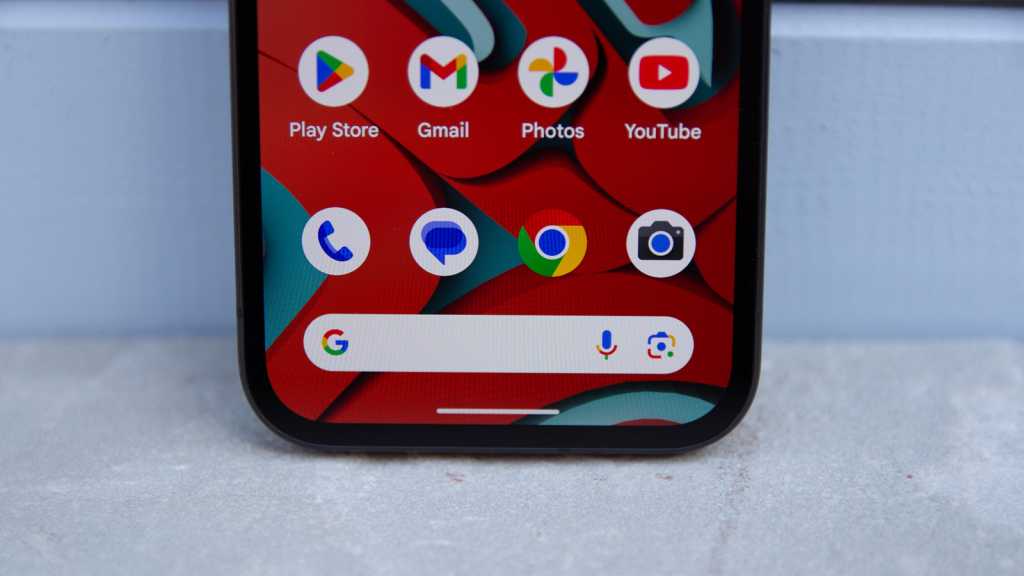
When asked about “stock Android,” most people would describe it as a clean interface free of bloatware and unnecessary design changes. This simplicity is what attracts many users to the concept of stock Android.
However, in reality, most Android phones do not run on pure stock Android. Manufacturers like Xiaomi, Oppo, OnePlus, and Samsung use their own custom skins to differentiate their devices. These custom skins allow them to control the appearance of notifications, organize settings, and add unique features.
Image Credit: Luke Baker
Comparing stock Android to a phone with a custom skin reveals noticeable differences. Custom skins bring additional designs, animations, and functionalities that alter the Android experience significantly.
Debunking the Myth of “Pure” Stock Android
Contrary to popular belief, “pure” stock Android is actually quite bare-bones. The Android Open Source Project (AOSP) serves as the base version of Android, devoid of Google Mobile Services (GMS) like Google Play and Google Maps. Pixel phones, often mistaken for running stock Android, include Google’s own software and services integrated into the OS.
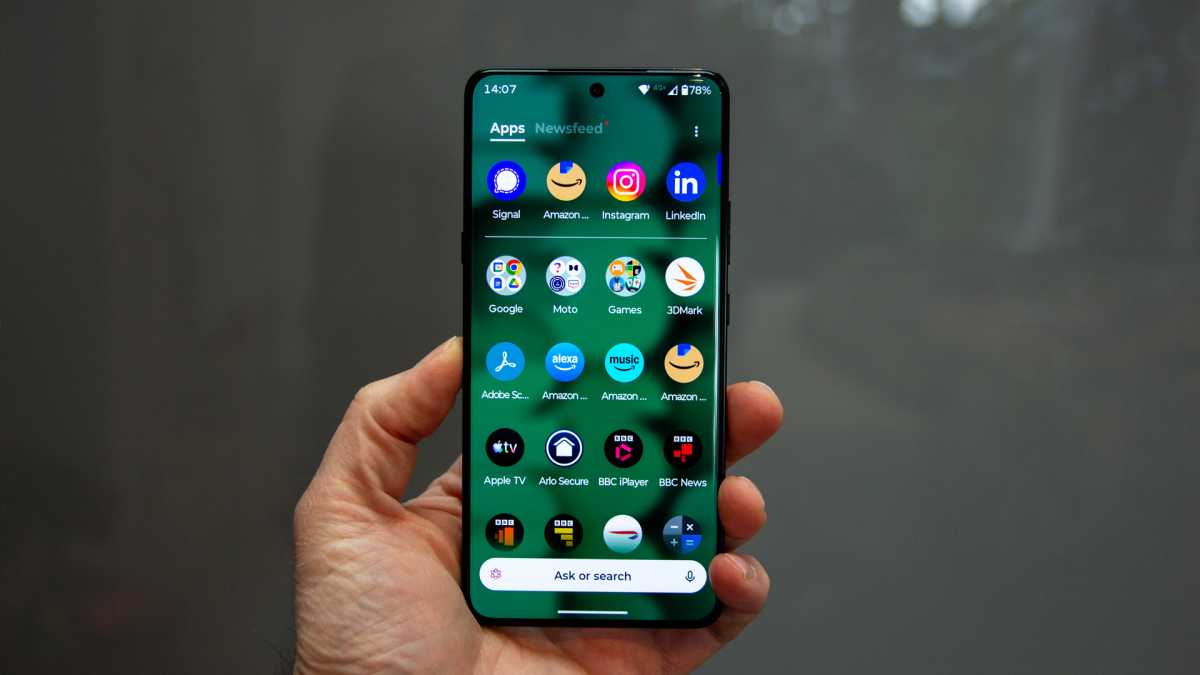
Image Credit: Chris Hall / Foundry
The Purpose of Manufacturer Skins
Custom skins go beyond visual appeal; manufacturers use them to exert control over how the software operates on their devices. By customizing the Android OS, OEMs can optimize the design for specific hardware and differentiate their devices from competitors.
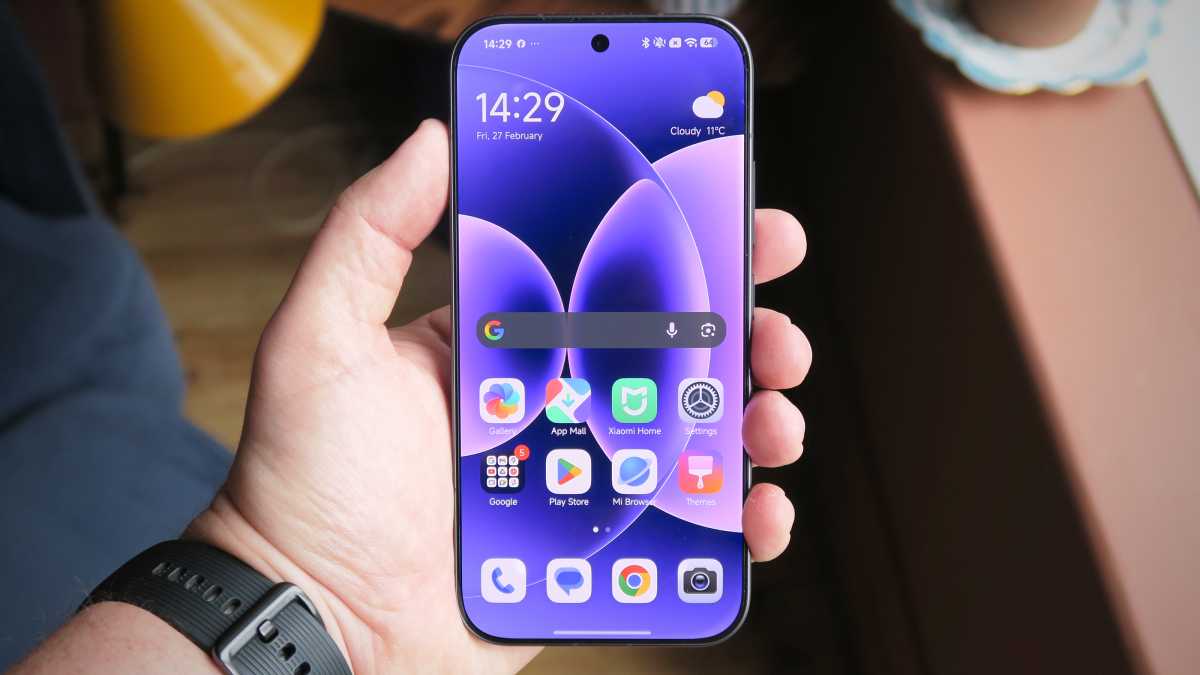
Image Credit: Foundry | Alex Walker-Todd
As foldable phones gain popularity, custom skins help brands adapt the interface to different screen orientations and split views. They also enable manufacturers to optimize performance across different chipsets and implement features not prioritized in stock Android.
Light Skins vs Heavy Skins: Understanding the Difference
Light skins closely resemble stock Android with minimal design changes, while heavy skins significantly alter the interface, system apps, and background behavior. Heavy skins often apply stricter background controls for system processes and aggressive battery management.
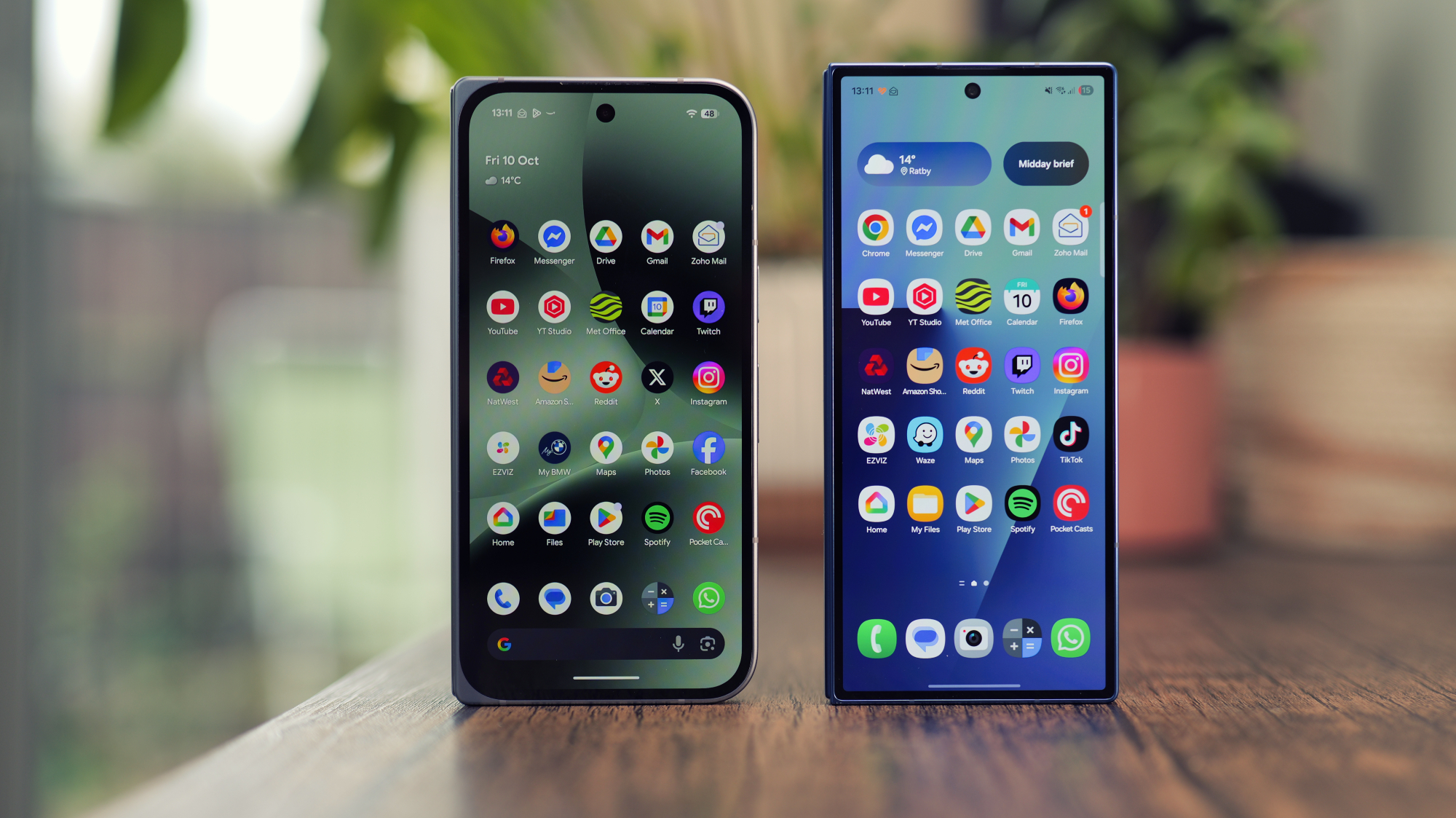
Image Credit: Luke Baker
When it comes to privacy and data collection, custom skins may introduce additional data tracking beyond Google’s network. While stock Android may appear more privacy-friendly, both stock and custom skins collect data, with the latter potentially gathering information from multiple sources simultaneously.
Updates and Long-Term Support: The Crucial Factors
Pixel devices receive updates faster due to Google’s control over both hardware and software. While quick updates are beneficial, long-term software support and reliable update delivery are more critical in ensuring device performance over time.

Image Credit: Foundry | Alex Walker-Todd
Security patch updates may take longer for devices with custom skins due to additional testing, potentially delaying vulnerability fixes. Ultimately, the choice between stock Android and a custom skin depends on individual preferences and usage habits.
Choosing the Right Android Experience
Whether you prefer the simplicity of stock Android or the added features of a manufacturer’s skin, the key is to find a well-optimized phone that aligns with your usage needs. Performance and usability matter more than the visual appearance of the operating system.










Revolutionizing E-Commerce: Amazon’s AI-Powered ‘Canvas’ for Sellers

LexisNexis Data Breach: Hackers Expose Stolen Files

Ratatan’s Epic Journey: The Next Level on Switch 2, PS5 & Xbox Series – Launching in July!

Comparing Stock Android, One UI, HyperOS, and Other Custom Interfaces: Which Offers the Best User Experience?

Xsensio’s Cutting-Edge Wearable Chip Secures €6 Million Funding for Real-Time Protein and Hormone Analysis

Comparing the iPhone 17E to Apple’s Premium Models: Is it Worth the Price Difference?

Gemini’s Insight: Exploring Live Camera Feeds with the Big Google Home Update

Revolutionizing Forex Trading: The Power of AI Integration

Endor Labs Unveils AURI: Revolutionizing AI Security in Code Generation

EU Takes Action Against Instagram and Facebook for Violating Illegal Content Rules

Warning: Facebook Creators Face Monetization Loss for Stealing and Reposting Videos

Facebook Compliance: ICE-tracking Page Removed After US Government Intervention

InstaDub: Meta’s AI Translation Tool for Instagram Videos

Facebook’s New Look: A Blend of Instagram’s Style

Facebook and Instagram to Reduce Personalized Ads for European Users

Reclaim Your Account: Facebook and Instagram Launch New Hub for Account Recovery

Meta discontinues Messenger apps for Windows and macOS

Breaking Updates: Meta Connect 2025 Unveils Latest Developments

Do NOT buy the Freedom Phone!! 🤬

Nothing Ear 1 Review – The Problem with Hype.

Calyx OS – The next big Android Competitor!?

24 HOTTEST Inventions that will change your Life.

Galaxy Z Fold 3 – What was Samsung Thinking!?

Why Samsung is losing to Xiaomi.

I bought the CHEAPEST Tech in the World 🌍

How Tech Companies Manipulate the Media ft. MKBHD

What you didn’t know about Tesla.
-
 Facebook4 months ago
EU Takes Action Against Instagram and Facebook for Violating Illegal Content Rules
-
 Facebook5 months ago
Warning: Facebook Creators Face Monetization Loss for Stealing and Reposting Videos
-
 Facebook5 months ago
Facebook Compliance: ICE-tracking Page Removed After US Government Intervention
-
 Facebook5 months ago
InstaDub: Meta’s AI Translation Tool for Instagram Videos
-
 Facebook3 months ago
Facebook’s New Look: A Blend of Instagram’s Style
-
 Facebook3 months ago
Facebook and Instagram to Reduce Personalized Ads for European Users
-
 Facebook3 months ago
Reclaim Your Account: Facebook and Instagram Launch New Hub for Account Recovery
-
 Apple4 months ago
Meta discontinues Messenger apps for Windows and macOS
