Tech News
Mastering the Art of Enterprise AI Copilot Development: A Comprehensive Guide

Enterprises today are facing increasing pressure to accomplish more with fewer resources. Teams are overwhelmed, information is scattered across various tools, and simple tasks take up too much time. This urgent need for a smarter and faster way of working has led to the rapid adoption of enterprise AI copilots across various industries.
According to a report by Prophecy Market Insights, the market size of the AI Copilot market was USD 12.4 billion in 2024. The projection indicates that the market size is expected to grow to USD 126 billion by 2035. This demonstrates that AI copilots are not just a future trend but a current reality across industries and business functions.
An enterprise AI copilot is an AI-powered assistant that collaborates with your employees. It can answer questions, automate routine tasks, retrieve information from internal systems, and help individuals make quicker and more informed decisions.
This comprehensive guide is aimed at business leaders, product managers, and technology teams who are interested in understanding how to develop an AI copilot for enterprises effectively. The guide covers what an AI copilot is, why it is essential, the step-by-step process of building one, the challenges to anticipate, and the strategic decisions to make before getting started.
If you are contemplating whether to develop an enterprise AI copilot or are unsure where to begin, this guide is designed for you.
Key Takeaways
- An enterprise AI copilot is an AI-powered assistant that collaborates with employees to automate tasks, retrieve information, and facilitate faster decision-making across business functions.
- AI copilots differ from chatbots in that chatbots respond to fixed questions, while copilots understand context, connect to systems, and take action.
- Enterprise AI copilots can be utilized for IT helpdesk, HR support, sales assistance, finance reporting, customer support, and software development.
- Prior to building, decide whether to buy, build, or adopt a hybrid approach. The right choice depends on budget, timeline, data privacy requirements, and customization needs.
- Choosing the appropriate LLM is crucial. GPT-4o, Claude, Gemini, and LLaMA serve diverse enterprise needs. Match the model to your use case, not the other way around.
- A robust knowledge base and deep system integrations are what differentiate a valuable enterprise copilot from a generic AI tool.
- Security, access controls, and compliance should be integrated into the copilot from the outset, not added later.
- Testing with a pilot group prior to full implementation is mandatory. It directly impacts the success of your deployment.
- Training and change management are crucial for the successful adoption of AI copilots.
What is an AI Copilot?
An AI copilot is an AI-powered conversational assistant that combines large language models (LLMs), enterprise data, and system integrations to assist users in completing tasks, retrieving information, and automating workflows using natural language.
When a user makes a request by typing or speaking, the copilot comprehends the requirement, finds the relevant information or performs the necessary action, and responds in a helpful and clear manner.
Think of it as a highly capable colleague who possesses in-depth knowledge of your systems, is available round the clock, and can provide the right answer within seconds.
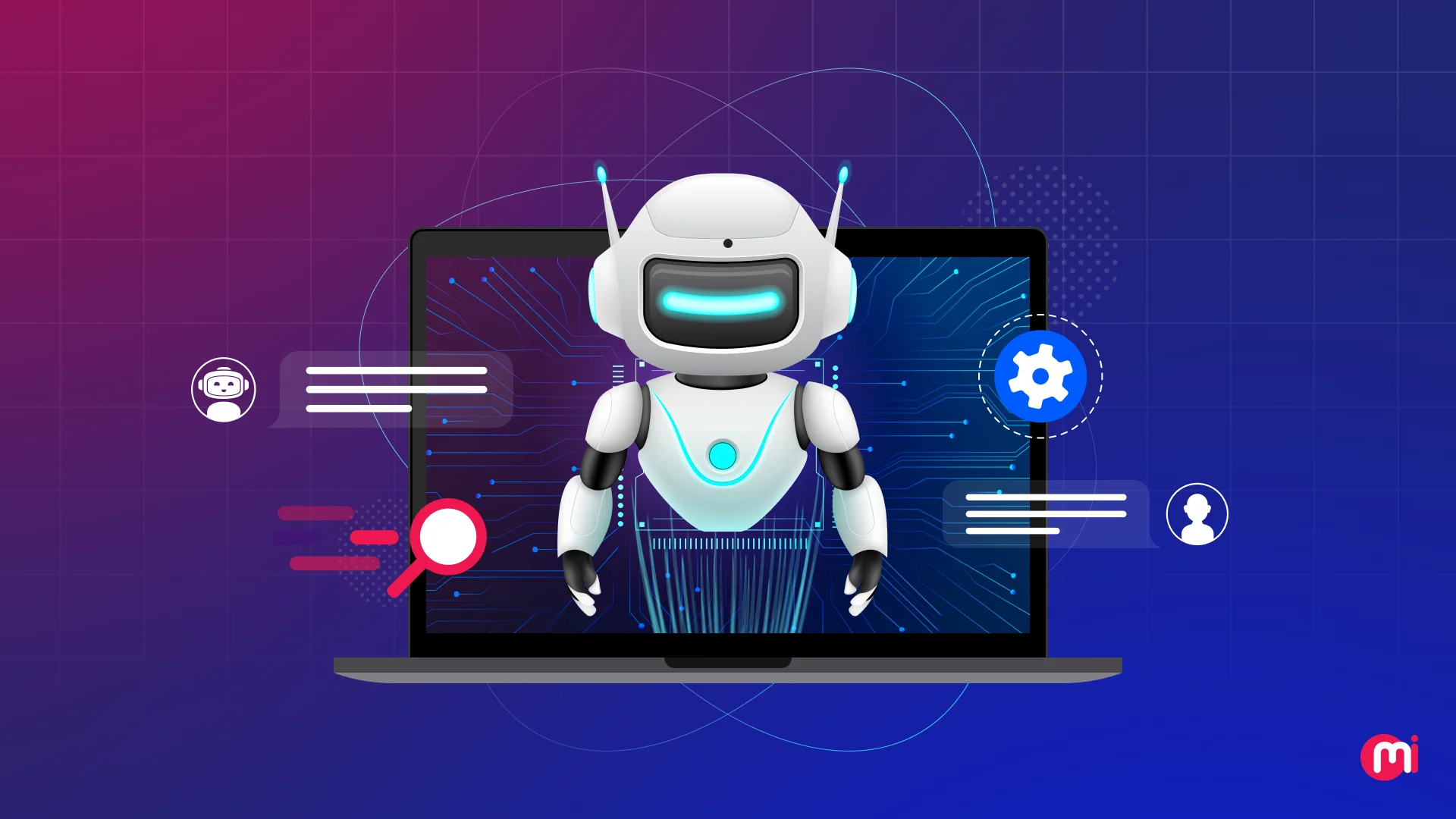
| An AI copilot works alongside humans, helping employees complete tasks faster by reducing repetitive work. |
An enterprise AI copilot is constructed on a large language model (LLM), the same technology that powers tools like ChatGPT. However, for enterprise use, it goes beyond just that.
It connects to your internal data, integrates with your business tools, and operates within your security and compliance boundaries. This ensures that employees receive precise answers tailored to their company, data, and role.
For example, if you need to generate a report on your annual marketing returns, you can simply type “Prepare a summary report on our Annual Marketing Returns for this financial year.”
The copilot connects to your marketing analytics tools, retrieves relevant campaign performance data, extracts budget and expenditure figures from your finance system, and compiles everything into a structured report draft within minutes.

Why Enterprises Need an AI Copilot Now
Enterprise AI copilots are being embraced due to tangible gains in productivity, cost reduction, and decision-making speed. According to Microsoft’s Q1 FY2026 earnings report, over 90% of Fortune 500 companies are now leveraging Microsoft 365 Copilot, with usage intensity continuing to rise quarter over quarter.
Businesses are moving in this direction for several practical reasons:
- Information Overload: Employees spend a significant amount of time searching for data across multiple platforms rather than focusing on actual work.
- Repetitive Support Requests: IT and HR teams deal with the same queries daily. A copilot can resolve most of them instantly.
- Productivity Pressure: Companies need to achieve more with existing teams, without extensive hiring.
- Proven ROI: Measurable results in productivity, cost savings, and employee satisfaction are already being observed.
- Competitive Urgency: Enterprises that adopt AI copilots quickly are gaining a clear advantage over those that delay.
AI Copilot vs AI Chatbot vs AI Agent
Prior to developing an AI copilot for your enterprise, it is essential to understand how it differs from similar tools you may be familiar with.
| Feature | AI Chatbot | AI Copilot | AI Agent |
| What it does | Answers predefined questions using fixed rules or scripts | Assists users in real time by understanding context and intent | Independently plans and completes multi-step tasks with little to no human input |
| How it interacts | Follows a set conversation flow | Responds naturally to open-ended requests | Works toward a goal autonomously |
| Connected to systems? | Rarely, or in a very limited way | Yes, deeply connected to enterprise tools and data | Yes, and it actively takes actions across multiple systems |
| Take action? | No, it only provides information | Sometimes, with user approval | Yes, independently and continuously |
| Understand context? | No, each message is treated independently | Yes, it remembers the context of the conversation | Yes, and it uses context to plan next steps |
| Human involvement | Required for anything beyond the script | The user guides the copilot throughout | Minimal, the agent works on its own |
| Best for | FAQs, basic customer queries, and lead capture | Productivity support, decision assistance, workflow help | Complex automation, research, and multi-system workflows |
| Real-world example | A website bot that answers “What are your business hours?” | GitHub copilot suggesting code as a developer writes, or Microsoft 365 copilot drafting an email based on a meeting summary | An AI agent that receives a sales lead, researches the prospect, drafts an outreach email, and schedules a follow-up call without being asked at each step |
The distinction between these tools lies in autonomy and integration. Chatbots are suitable for providing information, copilots enhance productivity, and AI agents excel in full-scale process automation.
Key Use Cases of AI Copilot for Enterprises
An enterprise AI copilot can be deployed across nearly every department. Here are some of the most impactful use cases:
1. IT and Helpdesk Support
In an IT and helpdesk department, there is a massive volume of repetitive requests such as password resets, software access, VPN issues, and device setup. With an AI copilot, you can resolve most of these instantly without a human agent.
For example, if an employee submits a request saying, “I can’t access the project management tool,” the copilot can identify the issue, guide the employee through the solution, or automatically raise a ticket with all relevant details pre-filled.
2. HR and Employee Onboarding
New employees often have numerous questions about company policies, benefits, holidays, and procedures. An HR copilot can provide accurate answers promptly, without waiting for an HR representative.
For instance, if a new employee inquires, “How many sick leaves do I get per year?” the copilot can retrieve the information from the company’s HR policy document and respond immediately.
Additionally, HR executives and recruiters can benefit from the copilot by cross-referencing candidate profiles with open role requirements to identify the best fits efficiently, significantly reducing manual screening time.
Moreover, the copilot can automatically generate personalized onboarding checklists, provision software access based on roles, and compose introductory emails to relevant new team members.
By handling these repetitive administrative tasks, the copilot allows HR professionals to shift focus from data entry to high-value human interactions.
3. Sales and CRM Assistance
The sales team often spends a significant amount of time on non-sales activities such as researching prospects, updating CRM records, and drafting emails. A sales copilot can help the enterprise sales team reduce this overhead significantly.
It can automate tasks like drafting personalized outreach based on a prospect’s recent LinkedIn activity, populating CRM fields after a discovery call, and presenting relevant case studies for inclusion in a proposal.
For example, if a sales representative asks, “Summarize my last three calls with ABC Corp and suggest a follow-up action,” the copilot can retrieve CRM data, generate a summary, and recommend the next steps.
By alleviating these administrative burdens, the copilot ensures the sales team devotes more time to engaging with prospects, negotiating, and closing deals, and less time on data management.
4. Finance and Reporting
Finance teams can utilize an AI copilot to extract reports, analyze data, address compliance queries, and draft financial summaries.
With copilots, they can accomplish routine tasks faster with fewer manual errors. For instance, a finance manager asking, “What were our top three expense categories last quarter?” can receive a breakdown extracted from the ERP system.
The time saved can be directed towards identifying strategic cost-saving opportunities, conducting deeper trend analysis, and providing more nuanced advice to the board.
Instead of being burdened by manual spreadsheet reconciliation, the copilot empowers the finance team to act as high-level consultants within the organization.
Furthermore, it can flag potential compliance risks in real-time or highlight budget variances before they become critical issues, ensuring the organization remains agile and financially sound.

Build vs Buy: Decision Framework for Leaders
Prior to commencing the development process, enterprise leaders may need to make a crucial decision. Should they build a custom AI copilot from scratch, purchase an existing solution, or opt for a hybrid approach?
There is no definitive answer. The optimal choice depends on business size, budget, technical expertise, and specific requirements.
Here is a simple framework to guide you in making this decision: