
Mobile Tech
The Perils of Forgetting Your iPhone: How 8 Ways Leaving it Behind Can Ruin Your Day

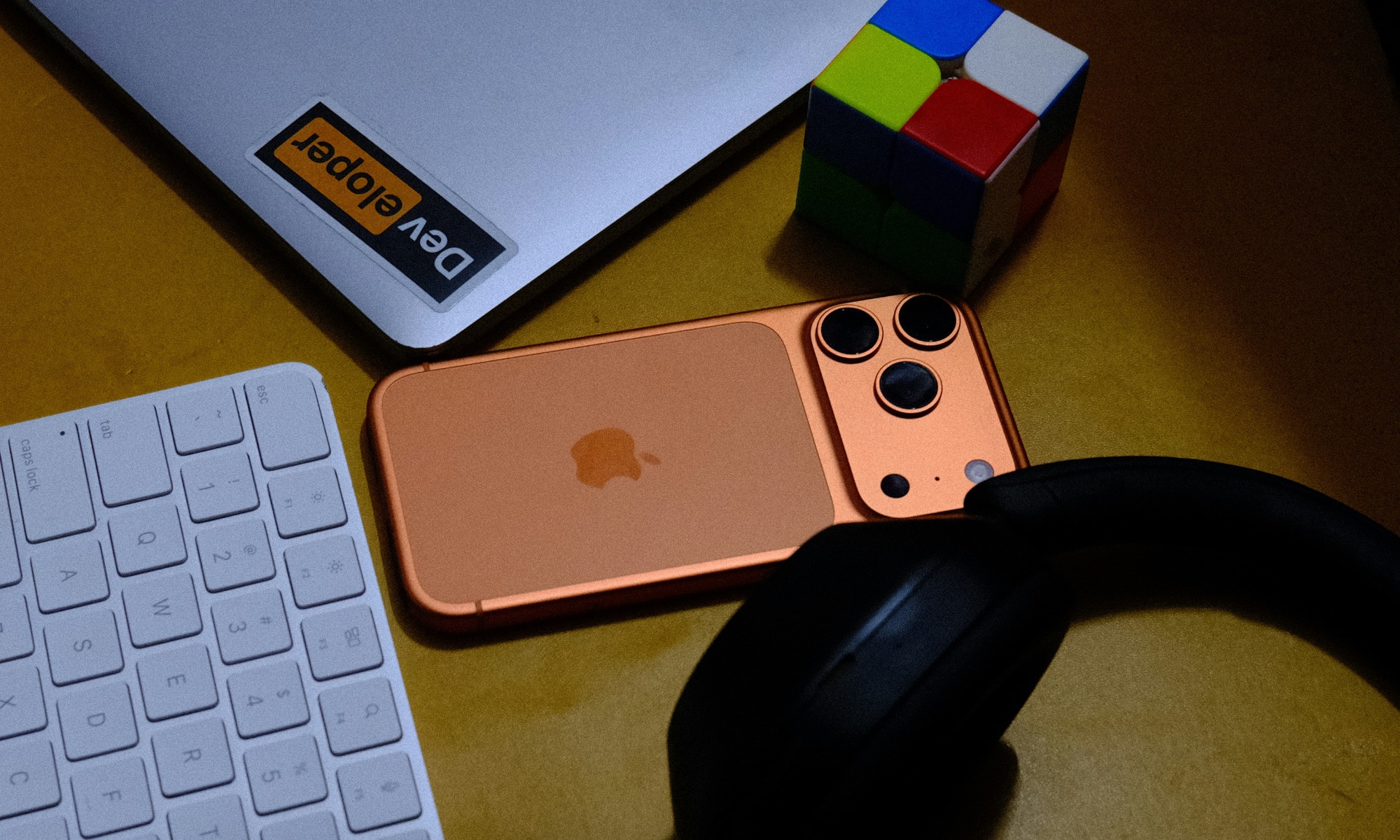
Most of us don’t plan to leave our iPhone behind; it just happens. And it sucks every time.
You’re rushing out the door, juggling your coffee and car keys, and suddenly you realize halfway to work that your iPhone is still sitting on the kitchen counter. It’s easy to brush off as a minor inconvenience until you start realizing all the tiny but important things you can no longer do.
Long gone are the days when having your phone with you was just a luxury. Now, in a world where our phones double as our wallets, keys, maps, and daily planners, being without one can throw off our entire routine.
So, besides not being able to browse social media at work, here are some surprising ways forgetting your iPhone at home can ruin your day.
You Get Locked Out of Your Accounts
Nowadays, many apps and websites require two-factor authentication (2FA), and in most cases, that second code is sent straight to your iPhone. Without it, you may not be able to access important services like your bank, email, or even work-related platforms like Slack or Microsoft Teams.
If you’re out and about and trying to log in from a new device or browser, you’re stuck. Even password managers like 1Password or LastPass may require a verification code. And since those codes are typically tied to your device, forgetting your phone at home can mean you won’t get much done at work.
You Lose Access to Apple Pay and Your Digital Wallet
Let’s face it: It’s 2025, and not many people carry cash with them on a daily basis. We’ve gotten used to the convenience of tap-to-pay. No wallet? No problem, as long as you have your iPhone.
But if you forget your device at home, that means no Apple Pay, so it will be hard to pay for lunch or anything else. But that’s not all; you also won’t have access to your boarding passes or the tickets for that event you wanted to go to after work. Needless to say, you’re all out of luck.
Things get worse depending on where you live. If you’re in one of the states that allows you to carry your driver’s license on your iPhone, and you forget it at home, you won’t be able to present it for things like age-restricted purchases or proof of identity.
Getting Around Becomes Much More Complicated
Your iPhone isn’t just for texting or paying for your morning coffee; it’s also your GPS and your traffic guide. Without it, you lose access to Apple Maps, Google Maps, Waze, and any other tool you rely on to get where you’re going. One wrong turn, and you could be lost or late with no easy way to reroute.
Not only that, but you won’t be able to ask for a ride. Need to call an Uber or Lyft? No phone, no ride. Even public transit apps like Citymapper or Transit require access to real-time schedules, which become unavailable when you’re disconnected.
You’ll Miss Important Calls and Messages
Without your iPhone, you’re missing more than just casual notifications. Urgent texts from family, calls from work, or two-minute FaceTime updates from your partner all go unanswered. Sure, you can still use Messages on your Mac, but you still might not be fully connected if you use another app that’s only accessible through your iPhone.
Worse, if someone tries to reach you in an emergency, you won’t know. In today’s always-on world, missing a few hours of communication can mean missing an opportunity, a warning, or a moment that really mattered.
Your Accessories Don’t Work the Same Way
Your Apple Watch can do a lot on its own, but unless you pay extra for a cellular model and data plan, your wearable’s most useful features are limited when it’s separated from your iPhone. You won’t get nearly as many notifications, apps like Calendar and Mail won’t update, and you won’t get messages unless you can find a Wi-Fi hotspot.
The same goes for AirPods. Without your iPhone, you’ll basically lose access to your favorite playlists, podcasts, or even Siri. Sure, maybe you downloaded some music to your Apple Watch, and that will save you for the rest of the day, but if you didn’t, you’ll be sitting in silence.
You’ll Miss Calendar Events and Reminders
Your iPhone acts like a personal assistant, constantly nudging you with reminders, meetings, and calendar alerts. Leave it behind, and there’s a good chance you’ll forget something important.
Sure, you might catch some notifications on your Apple Watch or MacBook, but it’s not always consistent. If your devices aren’t nearby or synced correctly, you could miss that dentist appointment or work deadline entirely.
You Lose Emergency Features and Safety Tools
Your iPhone carries more than just fun apps and games; it holds emergency contacts, your Medical ID, location sharing with family, and access to SOS features. If you end up in a situation where you need help, not having your phone could slow things down or even leave you stranded.
Even tools like Crash Detection or Emergency SOS via satellite (on newer models) require your iPhone to be with you. Leaving it behind means cutting off a major safety net.
Your Productivity Takes a Nosedive
Little things add up. You can’t check the weather, your grocery list, or catch up on your emails on your way to work, and you’re left trying to remember your to-dos from memory. It might not be catastrophic, but it feels like flying blind, especially if you’re usually a very busy person.
Many of us completely rely on our iPhones to keep our lives organized and our to-do lists handy. Some of us might even use it to manage our team, and without it, we’ll lose time and even waste an entire day on a simple mistake.
Effective Strategies to Ensure Your iPhone is Never Forgotten
Let’s face it, forgetting your iPhone can disrupt your entire day, but there’s no need to stress about something that hasn’t happened yet.
If misplacing your iPhone has become a recurring issue, it’s time to establish a simple system to prevent it from becoming a habit. Fortunately, there are practical steps you can take to improve your memory when it comes to your iPhone.
1. Utilize Reminders
If you frequently leave your iPhone behind, consider setting up reminders to take it with you before you leave. Your iPhone can actually remind you not to forget it. Here’s how:
- Open the Reminders app.
- Create a new reminder such as “Grab iPhone”.
- Tap the “i” icon next to the reminder.
- Select the Time you want to be reminded to grab your iPhone, ideally a few minutes before leaving home.
- Tap Repeat, then choose Daily or Weekdays based on your preference.
- Tap the blue checkmark to complete the reminder setup.
Now, you’ll receive an alert before leaving home to ensure you don’t forget your iPhone. Set a loud or distinctive alert sound to ensure you notice it before rushing out the door. Additionally, with the upcoming iOS 26.2 update, you’ll have more visible and urgent alert options.
2. Keep Your Phone Near the Exit When Charging
While it may be tempting to charge your iPhone on your nightstand, placing it near the door can help you remember to take it with you. Consider using a wireless charger near the exit or a frequently visited area to serve as a visual reminder. You can also place it next to your keys to develop a habit of grabbing essential items before leaving.
3. Establish a Mental Checklist
Creating a mental checklist before leaving home can be surprisingly effective. Ensure you have all essential items such as keys, wallet, iPhone, bag, and anything else necessary for a productive day at work or school.
4. Enable Find My Alerts
Take advantage of the Find My app and network to receive alerts on your Apple Watch whenever you leave your iPhone behind. This feature allows you to quickly retrieve your iPhone if you stray too far from it.
To enable separation alerts:
- Open the Find My app.
- Tap Devices at the bottom, then select the device you want to set up alerts for.
- Scroll down and under Notifications, tap Notify When Left Behind.
- Enable Notify When Left Behind and follow the on-screen instructions.
- Once completed, tap Done.
With this feature, your Apple devices will notify you if you accidentally leave your iPhone behind.
Prevent Leaving Your iPhone at Home
Although forgetting your iPhone at home may seem insignificant, it can lead to a chain of frustrating and potentially risky situations throughout the day.
From inaccessible accounts to missed appointments and essential tools, our iPhones play a crucial role in our daily activities.
Fortunately, by implementing a few smart adjustments, you can avoid this scenario in the future. With some planning, you can ensure that your vital devices are always within reach when you need them most.











Cyber Warfare: The Battlefront of the Digital Age

Monster Hunter Stories 3: The Challenge of Twisted Reflection

Revolutionizing Cash-Pay Clinic Prescribing: VITL Secures $7.5M Amid GLP-1 Boom

Balancing Act: The Decision to Shut Down Sora

Exclusive Arrival: Cupra Born VZ Lands in Australia – But There’s a Twist!

iPhone 12 Pro Max vs Samsung Note 20 Ultra / Huawei Mate 40 Pro Camera Test Comparison.

ClickFix: The New Threat to macOS Security

Kingdom Come: Deliverance 2 – The Rise of Artificial Intelligence

Elon Musk’s Latest Venture Faces Uncertainty as Last Co-Founder Departs xAI

EU Takes Action Against Instagram and Facebook for Violating Illegal Content Rules

Warning: Facebook Creators Face Monetization Loss for Stealing and Reposting Videos

Facebook Compliance: ICE-tracking Page Removed After US Government Intervention

Facebook’s New Look: A Blend of Instagram’s Style

Facebook and Instagram to Reduce Personalized Ads for European Users

InstaDub: Meta’s AI Translation Tool for Instagram Videos

Reclaim Your Account: Facebook and Instagram Launch New Hub for Account Recovery

Meta discontinues Messenger apps for Windows and macOS

Breaking Updates: Meta Connect 2025 Unveils Latest Developments
iPhone 12 Pro Max vs Samsung Note 20 Ultra / Huawei Mate 40 Pro Camera Test Comparison.

iPhone 12 Pro Max vs Samsung Note 20 Ultra / Huawei / Xiaomi / OnePlus Battery Life DRAIN Test.

The BEST Smartphone of 2020 🏆

The Self-Healing Smartphones!

Apple is not what it used to be.

Smartphones are Boring now.

The Fastest Android Phone Ever.

Unboxing the $122,000 Smartphone. 🤯

Are Linux Smartphones about to KILL Android?
-
 Facebook5 months ago
EU Takes Action Against Instagram and Facebook for Violating Illegal Content Rules
-
 Facebook5 months ago
Warning: Facebook Creators Face Monetization Loss for Stealing and Reposting Videos
-
 Facebook5 months ago
Facebook Compliance: ICE-tracking Page Removed After US Government Intervention
-
 Facebook4 months ago
Facebook’s New Look: A Blend of Instagram’s Style
-
 Facebook4 months ago
Facebook and Instagram to Reduce Personalized Ads for European Users
-
 Facebook6 months ago
InstaDub: Meta’s AI Translation Tool for Instagram Videos
-
 Facebook4 months ago
Reclaim Your Account: Facebook and Instagram Launch New Hub for Account Recovery
-
 Apple5 months ago
Meta discontinues Messenger apps for Windows and macOS
