
Tech News
The Ultimate Guide to Building an Advanced AI Chatbot in 2025

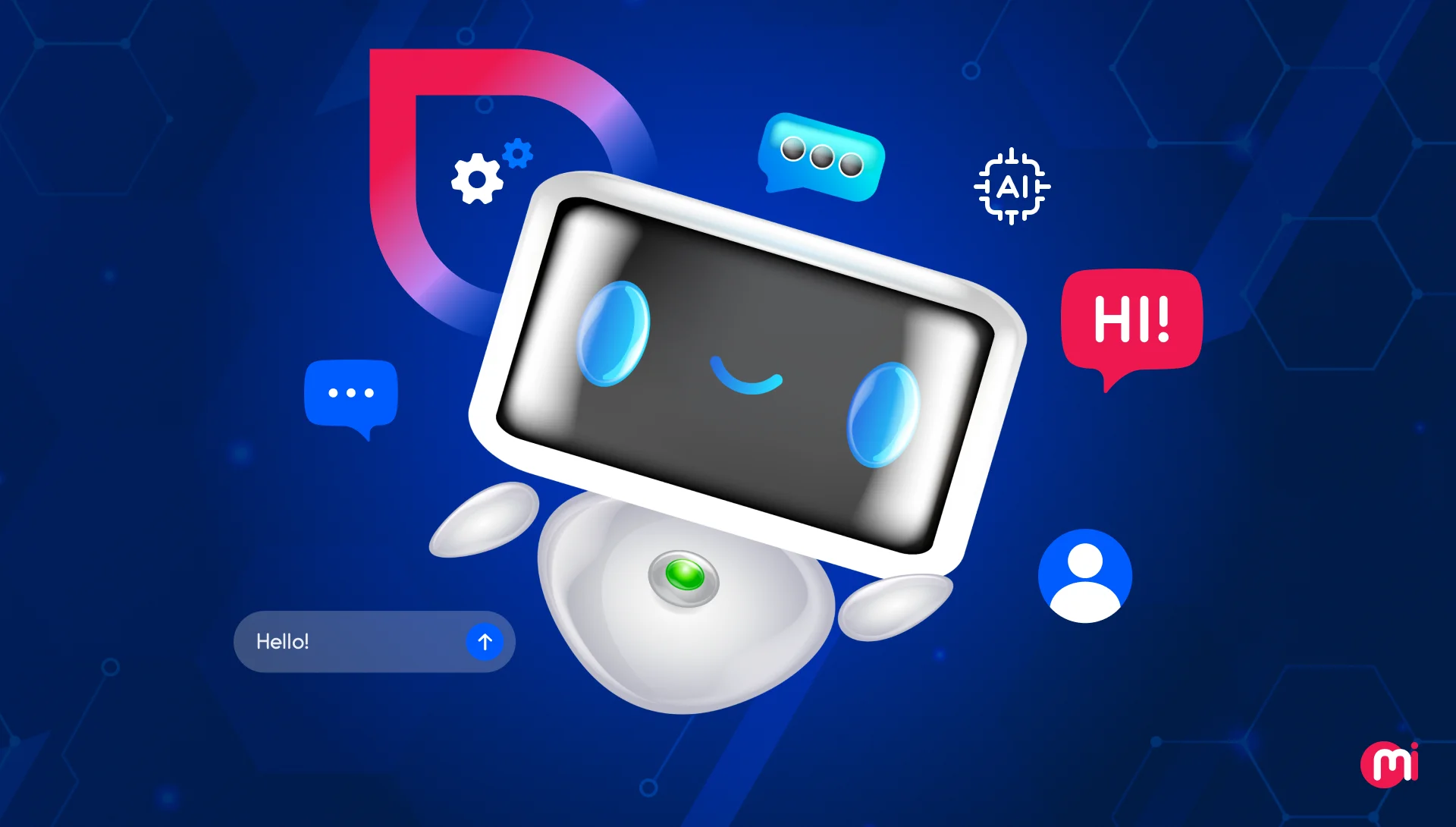
AI chatbots have become the backbone of digital communication, revolutionizing customer support, lead qualification, and internal knowledge management across industries.
Previously, chat support channels were mainly human-operated or rule-based chatbots. However, with the advent of generative AI and AI agents, the landscape has transformed.
To thrive in the competitive realm of AI-driven customer service, proactive AI chatbots are indispensable. These chatbots, functioning as digital employees with access to a knowledge base, are available 24/7 to address user queries.
This article delves into the concept of AI chatbots and provides a comprehensive guide on building an AI chatbot from scratch, addressing all potential queries.
Key Takeaways
- AI chatbots are integral to customer experience and operational automation.
- Prioritize defining the purpose, audience, and intent before embarking on development.
- The intelligence and scalability of your AI chatbot depend on the right NLP models and integration stack.
- Quality training data ensures your AI chatbot understands user queries effectively.
- User experience is paramount in AI chatbot development.
Explore our AI development services to create a successful intelligent chatbot tailored to your business needs!
What is an AI chatbot?
An AI chatbot is a software program that leverages artificial intelligence, particularly natural language processing (NLP) and machine learning (ML), to simulate human-like conversations with users.
These chatbots can undertake a variety of tasks, from answering queries to offering personalized recommendations, thereby automating customer support services.
What’s the Difference Between AI Chatbots and Traditional Chatbots?
Unlike traditional chatbots that rely on rule-based programming, AI chatbots are trained to grasp user intent and provide personalized responses by learning from previous interactions.
| Features | Traditional Chatbots | AI Chatbots |
| Core technology | Pre-programmed rules and scripts | ML, DL, NLP, and LLMs |
| Conversation Style | Rigid and script-based; relies on exact keywords | Dynamic, context-aware, and more human-like |
| Learning & Improvement | Cannot learn or improve over time | Continuously learn and adapt from new data and interactions |
| Handling Complexity | Struggle with anything outside predefined flows | Can handle complex, open-ended, and diverse queries |
| Error Handling | Often fail or redirect to a human agent for unexpected inputs | Can handle unexpected inputs and dynamic conversations |
| Personalization | Not designed for personalized responses | Can provide personalized experiences based on user history and preferences |
Why Should You Develop an AI Chatbot?
Developing an AI chatbot offers benefits such as 24/7 customer availability, instant responses, and reduced operational costs by automating routine tasks and freeing up human agents for complex issues.
Some business benefits of developing AI chatbots include:
- Reduced response time significantly, enhancing customer satisfaction.
- Ability to handle a high volume of customer interactions simultaneously without performance degradation, facilitating management of demand spikes.
- Handling repetitive tasks, allowing employees to concentrate on strategic initiatives and more intricate interactions.
- Reduced support costs through automation of FAQs and routine workflows.
- Enhanced lead conversion by engaging users in real time.
- Round-the-clock availability without expanding teams.
- Customer intelligence through interaction data and sentiment analysis.
Technologies Required to Build an AI Chatbot
To construct an AI chatbot, a blend of core AI technologies, specialized platforms, and cloud infrastructure is essential to enable it to comprehend language, manage conversations, and deliver human-like responses. Key technologies include NLP and NLU frameworks, LLM-based architecture, embeddings and vector databases, and more.
Let’s explore each technology essential for AI chatbot development:
Natural Language Processing (NLP)
NLP serves as the foundation of every intelligent chatbot, aiding the system in interpreting user inputs, understanding context, and responding in natural language. Advanced NLP models can detect sentiment, intent, and tone, making conversations feel more human and context-aware.
NLP comprises:
- Natural Language Understanding (NLU): A subset of AI enabling chatbots to comprehend and interpret human language.
- Natural Language Generation (NLG): The process of converting structured data into human-readable text to create conversational responses.
- Popular tools and frameworks: spaCy, NLTK, Rasa NLU, and Hugging Face Transformers.
Machine Learning (ML) and Deep Learning (DL)
Machine Learning services empower chatbots to learn from interactions. Deep Learning models handle complex language patterns, intent detection, and contextual memory. ML-powered chatbots enhance accuracy over time, reduce fallback responses, and personalize user experiences.
Large Language Models (LLMs)
LLMs form the intelligence layer, serving as the core technology behind modern AI chatbots, granting them the ability to understand and generate human-like text.
Frameworks like OpenAI GPT, Anthropic Claude, Google Gemini, and Meta’s Llama 3 empower chatbots to engage in more natural, context-aware conversations.
Developers can fine-tune or prompt-engineer these models using domain-specific data to ensure the chatbot aligns with brand tone and business logic.
Also Read: How to build an LLM from scratch.
Embeddings and Vector Databases
When chatbots need to “remember” or “reference” company-specific information, like product details, FAQs, or documentation, embeddings and vector databases come into play.
Tools such as Pinecone, FAISS, and Milvus store semantic representations of your data, enabling retrieval-augmented generation (RAG).
These tools enable the chatbot to respond using your organization’s knowledge base rather than relying solely on general internet data.
How to Create an AI Chatbot: Step-by-Step Guide
To develop an AI chatbot, define its purpose, select the right approach and tools, design the conversation flow, train the bot with data, integrate services, test, deploy, and monitor the chatbot continuously.
Let’s break down the process of creating an AI chatbot into steps:
Step 1: Define Your Chatbot’s Purpose
Initiate your AI chatbot development project with a clear vision. Ask essential questions:
- What problem will your chatbot address? – such as lead generation, customer support, onboarding, or internal automation.
- Who is the target user for this AI chatbot? – customers or business employees.
Based on these, outline its core objectives and KPIs to guide subsequent design and tech decisions.
Step 2: Choose the Right Development Approach and Tools
An AI chatbot can be developed using two approaches: No-code approach and Coding approach.
- If speed is crucial, no-code platforms enable swift creation of functional chatbots using visual interfaces and templates.
- If customization is required, frameworks offer greater control over chatbot architecture and logic.
For custom AI chatbot development, select tools and technologies based on the table below:
| Category | Tool/Framework | Best For |
| Open-Source Frameworks | Rasa | Enterprise-grade, on-prem AI chatbots |
| Botpress | Developers building modular, visual chatbots | |
| Cloud-Based Platforms | Dialogflow (Google) | Scalable, multilingual bots |
| Microsoft Bot Framework | Enterprise & MS Teams integration | |
| IBM Watson Assistant | Customer support bots | |
| LLMs | OpenAI GPT (via API) | Contextual, human-like chatbots |
| Anthropic Claude | Knowledge-driven AI assistants | |
| Cohere/Llama 3 | AI assistants with custom domain data | |
| No-Code/Low-Code Builders | Chatbase | Quickly build AI chatbots from your documents or website |
| Botpress | Building conversational agents with minimal coding | |
| Tidio | SMBs and eCommerce support automation |
Step 3: Design The Conversation Flow
Map out user interactions using tools like Lucidchart to visualize user paths and create sample dialogues for each step. Keep responses clear, concise, and natural, guiding users through steps and ensuring smooth transitions.
Plan for scenarios where the chatbot may not understand user queries, incorporating fallback responses and escalation paths.
Step 4: Train Your Chatbot With Your Own Data
Provide your chatbot with domain-specific data such as FAQs, support tickets, and product guides to enhance its contextual understanding and response accuracy.
Consider fine-tuning the chatbot with supervised learning and integrating a knowledge base for precise responses.
Also Read: What is Synthetic Data and How Does it Help AI-driven Businesses?
Step 5: Integrate APIs and Services
Integrate your chatbot with existing systems like CRM, ERP, or external APIs to enable real-time tasks such as data fetching, payment processing, or support ticket creation.
Use integration layers like LangChain or Semantic Kernel to connect your LLM with structured data sources seamlessly.
Read also: How to integrate custom software into your existing systems?
Step 6: Test Your AI Chatbot
Validate your chatbot’s understanding through automated and real-user tests to assess intent interpretation, context retention, and fallback handling.
Measure response time, sentiment accuracy, and conversational tone while simulating edge cases to enhance chatbot performance.
Iterate based on user feedback and retrain the AI model to bolster accuracy.
Step 7: Deploy and Monitor Your AI Chatbot
Deploy your chatbot on preferred platforms like websites, mobile apps, or messaging apps using deployment tools like AWS Lambda or Azure Bot Service.
Monitor post-launch metrics including user engagement, resolution rate, and retention, utilizing analytics to identify areas for improvement.
Retrain and update your chatbot continuously to align with evolving business goals and user behavior.
Also Read: How to Build an AI-based Chatbot App











Koenigsegg Gemera Hits the Production Line: A 6-Year Journey from Unveiling to Reality

Director Patel’s Email Inbox Hacked by FBI, Investigation Underway

Revolutionizing Emergency Response: The Future of Hybrid Vehicles

The Battle for Fairness: Apple’s Ongoing Struggle with App Store Antitrust

Cutting the Cord: The Ultimate Guide to Top Cord-Cutting Apps in 2026

Is BMW Ready to Challenge the Dominance of the Escalade?

19 Smartphone Gadgets that Blew me Away.

Critical Flaw in Smart Slider Plugin Puts 500K WordPress Sites at Risk

Exclusive Deal: PS5 Pro Price Jumping to £789 Next Week!

EU Takes Action Against Instagram and Facebook for Violating Illegal Content Rules

Warning: Facebook Creators Face Monetization Loss for Stealing and Reposting Videos

Facebook Compliance: ICE-tracking Page Removed After US Government Intervention

Facebook’s New Look: A Blend of Instagram’s Style

Facebook and Instagram to Reduce Personalized Ads for European Users

InstaDub: Meta’s AI Translation Tool for Instagram Videos

Reclaim Your Account: Facebook and Instagram Launch New Hub for Account Recovery

Meta discontinues Messenger apps for Windows and macOS

Breaking Updates: Meta Connect 2025 Unveils Latest Developments
19 Smartphone Gadgets that Blew me Away.

iPhone 12 Pro Max Unboxing & Review!

iPhone 12 Pro Max vs Samsung Note 20 Ultra / Huawei Mate 40 Pro Camera Test Comparison.

iPhone 12 Pro Max vs Samsung Note 20 Ultra / Huawei / Xiaomi / OnePlus Battery Life DRAIN Test.

The BEST Smartphone of 2020 🏆

The Self-Healing Smartphones!

Apple is not what it used to be.

Smartphones are Boring now.

The Fastest Android Phone Ever.
-
 Facebook5 months ago
EU Takes Action Against Instagram and Facebook for Violating Illegal Content Rules
-
 Facebook6 months ago
Warning: Facebook Creators Face Monetization Loss for Stealing and Reposting Videos
-
 Facebook6 months ago
Facebook Compliance: ICE-tracking Page Removed After US Government Intervention
-
 Facebook4 months ago
Facebook’s New Look: A Blend of Instagram’s Style
-
 Facebook4 months ago
Facebook and Instagram to Reduce Personalized Ads for European Users
-
 Facebook6 months ago
InstaDub: Meta’s AI Translation Tool for Instagram Videos
-
 Facebook4 months ago
Reclaim Your Account: Facebook and Instagram Launch New Hub for Account Recovery
-
 Apple5 months ago
Meta discontinues Messenger apps for Windows and macOS
