
Mobile Tech
Top 10 Tips for Keeping Your iPhone Safe and Secure

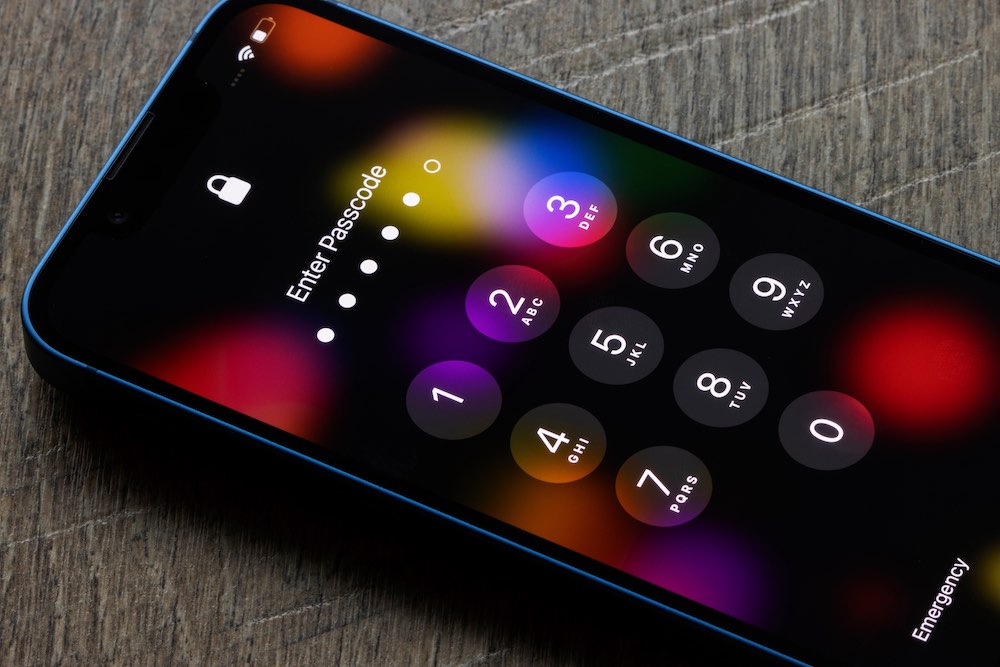
Protecting Your Digital Identity: 10 Privacy Tips for iPhone Users
In today’s digital age, your iPhone serves as more than just a phone. It is a repository of your digital identity, housing your finances, messages, and memories. From online banking to private conversations, we rely on our iPhones for almost everything.
However, with great convenience comes great risk. Hackers and even legitimate companies may attempt to access or exploit your personal data if you are not vigilant. Thankfully, Apple has equipped its devices with robust security features to safeguard your information. While many of us may overlook these features, they play a crucial role in enhancing our digital privacy.
If you are looking to enhance the security of your iPhone and protect your personal data, here are 10 essential privacy tips that you should start implementing:
- Keep Your Software Updated
- Enable Two-Factor Authentication
- Use Strong, Unique Passwords
- Manage App Permissions
- Turn on Find My iPhone
- Use Touch ID or Face ID
- Encrypt Your Data
- Review Privacy Settings Regularly
- Avoid Public Wi-Fi Networks
- Be Cautious of Phishing Attempts
By following these privacy tips, you can strengthen the security of your iPhone and protect your personal information from unauthorized access. Remember, safeguarding your digital identity is essential in today’s interconnected world.













Cyber Warfare: The Battlefront of the Digital Age

Monster Hunter Stories 3: The Challenge of Twisted Reflection

Revolutionizing Cash-Pay Clinic Prescribing: VITL Secures $7.5M Amid GLP-1 Boom

Balancing Act: The Decision to Shut Down Sora

Exclusive Arrival: Cupra Born VZ Lands in Australia – But There’s a Twist!

iPhone 12 Pro Max vs Samsung Note 20 Ultra / Huawei Mate 40 Pro Camera Test Comparison.

ClickFix: The New Threat to macOS Security

Kingdom Come: Deliverance 2 – The Rise of Artificial Intelligence

Elon Musk’s Latest Venture Faces Uncertainty as Last Co-Founder Departs xAI

EU Takes Action Against Instagram and Facebook for Violating Illegal Content Rules

Warning: Facebook Creators Face Monetization Loss for Stealing and Reposting Videos

Facebook Compliance: ICE-tracking Page Removed After US Government Intervention

Facebook’s New Look: A Blend of Instagram’s Style

Facebook and Instagram to Reduce Personalized Ads for European Users

InstaDub: Meta’s AI Translation Tool for Instagram Videos

Reclaim Your Account: Facebook and Instagram Launch New Hub for Account Recovery

Meta discontinues Messenger apps for Windows and macOS

Breaking Updates: Meta Connect 2025 Unveils Latest Developments
iPhone 12 Pro Max vs Samsung Note 20 Ultra / Huawei Mate 40 Pro Camera Test Comparison.

iPhone 12 Pro Max vs Samsung Note 20 Ultra / Huawei / Xiaomi / OnePlus Battery Life DRAIN Test.

The BEST Smartphone of 2020 🏆

The Self-Healing Smartphones!

Apple is not what it used to be.

Smartphones are Boring now.

The Fastest Android Phone Ever.

Unboxing the $122,000 Smartphone. 🤯

Are Linux Smartphones about to KILL Android?
-
 Facebook5 months ago
EU Takes Action Against Instagram and Facebook for Violating Illegal Content Rules
-
 Facebook5 months ago
Warning: Facebook Creators Face Monetization Loss for Stealing and Reposting Videos
-
 Facebook5 months ago
Facebook Compliance: ICE-tracking Page Removed After US Government Intervention
-
 Facebook4 months ago
Facebook’s New Look: A Blend of Instagram’s Style
-
 Facebook4 months ago
Facebook and Instagram to Reduce Personalized Ads for European Users
-
 Facebook6 months ago
InstaDub: Meta’s AI Translation Tool for Instagram Videos
-
 Facebook4 months ago
Reclaim Your Account: Facebook and Instagram Launch New Hub for Account Recovery
-
 Apple5 months ago
Meta discontinues Messenger apps for Windows and macOS
