
Security
Uncovering the EDR, Email, and SASE Blind Spots: Protecting Against Modern Browser Attacks


In today’s digital landscape, the browser has become the central hub for enterprise work. With a multitude of SaaS applications, identity providers, admin consoles, and AI tools, it has emerged as the primary interface for accessing data and completing tasks.
Despite its critical role, the browser often remains overlooked in traditional security frameworks. While endpoints, networks, and email security are closely monitored, the browser, where a significant amount of user activity takes place, is frequently left unprotected.
This oversight has led to a significant gap in security defenses. When facing threats targeted at employees, security teams often struggle to understand the extent of browser-related incidents.
At Keep Aware, we have identified this as a “safe haven” problem for attackers, where the browser serves as a vulnerable point of entry.
Unveiling Browser Attacks in 2026 with Limited Traditional Traces
The challenge with addressing browser-based attacks lies not in a single method but in the convergence of multiple attack vectors that exploit the lack of visibility within the browser environment. As we progress into 2026, these attack types continue to pose a threat:
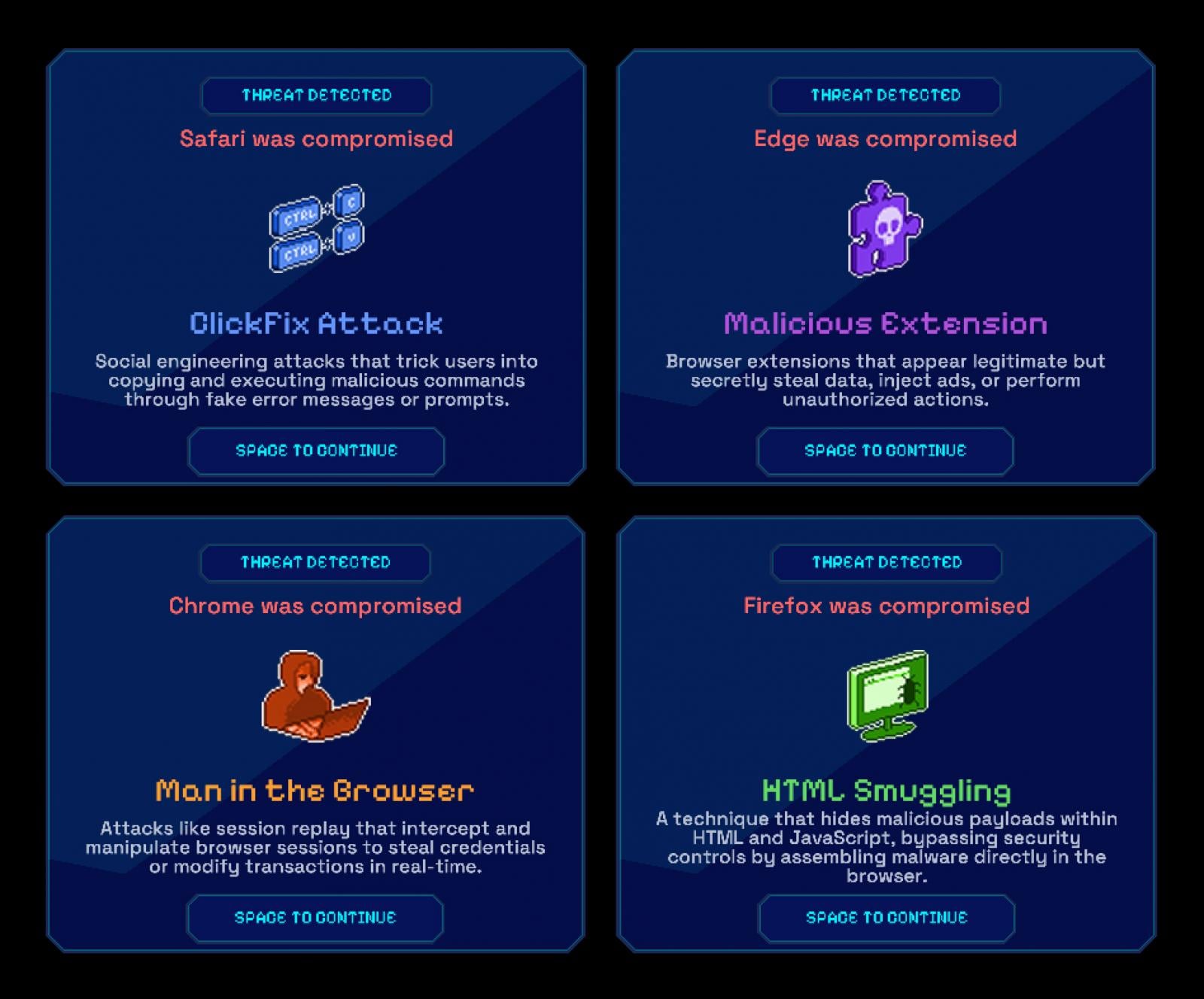
ClickFix and UI-Driven Social Engineering
One prevalent form of browser attack involves guiding users through fake browser messages to manipulate them into sharing sensitive information through seemingly harmless actions. These attacks leave minimal traces for investigation as they mimic normal user behavior.
Malicious Extensions
Another insidious method involves installing seemingly legitimate browser extensions that covertly monitor user activity, intercept data, or extract information without triggering traditional security alerts. This clandestine behavior makes it challenging to detect malicious intent.
Man-in-the-Browser (and AitB, BitB, …) Attacks
These sophisticated attacks exploit legitimate browser sessions to carry out malicious activities without triggering alarms. By manipulating user interactions within the browser, attackers can bypass conventional security measures, making it difficult to differentiate between authorized and unauthorized actions.
HTML Smuggling
Utilizing JavaScript, attackers can assemble malicious content directly within the browser, evading traditional detection methods that rely on inspecting downloads. This technique allows harmful content to remain hidden within the browser environment, evading detection.
Challenges Faced by EDR, Email, and SASE in Detecting These Attacks
The limitations in detecting browser attacks are not a result of inadequate tools or capabilities but rather stem from the inherent design of existing security systems. Endpoint Detection and Response (EDR) solutions focus on endpoint processes, while email security systems monitor email traffic. Secure Access Service Edge (SASE) technologies enforce network policies but lack insight into browser-level activities.
When malicious activities occur within the browser, the lack of visibility hinders both prevention and detection efforts. Security controls may block known threats, but without a comprehensive view of browser interactions, identifying and mitigating risks becomes challenging.
Enhancing visibility into browser interactions enables precise and effective prevention strategies.
Discover how Keep Aware empowers teams to leverage browser-level data for proactive risk mitigation and policy refinement.
Request a Demo
Insights from Our Own the Browser Research Initiative
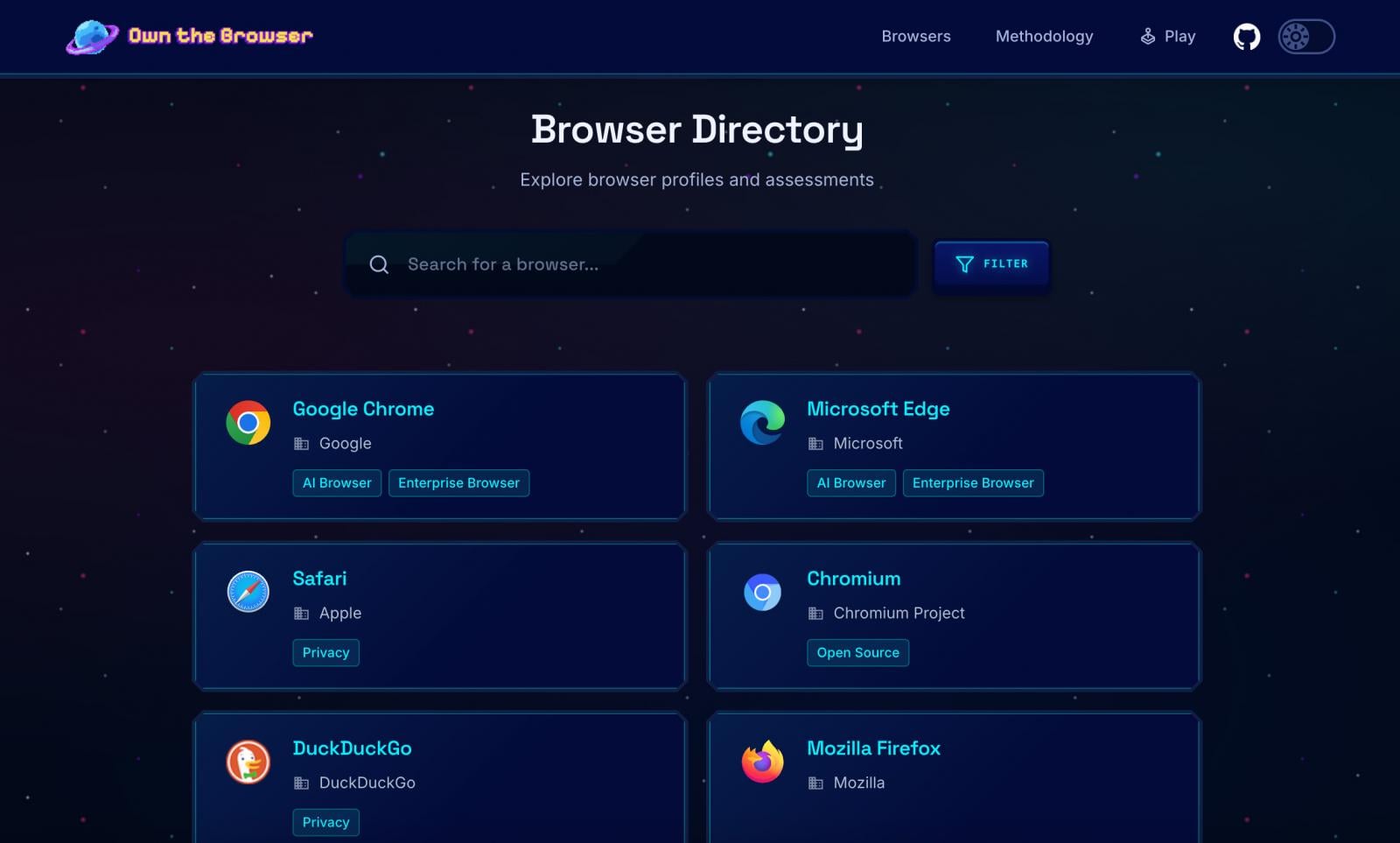
The gap in browser security extends across various browsers and deployment models, as highlighted in our Own the Browser research initiative. By evaluating over 20 mainstream and enterprise browsers, we have observed a lack of observable behavior that security controls can leverage.
While policies are widely implemented across browsers, the absence of structured visibility into user behavior limits the effectiveness of these controls. Without real-time insights, security measures remain static, hindering adaptive and responsive defenses.
The Impact of AI Tools and AI-Native Browsers on Security
The integration of AI technologies in browsers has exacerbated the challenge of detecting and mitigating browser-based threats. AI-powered tools facilitate complex data movements within the browser, blurring the line between legitimate and malicious activities.
AI-native browsers and extensions streamline user actions, making it challenging for traditional security measures to evaluate the associated risks accurately. Without contextual insights, security teams struggle to adapt controls to evolving threats.
As AI-driven workflows become commonplace, the reliance on prevention strategies that lack browser-level visibility exposes organizations to heightened security risks.
The Significance of Browser-Level Observability in Incident Response
Enhanced observability of browser activities not only improves incident investigation but also strengthens proactive prevention measures. By understanding how data flows through the browser, security teams can implement targeted controls to mitigate risks in real-time.
Contextual evaluation of user behavior within the browser enhances detection capabilities, while reconstructing incidents becomes more feasible with detailed browser-level insights. Policy refinement driven by actual user interactions leads to a more adaptive and effective security posture.
By bridging the gap between prevention and response through browser-level visibility, organizations can enhance their security resilience and better safeguard against modern threats.
For organizations seeking to fortify their defenses against browser-based attacks, Keep Aware offers a comprehensive solution that leverages browser-level data for proactive threat mitigation and continuous policy enhancement.
Request a demo to explore how Keep Aware can transform your security strategy.
Authored by Ryan Boerner, CEO of Keep Aware
As a former SOC analyst with a background in computer engineering, Ryan Boerner has extensive experience in network and email security. Recognizing the need for enhanced browser security, he founded Keep Aware to bridge the gap between security teams and evolving cyber threats.
Provided and authored by Keep Aware.













The Future of iPhone Cameras: Is a 200 MP Lens Coming Soon?

Celebrating the First iX3 Delivery at BMW’s Debrecen Factory

iPhone 12 Pro Max vs Samsung Note 20 Ultra / Huawei / Xiaomi / OnePlus Battery Life DRAIN Test.

Stealthy Malware: The Hidden Threat Within Telnyx PyPI Package

Harvest of Suspicion: Grave Seasons Murder Mystery Farming Sim Arrives in August

Tech Giants Clash: OpenAI Halts Sora as Meta Faces Legal Setback

Apple’s AI Playlist Playground: Where Music Goes to Die

Beyond the Stars: For All Mankind Season 5 Unveiled in Liminal Film Expose

Top 10 Fuel-Efficient Cars for Less Than $50,000

EU Takes Action Against Instagram and Facebook for Violating Illegal Content Rules

Warning: Facebook Creators Face Monetization Loss for Stealing and Reposting Videos

Facebook Compliance: ICE-tracking Page Removed After US Government Intervention

Facebook’s New Look: A Blend of Instagram’s Style

Facebook and Instagram to Reduce Personalized Ads for European Users

InstaDub: Meta’s AI Translation Tool for Instagram Videos

Reclaim Your Account: Facebook and Instagram Launch New Hub for Account Recovery

Meta discontinues Messenger apps for Windows and macOS

Breaking Updates: Meta Connect 2025 Unveils Latest Developments
iPhone 12 Pro Max vs Samsung Note 20 Ultra / Huawei / Xiaomi / OnePlus Battery Life DRAIN Test.

The BEST Smartphone of 2020 🏆

The Self-Healing Smartphones!

Apple is not what it used to be.

Smartphones are Boring now.

The Fastest Android Phone Ever.

Unboxing the $122,000 Smartphone. 🤯

Are Linux Smartphones about to KILL Android?

15 Smartphone FAILS to ruin your day 😂
-
 Facebook5 months ago
EU Takes Action Against Instagram and Facebook for Violating Illegal Content Rules
-
 Facebook5 months ago
Warning: Facebook Creators Face Monetization Loss for Stealing and Reposting Videos
-
 Facebook5 months ago
Facebook Compliance: ICE-tracking Page Removed After US Government Intervention
-
 Facebook4 months ago
Facebook’s New Look: A Blend of Instagram’s Style
-
 Facebook4 months ago
Facebook and Instagram to Reduce Personalized Ads for European Users
-
 Facebook5 months ago
InstaDub: Meta’s AI Translation Tool for Instagram Videos
-
 Facebook4 months ago
Reclaim Your Account: Facebook and Instagram Launch New Hub for Account Recovery
-
 Apple5 months ago
Meta discontinues Messenger apps for Windows and macOS
