
Mobile Tech
Fortify Your Digital Presence: 10 Simple Steps to Safeguard Your Online Life in 2026

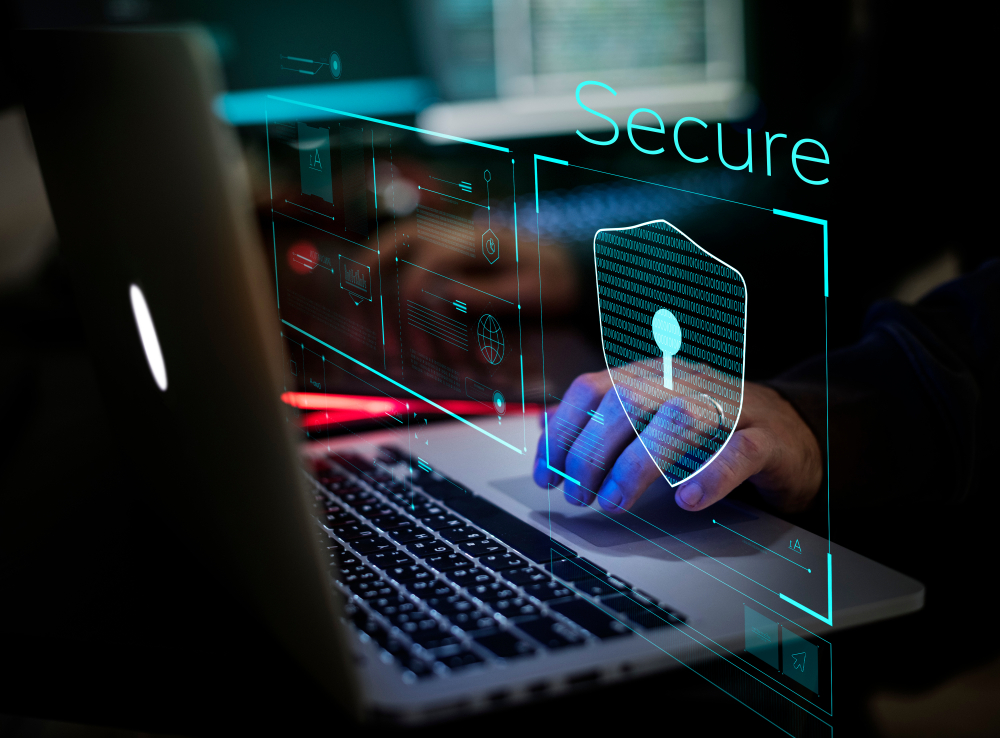
Keeping your online accounts safe isn’t as hard as it may sound — it usually comes down to a handful of decisions you make every day. Not only that, but you’ve probably heard these suggestions a thousand times before.
Things like stop using “password” as your actual password, and being aware of the messages you get all play a role. None of these changes is complicated on its own, but together they make your accounts much harder for someone else to break into.
Remember that account hacking is also pretty simple. It doesn’t happen because the other person knows complicated techniques or uses advanced tools; it usually happens with something as simple as a fake login page or a message that makes you want to trust them.
That’s why improving your account security is actually not that hard; you just need to improve your security in the right places. Here’s how you can do that.
Use a Unique Password for Every Account
Using the same password across multiple accounts might feel like a time-saver, but it creates a major risk. If one site is breached and your password is exposed, that same password can — and will — be tested across your other accounts almost instantly. Why? Hackers know that we’re lazy, and most of us tend to always use the same password in all of our accounts.
This is one of the most common ways attackers move from one compromised account to many others. Your email, social media, and even financial accounts can all become vulnerable if they share the same login credentials. Keeping passwords unique prevents that kind of chain reaction.
It may take a bit more effort at first, but it gives you much better control if something goes wrong. In the event that you do get hacked, the problem stays contained instead of spreading across every other account you use.
Make Your Passwords Longer and More Complex
This has been said a million times before, and it will continue to be one of the best security tips you can give because it works.
Password strength has just as much to do with length as it does with adding random symbols. A longer password or passphrase is harder to guess and more resistant to automated attacks. Adding capital letters, numbers, and special characters makes your password significantly harder to crack, even for automated tools — but make sure you’re not just using common replacements, like swapping “3” for “e” or “!” for “i”; hackers know about those too.
If you don’t think you’ll be able to remember something complex, the good news is that a combination of random words is just as secure — and often easier to remember than a short password filled with special characters. It also makes it less tempting to reuse the same password in multiple places.
The goal is to create something that isn’t predictable — and isn’t shared anywhere else. A longer password can help your accounts stay private. If you add a few extra characters and numbers, it will be even harder to crack your password.
Use a Password Manager
Once you start using unique passwords everywhere, keeping track of them becomes difficult without help. A password manager solves that problem by generating and storing strong passwords for you.
On your iPhone, Apple’s Passwords app already does a lot of the work. It saves your credentials, suggests stronger passwords, and alerts you if something looks weak or compromised. And the best part is that you don’t have to pay extra to use it. This makes it much easier to stay consistent without relying on your own brain.
If you want to use another password manager, you’ll probably have to pay to unlock all of its features. You can get by without one, but that makes it easy to fall back into old habits. You might reuse passwords or make small changes that don’t actually improve security.
Turn On Multi-Factor Authentication
Multi-factor authentication adds a second step to your login process. Even if someone knows your password, they still need another form of verification to get into your account. That might be an SMS code that only you can receive or an authenticator app that creates a unique code for you every few seconds.
This extra layer blocks many common attacks. Passwords alone are no longer enough, especially with how often they’re exposed in data breaches. MFA makes it much harder for someone to use that information, especially since the second factor changes regularly.
Once MFA is enabled, it doesn’t require much attention. You’ll see it occasionally when logging in from a new device, but most of the time it just works quietly in the background.
Use Passkeys When Available
Passkeys are becoming more common and offer an alternative to traditional passwords for signing in to accounts that support them. Instead of typing a password, you authenticate using Face ID or Touch ID on your iPhone.
This gives you a couple of benefits. First, it removes the need to enter credentials into a website, which makes phishing attacks far less effective. Since there’s no password to reuse or steal, it’s a more secure approach.
Second, you won’t have to enter your password every time you log into your account, making it quick and safe to access all your online accounts without having your credentials at the ready. In some cases, you don’t even need to enter a username or email address, as the passkey can both identify and authenticate you.
On your iPhone, passkeys are built into the system, so they’re easy to start using. When you see the option to use one, try it out.
Never Share Verification Codes
Verification codes are meant to stay private. If you get an email or text, and someone asks for one or tries to convince you to approve a login request, that’s a clear sign that something isn’t right.
Many account takeovers happen when someone unknowingly provides that final piece of information. The attacker may already have your password and just needs the code to complete the process.
Phishing attacks may start appearing in your email inbox. If you receive a code that you didn’t request, it is advisable to review your account activity and update your password. Additionally, if the platform allows, report such activity to indicate that it was not initiated by you.
Recognizing phishing attempts is crucial. These messages are crafted to resemble authentic notifications such as account alerts, password resets, or package delivery updates. They often create a sense of urgency, urging you to act quickly by either threatening account closure or promising a large sum of money. This tactic aims to distract you from scrutinizing the details. Taking a moment to pause and assess the situation can make a significant difference.
Even seemingly legitimate messages should be questioned, especially if they request unexpected login information or personal details. Being extra cautious helps identify fraudulent messages before divulging sensitive information on a fake website.
Phishing attacks typically prompt users to click on links. Whether it’s directing you to a website, opening a file, or downloading a link, attackers aim to lure you into clicking a specific button. To mitigate this risk, avoid clicking on links in messages. Instead, download apps from official sources or the App Store. If instructed to visit a website but unsure of its legitimacy, manually type the URL in your browser. This precautionary measure prevents falling into the trap of fake login pages, a common tactic used by cybercriminals.
Keeping your devices updated is essential for security. Software updates often contain vital security patches that shield against known vulnerabilities exploited by malicious actors. Neglecting updates can leave your accounts susceptible to attacks. Enabling automatic updates for your iPhone and frequently used applications ensures they remain current without constant manual checks. This effortless practice greatly enhances your overall security posture.
Your email account serves as a gateway to other accounts, making it a primary target for hackers. Securing your email with a unique password and multi-factor authentication is crucial as compromised email accounts can lead to unauthorized access to other services. Prioritize fortifying your primary email address before strengthening passwords for other accounts.
Enhancing online account security involves cultivating sound habits and adhering to them consistently. Implementing robust passwords, activating additional security measures, and remaining vigilant to warning signs contribute to a safer online experience. While these precautions significantly reduce risks, it’s important to acknowledge that hackers continuously evolve their tactics. By following these guidelines, you elevate your security readiness above average users. Transform the following sentence from passive voice to active voice:
Passive: The cake was eaten by Sarah.
Active: Sarah ate the cake.












The Changing Landscape of AI Talent in Britain: A Future Recalculated

Sweating the Details: How Apple is Raising the Bar with iOS 27

The Truth about Huawei P20 Pro – REAL Review

Speeding Through 749 Kilometers at 90 Kilometers per Hour

Seattle Tech Leaders Unite for Unified Regional Strategy

UNSEEN’s Resilient Team: KEMURI’s XBOX Skipping Saga

Unveiling the Threat: How Android Malware Invades Privacy by Taking Covert Photos

Disrupting the Status Quo: Cornelis Secures $205M to Challenge Nvidia’s Reign in AI Infrastructure

Fortify Your Home: Apple Home’s Advanced Security Camera Subscription for $60/Month

EU Takes Action Against Instagram and Facebook for Violating Illegal Content Rules

Warning: Facebook Creators Face Monetization Loss for Stealing and Reposting Videos

Facebook Compliance: ICE-tracking Page Removed After US Government Intervention

Facebook’s New Look: A Blend of Instagram’s Style

Facebook and Instagram to Reduce Personalized Ads for European Users

InstaDub: Meta’s AI Translation Tool for Instagram Videos

Reclaim Your Account: Facebook and Instagram Launch New Hub for Account Recovery

Meta discontinues Messenger apps for Windows and macOS

Breaking Updates: Meta Connect 2025 Unveils Latest Developments
The Truth about Huawei P20 Pro – REAL Review

How to Love your Android Phone again.

The LG G7 has a Big Problem.

The most Beautiful Android Games you’ve never played.

Charge your Smartphone in 5 Minutes – How Batteries are about to Change!

10 CHEAP Smartphone Gadgets that Change Everything.

Huawei Mobile Cloud – The Huawei P20 Feature you didn’t know about!

PUBG MOBILE on Android – Disastrous or Revolutionary?

Why you should buy the Galaxy S8 right now.
-
 Facebook11 months ago
EU Takes Action Against Instagram and Facebook for Violating Illegal Content Rules
-
 Facebook11 months ago
Warning: Facebook Creators Face Monetization Loss for Stealing and Reposting Videos
-
 Facebook11 months ago
Facebook Compliance: ICE-tracking Page Removed After US Government Intervention
-
 Facebook9 months ago
Facebook’s New Look: A Blend of Instagram’s Style
-
 Facebook9 months ago
Facebook and Instagram to Reduce Personalized Ads for European Users
-
 Facebook11 months ago
InstaDub: Meta’s AI Translation Tool for Instagram Videos
-
 Facebook9 months ago
Reclaim Your Account: Facebook and Instagram Launch New Hub for Account Recovery
-
 Apple11 months ago
Meta discontinues Messenger apps for Windows and macOS
