
Mobile Tech
Enhanced Pro Features for Final Cut Camera on iPhone

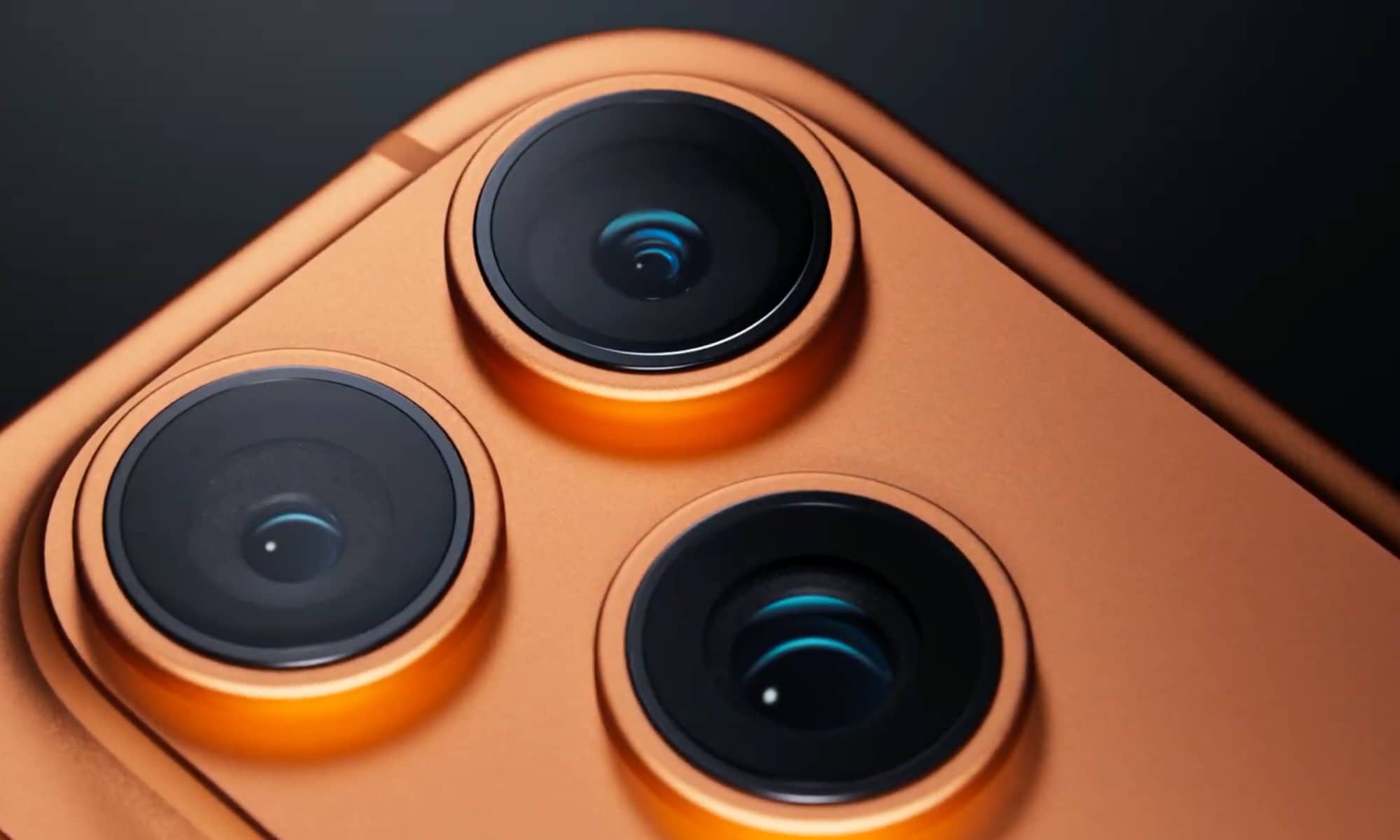
Apple recently unveiled significant updates to its Creator Studio apps, enhancing the standalone versions of Final Cut Pro and Logic Pro. These updates go beyond the subscription bundle and cater to users who have purchased these apps years ago.
While Creator Studio primarily focuses on Mac and iPad apps, there’s also an iPhone app that has been quietly integrated into the mix since the launch of Final Cut Pro 2.0 for iPad two years ago. This iPhone app, Final Cut Camera, received a useful update this week.
Initially designed as a companion app to Final Cut Pro, Final Cut Camera not only captures FCP-ready video but also enables sophisticated studio setups where multiple iPhones can shoot footage and wirelessly transfer it to an iPad. Additionally, it functions as a standalone professional video recording app and is available for free.
Users can utilize Final Cut Camera independently of Final Cut Pro to record footage for various applications. Apple has consistently updated the app to align with the latest features of new iPhone models, such as adding genlock and ProRes RAW support after the release of the iPhone 17 Pro.
The latest version, Final Cut Camera 2.3, offers enhanced integration with Final Cut Pro, simplifying the process of connecting an iPhone to a Mac and importing footage directly into FCP. It also introduces features like Clean HDMI Out, allowing the iPhone 17 Pro to function as an external camera without any visual overlays.
Apple has expanded the format options in Final Cut Camera, enabling users with an iPhone 13 Pro or newer to choose between ProRes 422 HQ, ProRes 422, or ProRes 422 LT. This flexibility allows for a better balance between video quality and file size.
Furthermore, Final Cut Camera 2.3 enables users to disable digital zoom during recording, ensuring that every shot maintains the optical resolution provided by the iPhone’s lens without resorting to interpolated digital zoom.
Final Cut Camera is available for free download on the App Store and is compatible with any iPhone running iOS 18.6 or later. ProRes recording is supported on iPhone 13 Pro or newer models, while advanced features like genlock, ProRes RAW, and Clean HDMI Out require an iPhone 17 Pro.












The Cybersecurity Chronicles: Uncovering AI-Powered Threats, Live Secrets, and Model Inspection Risks

Control Resonant: Unleashing New Game ++

Creating Employee-Centric Health Benefits That Drive Engagement

Enhanced Vision: Unlocking the Secrets of Fine Print with Google’s Guided Vision

Texas School District Embraces the MacBook Neo: A New Era of Technology Education

Nissan X-Trail Hybrid: Affordable Alternative to RAV4 with No Lower-Priced Option in Sight

Departure of Microsoft’s Office and Teams Chief: What’s Next for the Tech Giant?

Reigns and Card Shark creators Nerial pivot back to their origins as they close doors and lay off staff

Building Trust Through Visual Storytelling: A Key Strategy for Startup Success

EU Takes Action Against Instagram and Facebook for Violating Illegal Content Rules

Warning: Facebook Creators Face Monetization Loss for Stealing and Reposting Videos

Facebook’s New Look: A Blend of Instagram’s Style

Facebook Compliance: ICE-tracking Page Removed After US Government Intervention

Facebook and Instagram to Reduce Personalized Ads for European Users

InstaDub: Meta’s AI Translation Tool for Instagram Videos

Reclaim Your Account: Facebook and Instagram Launch New Hub for Account Recovery

Meta discontinues Messenger apps for Windows and macOS

Breaking Updates: Meta Connect 2025 Unveils Latest Developments

Using the Cheapest Smartphone in the World.

Samsung Galaxy S9+ Unboxing! (Clone)

Unboxing the First Ever Samsung Galaxy S!!

Huawei P Smart – Huawei’s new Killer Budget Smartphone!

MYSTERY Package from Xiaomi – HUGE UNBOXING!

5 ways you’re using your Smartphone wrong.

THE INSANE DUAL BATTERY SMARTPHONE!

ELEPHONE U PRO UNBOXING AND REVIEW!

Mrwhosetheboss – 1 Million Subscribers
-
 Facebook11 months ago
EU Takes Action Against Instagram and Facebook for Violating Illegal Content Rules
-
 Facebook12 months ago
Warning: Facebook Creators Face Monetization Loss for Stealing and Reposting Videos
-
 Facebook10 months ago
Facebook’s New Look: A Blend of Instagram’s Style
-
 Facebook12 months ago
Facebook Compliance: ICE-tracking Page Removed After US Government Intervention
-
 Facebook10 months ago
Facebook and Instagram to Reduce Personalized Ads for European Users
-
 Facebook12 months ago
InstaDub: Meta’s AI Translation Tool for Instagram Videos
-
 Facebook10 months ago
Reclaim Your Account: Facebook and Instagram Launch New Hub for Account Recovery
-
 Apple12 months ago
Meta discontinues Messenger apps for Windows and macOS
