
Mobile Tech
PamStealer: The Malware that Pre-verifies Stolen Passwords

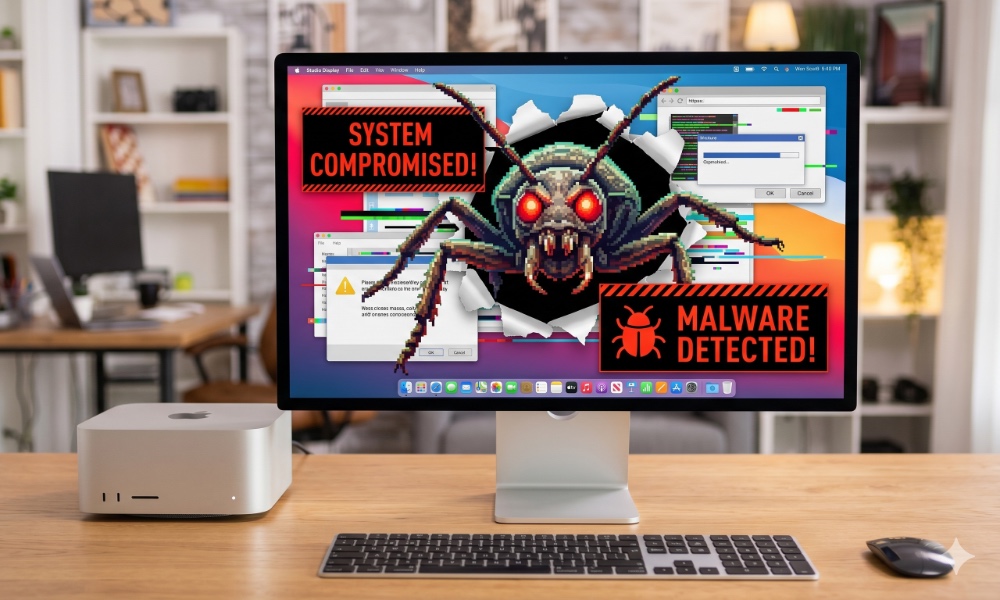
An infostealer malware targeting macOS has been discovered by researchers at Jamf Threat Labs. This malware, known as PamStealer, first verifies stolen Mac login passwords before proceeding to steal sensitive data. By confirming the stolen passwords, attackers can ensure that the login credentials they have obtained will work.
Malware Disguised as Legitimate Software
PamStealer disguises itself as the legitimate Maccy clipboard manager and uses AppleScript with a Rust payload to infect Macs. This new macOS malware campaign revolves around PamStealer, which goes through the Apple’s Pluggable Authentication Modules to verify login passwords after compromising them. This verification step is uncommon among macOS infostealers, as they typically capture passwords without confirmation.
Operation of PamStealer
Cybercriminals create a fake website resembling the legitimate Maccy clipboard manager site to distribute the malicious AppleScript app disguised as Maccy. The fake website, hosted on the domain maccyapp[.]com, delivers the malicious download. Once opened, the malware checks system characteristics before downloading a second Rust payload, the “Mach-O” infostealer, designed to steal credentials, browser data, and more.
PamStealer tricks users by displaying a fake macOS authorization prompt to enter a password, validating it through Apple’s Pluggable Authentication Modules. The second-stage Rust payload then collects various data from the infected system, encrypts it, and sends it to the attackers.
PamStealer relaunches automatically after a user signs in, attempting to gain Full Disk Access by impersonating Finder. This allows it to collect more information without additional authorization prompts. The use of Rust in the second-stage malware makes reverse engineering more challenging.
PamStealer is part of a growing trend in Mac malware that exploits legitimate OS features. Protecting against PamStealer involves downloading software from trusted sources, being cautious of unexpected prompts, and reviewing access requests closely.
Protecting Yourself
To safeguard against PamStealer and similar threats, practice safe computing habits. Download software only from reputable sources, be wary of administrator password prompts, and carefully assess Full Disk Access requests. For more information on PamStealer, visit the Jamf Threat Labs website.













The Rare and Exclusive 900 PS: Limited Edition of 10

Revolutionizing Microsoft: The Copilot Rethink

The Cybersecurity Chronicles: Uncovering AI-Powered Threats, Live Secrets, and Model Inspection Risks

Control Resonant: Unleashing New Game ++

Creating Employee-Centric Health Benefits That Drive Engagement

Enhanced Vision: Unlocking the Secrets of Fine Print with Google’s Guided Vision

Texas School District Embraces the MacBook Neo: A New Era of Technology Education

Nissan X-Trail Hybrid: Affordable Alternative to RAV4 with No Lower-Priced Option in Sight

Departure of Microsoft’s Office and Teams Chief: What’s Next for the Tech Giant?

EU Takes Action Against Instagram and Facebook for Violating Illegal Content Rules

Warning: Facebook Creators Face Monetization Loss for Stealing and Reposting Videos

Facebook’s New Look: A Blend of Instagram’s Style

Facebook Compliance: ICE-tracking Page Removed After US Government Intervention

Facebook and Instagram to Reduce Personalized Ads for European Users

InstaDub: Meta’s AI Translation Tool for Instagram Videos

Reclaim Your Account: Facebook and Instagram Launch New Hub for Account Recovery

Meta discontinues Messenger apps for Windows and macOS

Breaking Updates: Meta Connect 2025 Unveils Latest Developments

Using the Cheapest Smartphone in the World.

Samsung Galaxy S9+ Unboxing! (Clone)

Unboxing the First Ever Samsung Galaxy S!!

Huawei P Smart – Huawei’s new Killer Budget Smartphone!

MYSTERY Package from Xiaomi – HUGE UNBOXING!

5 ways you’re using your Smartphone wrong.

THE INSANE DUAL BATTERY SMARTPHONE!

ELEPHONE U PRO UNBOXING AND REVIEW!

Mrwhosetheboss – 1 Million Subscribers
-
 Facebook11 months ago
EU Takes Action Against Instagram and Facebook for Violating Illegal Content Rules
-
 Facebook12 months ago
Warning: Facebook Creators Face Monetization Loss for Stealing and Reposting Videos
-
 Facebook10 months ago
Facebook’s New Look: A Blend of Instagram’s Style
-
 Facebook12 months ago
Facebook Compliance: ICE-tracking Page Removed After US Government Intervention
-
 Facebook10 months ago
Facebook and Instagram to Reduce Personalized Ads for European Users
-
 Facebook12 months ago
InstaDub: Meta’s AI Translation Tool for Instagram Videos
-
 Facebook10 months ago
Reclaim Your Account: Facebook and Instagram Launch New Hub for Account Recovery
-
 Apple12 months ago
Meta discontinues Messenger apps for Windows and macOS
