
Tech News
Ultimate Showdown: Samsung Galaxy S26 Plus vs Pixel 10 Pro XL – Who Wins the Real-World Battery Test?

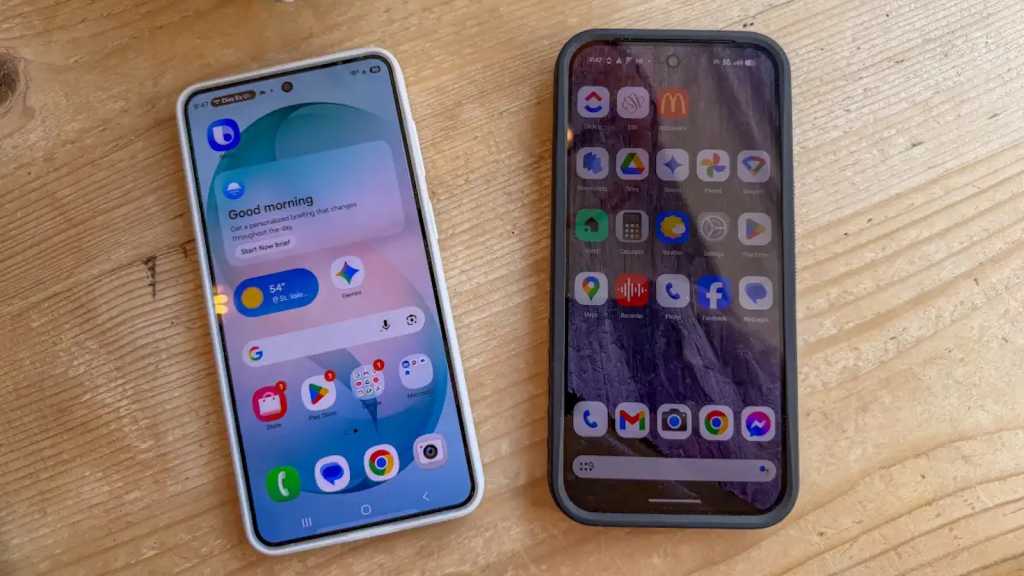
Battery Life Showdown: Samsung Galaxy S26+ vs Google Pixel 10 Pro XL
Summary generated by Smart Answers AI
In summary:
- Tech Advisor conducted real-world battery tests comparing the Samsung Galaxy S26+ and Google Pixel 10 Pro XL under identical usage conditions.
- The Galaxy S26+ significantly outperformed the Pixel 10 Pro XL, lasting 26 hours versus approximately 11-12 hours during intensive testing.
- For users prioritizing all-day battery life, the S26+ proves superior for extended use with GPS, social media, and multimedia activities.
If there’s one phone specification that matters most, it’s battery life. Even if a new model includes an AI bot to help you work, takes the most amazing photos ever, and runs fast enough for high-octane games, it’s pretty useless if it’s always on a charger.
I tend to skip topping up during my normal work day and into the evening, only dropping a phone onto a wireless pad to charge at night. My expectation? That any newer phone should last all day. In fact, many modern phones are capable of chugging along for a good 20 hours or more, but that really depends on what you do with the device.
Google, for example, estimates that the new Pixel 10 Pro XL should last for 24 hours. Samsung notes that the Galaxy S26+ should last for 31 hours of continuous video streaming. Both brands include a caveat that essentially says: it depends on how you use the phone. Also, you might need to enable battery saver mode and turn the brightness down.
I wasn’t interested in stretching the battery life as long as humanly possible, though. I wanted to see what would happen if I used the Pixel 10 Pro XL and Galaxy S26+ for normal activities such as listening to music, snapping photos and posting them to social media, and finding a route using the GPS. I set both phones to full brightness and a 30-second screen timeout. Here’s what I found out after two full days of testing.
A Day with the Google Pixel 10 Pro XL
10:30am: Catching up on my work
Using the ClickUp task management app barely uses any battery
John Brandon / Foundry
I started my day doing the most boring activity ever invented: checking my email. It was about 10:30am and I replied to a few messages using Gmail then switched over to ClickUp, a task management app.
While these activities used my Google Fi cell connection, I switched off the Bluetooth and Wi-Fi connections. After about an hour, I felt good about my progress. I was humming along at 90% battery life before I started some heavy usage.
11:30am: Heading out on a bike trip
John Brandon / Foundry
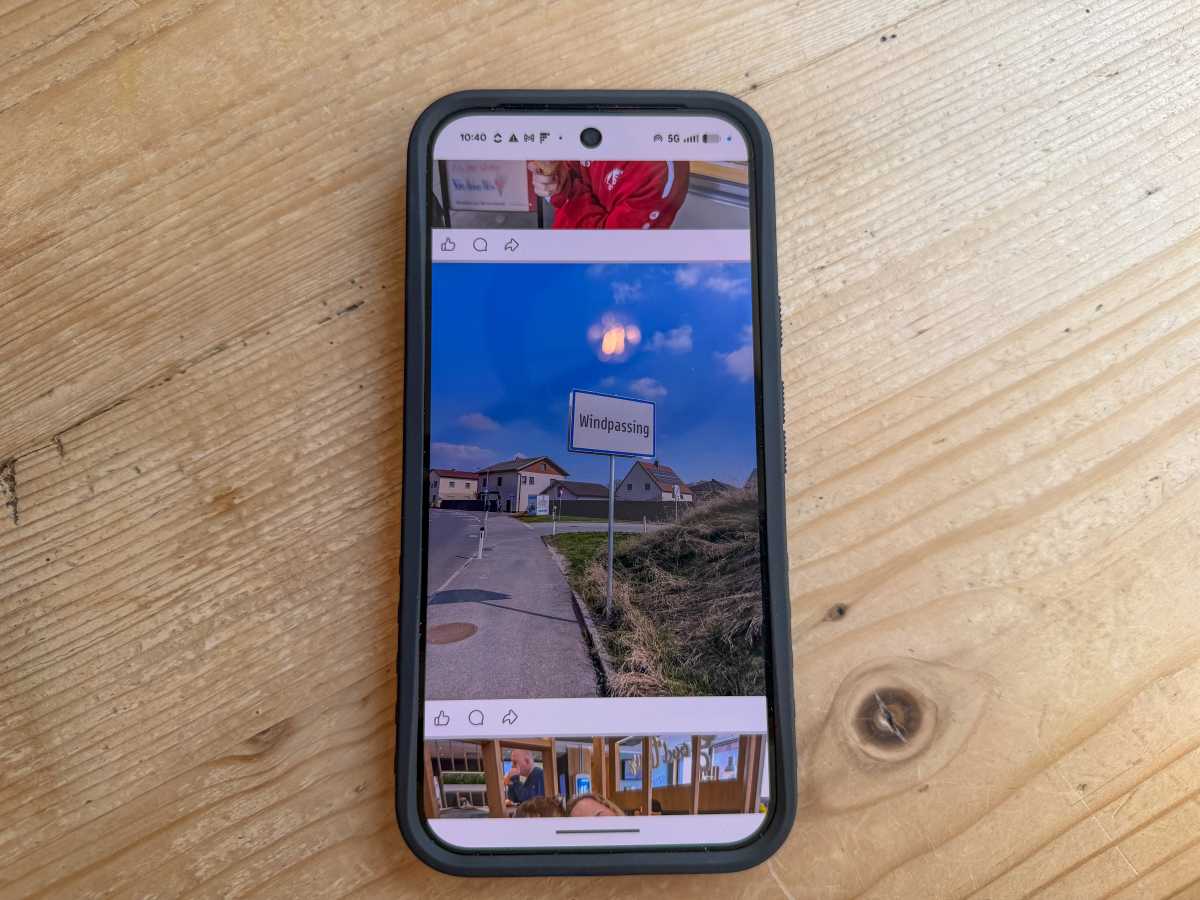
I was on vacation in Austria and I decided to bike along the Danube river from Enns to Grein, which is roughly 22 miles. This was the perfect way to test a phone because I knew I’d pedal along for a while listening to the Tidal app for a few hours, snap photos and post them to Facebook, and use Google Maps constantly to make sure I was following the correct route.
This type of battery-draining activity is fairly common for me. I tend to use my phone as an accessory to life, not for doomscrolling. Stashed away in my pocket, I was still able to use the Tidal app with my AirPods Pro and the GPS for routing while enjoying the scenery. However, by the time I arrived at Grein three hours later, the battery had dropped to 50%.
2:30pm: Dining out and taking the train
John Brandon / Foundry
I decided to switch off the GPS for the rest of the day since I didn’t need to use Google Maps anymore. (To do this, you go to Settings, then select Location and turn it off.) I stopped listening to Radiohead and Rosalía too.
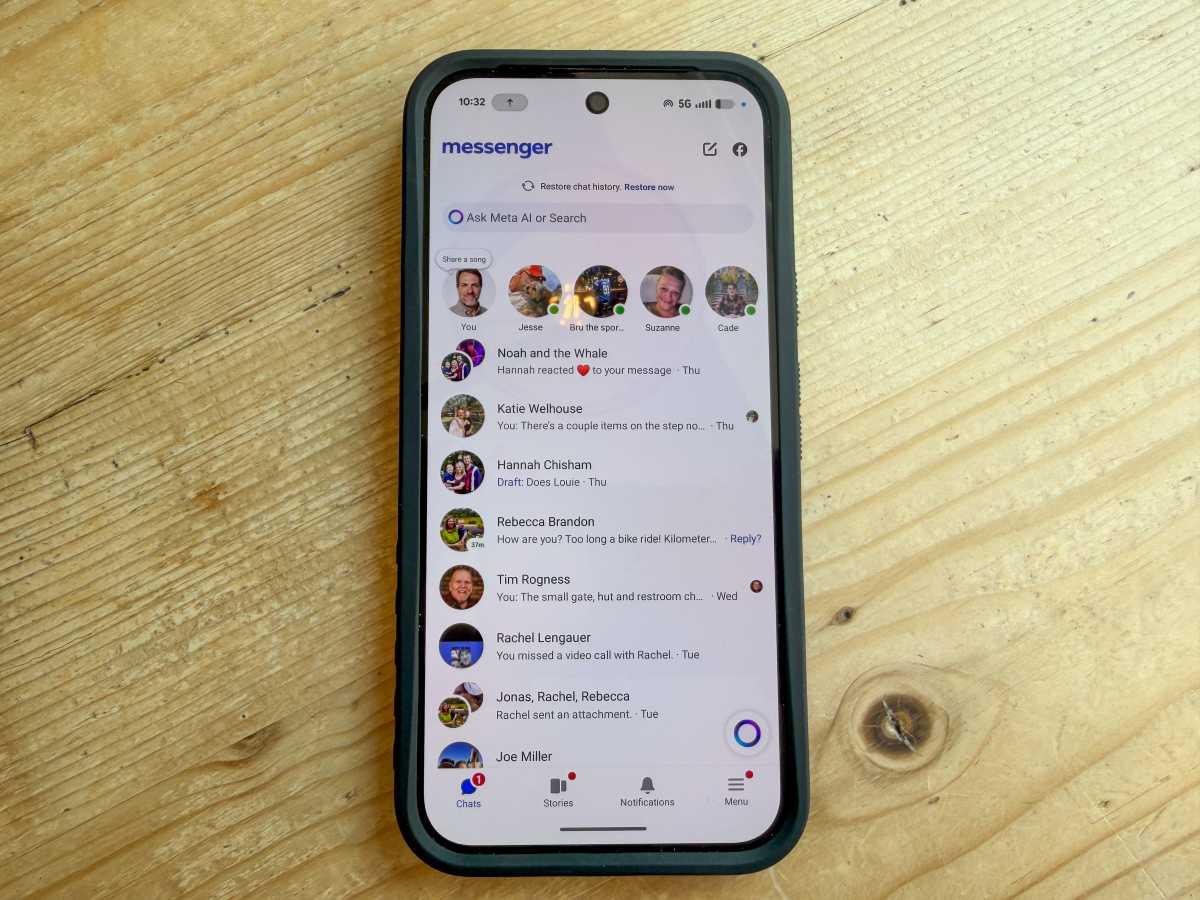
I grabbed some lunch and an ice cream cone in Grein, then jumped on the train headed back to Enns. Over those two hours, I checked Facebook and posted some photos. I also chatted with a few friends over Facebook Messenger, using the Wi-Fi signal from the train.
Using any signal on your phone will drain the battery faster, and Facebook is notorious for consuming battery power. By the time I reached my destination, I was only at 20% of remaining battery life.
9:15pm: Finishing the day
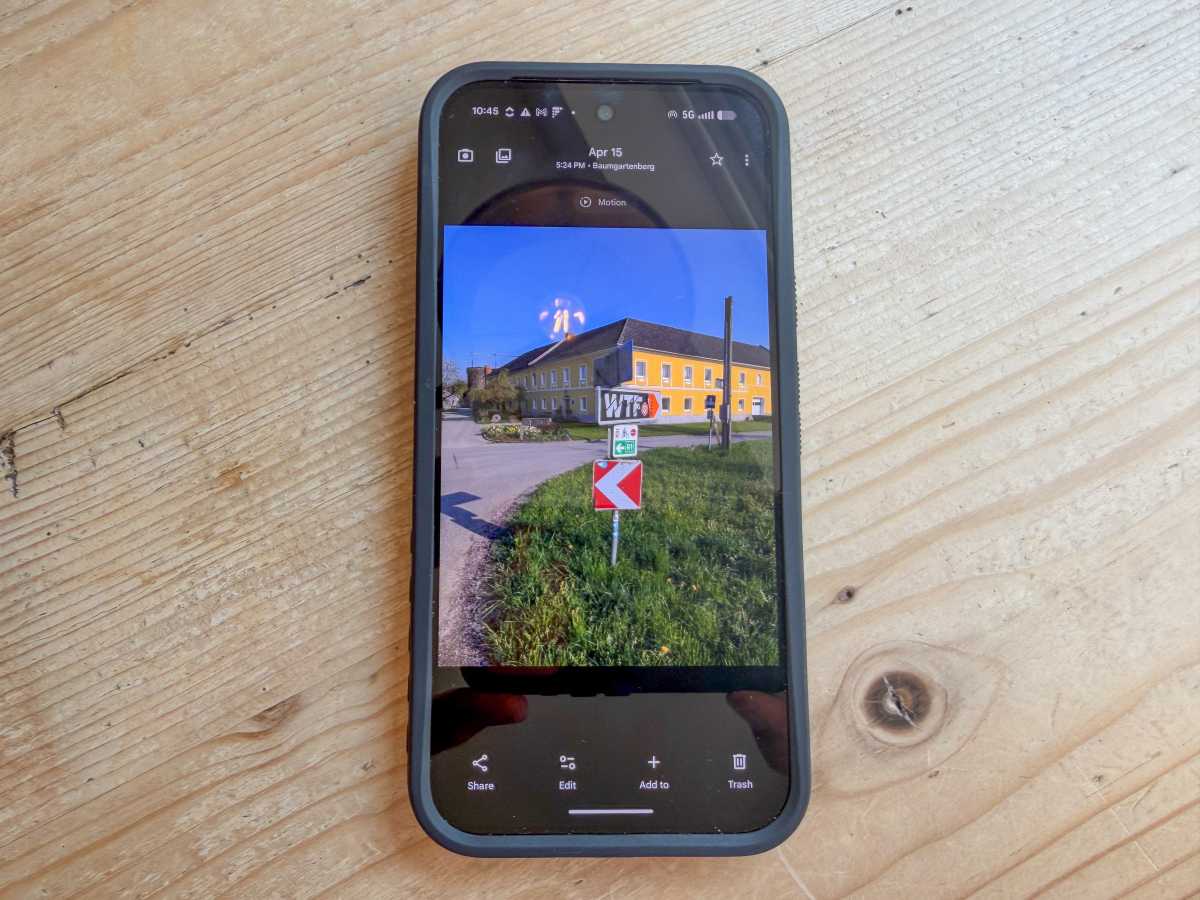
Using the Pixel 10 Pro XL for photos
John Brandon / Foundry
After checking my email a few more times at the end of the day, then posting a few more photos, I noticed the Pixel 10 Pro XL was only at about 4% charge left – well short of the 24-hour estimate I mentioned above but, thankfully, still running after almost 11 hours.
I had pushed hard, though. I used the GPS, played music, took photos, and browsed Facebook. I was ready to see how the Samsung S26+ performed the next day doing roughly the same thing.
A Day with the Samsung Galaxy S26+
10:30am: Checking email
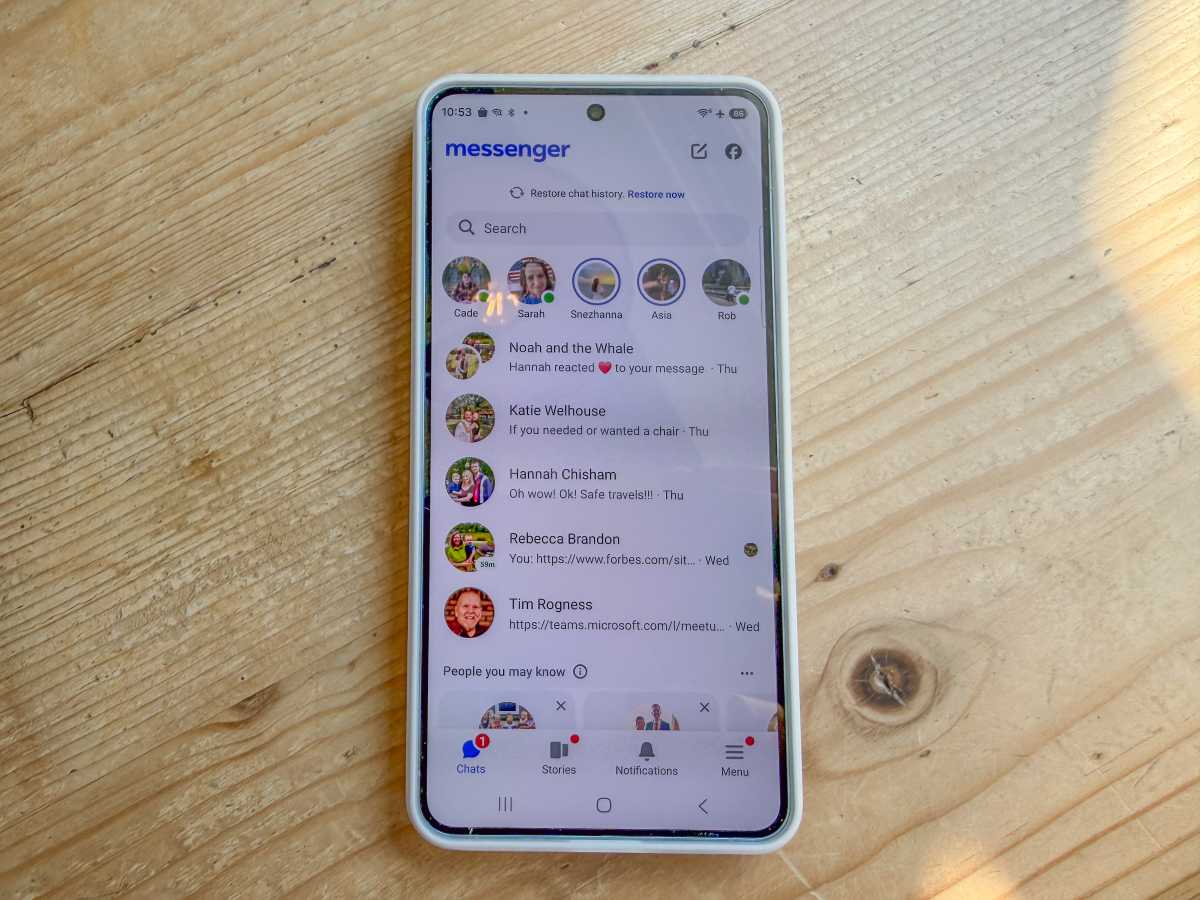
Messaging on the Samsung Galaxy S26+











Microsoft’s Breakthrough in Medical Superintelligence: The Diagnostic Orchestrator Revolution

Virtue and a Sledgehammer: The Cathartic Prelude

EdTech Intuitivo secures €1.35 million funding to streamline teachers’ tasks and enter Brazilian market

Score a Deal on Apple’s Magic Keyboards for iPad – but There’s a Catch

Unfolding Innovation: Coolpad’s $150 Android Phone with iPhone Duo-like Widescreen Display

iPhone Duo Production Surges by 44% to Meet High Demand

Pushing the Limits: Customizing Our Ultimate 2027 BMW 3 Series

AMD’s FSR 4.1 Enhancements Coming to Xbox Consoles and Handhelds

Introducing Kindle Plus: Your All-in-One Reading and Listening Experience

EU Takes Action Against Instagram and Facebook for Violating Illegal Content Rules

Warning: Facebook Creators Face Monetization Loss for Stealing and Reposting Videos

Facebook’s New Look: A Blend of Instagram’s Style

Facebook Compliance: ICE-tracking Page Removed After US Government Intervention

Facebook and Instagram to Reduce Personalized Ads for European Users

InstaDub: Meta’s AI Translation Tool for Instagram Videos

Reclaim Your Account: Facebook and Instagram Launch New Hub for Account Recovery

Meta discontinues Messenger apps for Windows and macOS

Breaking Updates: Meta Connect 2025 Unveils Latest Developments

Should you buy your Smartphones Refurbished!?

6 Amazing SECRET Android Launchers (2017 / 2018)

6 Value for Money Tech Products you NEED to try!

iPhone X Helicopter 1200ft Drop Test!! + Mous Case Review

7 UNBELIEVABLE Smartphone Magic Tricks!

Oneplus 5T vs Oneplus 1 – 3 Years Later.

Top 20 BEST Smartphones of 2017!

5 Amazing Upcoming Smartphone Features – 2018 / 2019

ULTIMATE Power Banks / The Best Power Banks (2017-2018)
-
 Facebook12 months ago
EU Takes Action Against Instagram and Facebook for Violating Illegal Content Rules
-
 Facebook1 year ago
Warning: Facebook Creators Face Monetization Loss for Stealing and Reposting Videos
-
 Facebook11 months ago
Facebook’s New Look: A Blend of Instagram’s Style
-
 Facebook1 year ago
Facebook Compliance: ICE-tracking Page Removed After US Government Intervention
-
 Facebook11 months ago
Facebook and Instagram to Reduce Personalized Ads for European Users
-
 Facebook1 year ago
InstaDub: Meta’s AI Translation Tool for Instagram Videos
-
 Facebook11 months ago
Reclaim Your Account: Facebook and Instagram Launch New Hub for Account Recovery
-
 Apple1 year ago
Meta discontinues Messenger apps for Windows and macOS
