
Mobile Tech
Enhanced Performance and Compatibility with Parallels Desktop 27: Introducing M5 & macOS 27 Support

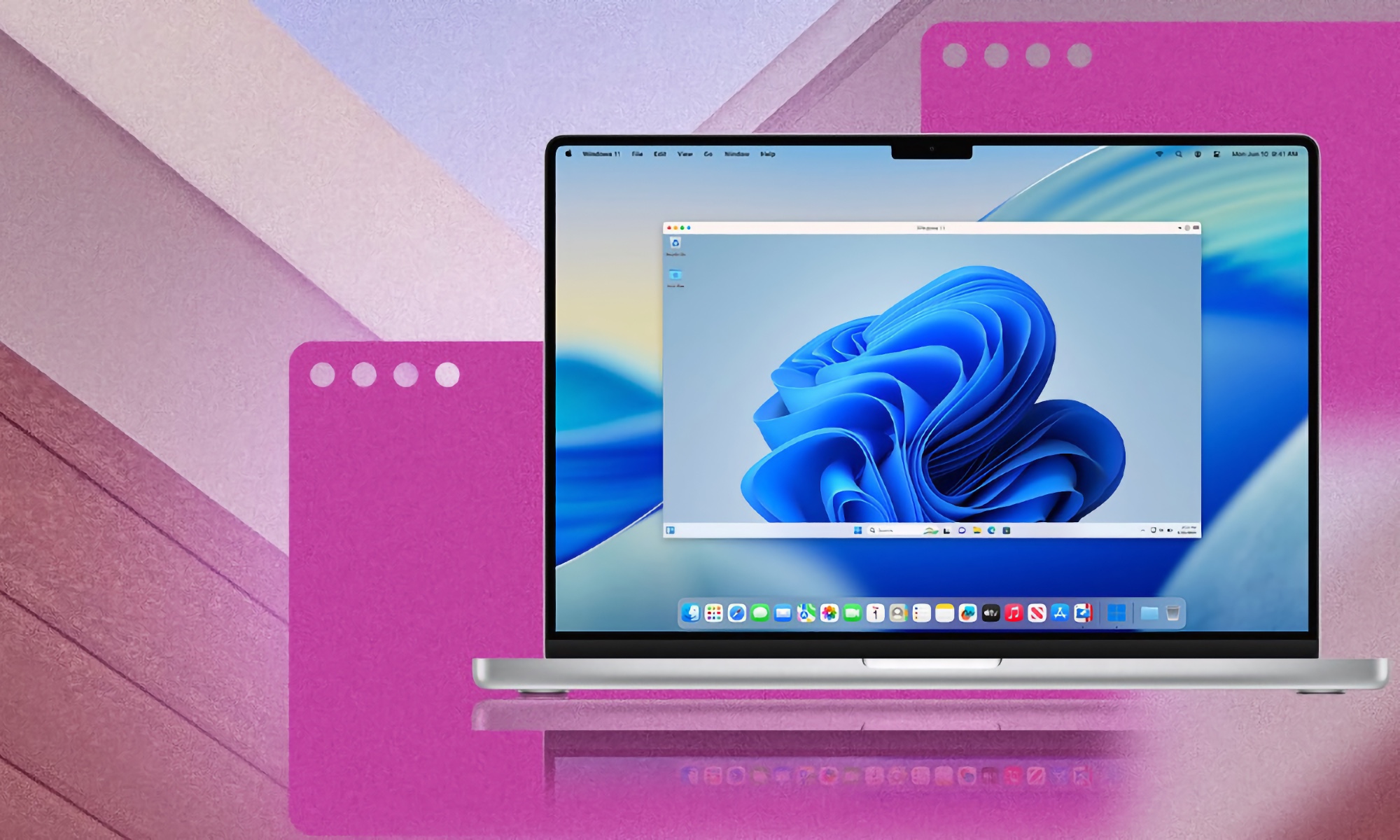
Parallels has recently unveiled a significant update to Parallels Desktop, introducing version 27.0.0 (build 58628). This update focuses on enhancing support for the latest macOS versions on Apple silicon, particularly gearing up for the upcoming macOS 27 Golden Gate update. While version 27 no longer supports Intel-powered Macs, Parallels assures users that periodic security and compatibility updates will still be available for version 26.
Enhancements and Resolutions
Parallels Desktop 27 brings several enhancements to the table.
One notable addition is the support for Apple’s SME CPU feature on M4 and M5 chips in Windows and Linux virtual machines. This feature accelerates heavy workloads, including local AI inference.
Moreover, the update addresses various security vulnerabilities in the virtual networking stack, virtual GPU command processing, and VirtIO subsystem. These fixes tackle issues like memory corruption, out-of-bounds reads, and privilege escalation vectors.
Elena Koryakina, Chief Product and Technology Officer at Parallels, emphasized the importance of keeping pace with evolving user demands, stating, “As customers continue to push the limits of what they do on Mac, they’re looking for virtualization that keeps pace with increasingly demanding applications and workflows.”
She further added, “Parallels Desktop 27 enables customers to run more of the Windows applications they depend on, while giving developers faster local AI performance and expanding what’s possible on Apple silicon.”
Parallels Desktop 27 now offers Scalable Matrix Extension (SME) support for Windows and Linux virtual machines on M4 Macs or later. This results in accelerated AI development on-device, with improved performance for AI tools like Ollama and llama.cpp.
The new version boasts up to 7 times faster AI and machine learning matrix operations and up to 1.75 times faster neural network inference compared to its predecessor.
Additionally, tools have been introduced to assist Jamf users in managing multiple Parallels Desktop 27 installations.
Windows Integration
All Windows virtual machines now utilize a reengineered OpenGL driver powered by Apple’s Metal API, elevating support from OpenGL 4.1 to 4.3. Parallels claims that this change has demonstrated up to 2.6x faster performance in their benchmarks on Macs equipped with an M3 chip or newer.
Key highlights of the reengineered driver include:
- New Metal-based OpenGL 4.3 graphics driver
- Up to 160% faster OpenGL graphics performance on Macs with M3 chips and newer
- Up to 35% faster 3D rendering in ArcGIS Pro
The update also addresses several issues, such as crashes in the TradeStation app, artifacts in PDF-XChange when running in Coherence mode on a Windows 11 virtual machine, and crashes in Altium Designer within a Windows virtual environment.
Linux Integration
Linux users will find several new features, including out-of-the-box support for new Linux distributions like Ubuntu 26.04 LTS, Fedora 44, Debian 13.6, and Kali Linux 2026.2.
Users running headless Ubuntu Arm virtual machines can now update Parallels Tools via the command line without the need for a graphical session. Additionally, the shared folders daemon (prl_fsd) has been updated from libfuse2 to libfuse3, enhancing stability and compatibility with modern Linux distributions.
Parallels Desktop 27 Enterprise Edition
The Enterprise Edition of Parallels Desktop 27 has also received updates, now certified as “ARM SystemReady SR 3.1 (VE band).” This certification enhances compliance, improves compatibility with new OS releases, and reduces the risk of unexpected issues.
Furthermore, a fix has been implemented for an issue that previously prevented the application of provisioning packages during Declarative Deployment on virtual machines running Windows 24H2.
Features Removed in Parallels Desktop 27
While software updates bring new capabilities, they also sometimes necessitate the removal of certain features. Parallels Desktop 27 is no exception, with the following features losing support:
- The ability to install Parallels Desktop 27 on a Mac running macOS Ventura 13
- Support for Intel Macs
- Support for Boot Camp
- Travel mode
- Unread email badge and new mail notifications for Classic Outlook
- The “Security” tab in Parallels Desktop preferences, now controlled remotely by Enterprise Edition administrators
- Shared Bluetooth functionality, with Bluetooth devices connected to your Mac continuing to work normally in virtual machines
Online Windows Apps Compatibility Database
Parallels has introduced an online database to allow users to verify the compatibility of Windows apps. The database includes over 200,000 Windows apps marked as compatible with Parallels. Users can search for apps by name to check their compatibility status.
Parallels Desktop 27 is available as a subscription app with various pricing tiers for individual users, businesses, and enterprises. The standard price is $185 per year, with occasional discounts for first-time users and renewals.
For more information on Parallels Desktop 27 and its new features, visit www.parallels.com/blogs/parallels-desktop-27.
For details on Parallels Desktop for Enterprise, visit www.parallels.com/products/desktop/enterprise.
global $wp;
. ‘/’;
??>
Transform the following:
Original: The cat is sleeping on the couch.
Transformed: The couch is being slept on by the cat.













Revolutionary Upgrades: The Future of iPad Technology in 2026

Toyota Settles $750 Million Class Action Lawsuit Over HiLux and Prado DPF Issues

Microsoft’s AI Chip Reduces Dependence on Nvidia GPUs

The Rise of AI: Epic’s New Disney Shooter with Marvel and Star Wars Characters

Samsung Unveils Exclusive Galaxy Z Fold 8 Limited Edition Model

Say Goodbye to Samsung Headaches with the Galaxy S27: A Tech Advisor Review

WindBorne’s Balloon Data Solution Secures Major US Air Force Contract

The Social Reckoning: A Box Office Bust

Exploring the Universe: No Man’s Sky Lands on iPhone and iPad

EU Takes Action Against Instagram and Facebook for Violating Illegal Content Rules

Warning: Facebook Creators Face Monetization Loss for Stealing and Reposting Videos

Facebook’s New Look: A Blend of Instagram’s Style

Facebook Compliance: ICE-tracking Page Removed After US Government Intervention

Facebook and Instagram to Reduce Personalized Ads for European Users

InstaDub: Meta’s AI Translation Tool for Instagram Videos

Reclaim Your Account: Facebook and Instagram Launch New Hub for Account Recovery

Meta discontinues Messenger apps for Windows and macOS

Breaking Updates: Meta Connect 2025 Unveils Latest Developments

INCREDIBLE Smartphone Gadgets on Amazon!

10 Android Apps you NEED to try in 2017 / 2018

The Most Bizarre Smartphone we’ve seen all year.

Best Tech under $2000 – December 2017 / January 2018!

This could be your next Smartphone.

Top 10 most INSANE Limited Edition Smartphones!

How Smart is the AI-Powered Huawei Mate 10 – with EMUI 8.0?

I used a 2012 Smartphone in 2018 – Here’s what happened.

How to send ANY file Anywhere!
-
 Facebook12 months ago
EU Takes Action Against Instagram and Facebook for Violating Illegal Content Rules
-
 Facebook12 months ago
Warning: Facebook Creators Face Monetization Loss for Stealing and Reposting Videos
-
 Facebook10 months ago
Facebook’s New Look: A Blend of Instagram’s Style
-
 Facebook12 months ago
Facebook Compliance: ICE-tracking Page Removed After US Government Intervention
-
 Facebook10 months ago
Facebook and Instagram to Reduce Personalized Ads for European Users
-
 Facebook12 months ago
InstaDub: Meta’s AI Translation Tool for Instagram Videos
-
 Facebook10 months ago
Reclaim Your Account: Facebook and Instagram Launch New Hub for Account Recovery
-
 Apple12 months ago
Meta discontinues Messenger apps for Windows and macOS
