
Gadgets
Exploring the Phenomenon of the Pulse App: Uncovering its Popularity on Millions of Phones

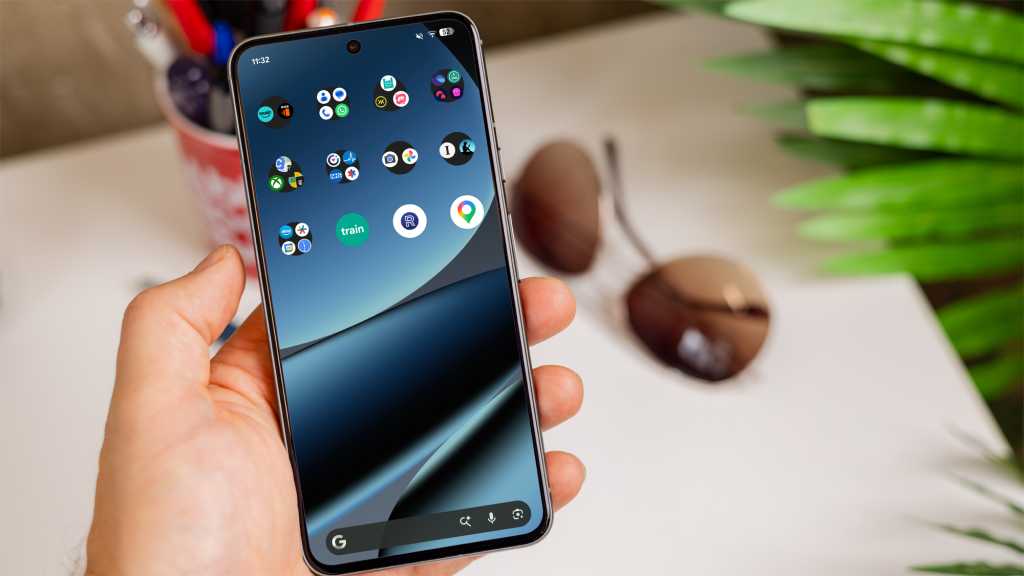
Understanding Android Pulse
Android Pulse is a unique application designed to operate continuously in the background, keeping a close eye on other apps running on your device. Its primary purpose is to prevent excessive consumption of crucial resources like battery life and RAM by other applications.
Google emphasizes the importance of efficient use of system resources to maintain the overall performance of the device. In line with this goal, the tech giant has set specific RAM limits for Android apps to prevent any single app from hindering the device’s performance by using excessive power or memory.
Interestingly, Google seems to have developed its own system app, Android Pulse, to address this issue. This app is equipped with extensive permissions, allowing it to monitor the activities of all other installed apps on the device.
Users with Android Pulse pre-installed on their smartphones have expressed concerns about the lack of transparency regarding how the app functions. Some negative reviews point out the inability to access Pulse actively to monitor app resource usage or detect any suspicious behavior.
The ability of Android Pulse to identify apps that consume excessive RAM or battery power can be valuable in flagging poorly optimized or potentially harmful apps.
Safety Concerns Surrounding Android Pulse
While the functionality of Android Pulse is undeniably beneficial for optimizing Android performance, the lack of opt-out options during installation, limited information provided by Google, and the app’s broad permissions have raised red flags among users.













Upgrade Alert: HomePod Mini 2 and HomePod 2 Set to Become Default Mac Speakers

Finally Fixing my Wi-Fi – Zyxel Multy X!

Lost in the Living Maze: Unraveling Hidden Terrain Magic Through Copy-Paste

Samsung Unveils Exclusive Galaxy Z Fold 8 BTS Edition

Navigating the Digital World: Expert Tech Advice for Everyman

OMass Therapeutics Secures €275 Million Funding to Advance Innovative Small-Molecule Therapies

The Evolution of Apple’s Smart Home Strategy: A Closer Look at Their Own Devices

Unveiling the Imposter: The Truth Behind the Fake WhatsApp Clone on the Play Store

Digital Protection: How a 1988 Law Could Safeguard Your Online Viewing Experience

EU Takes Action Against Instagram and Facebook for Violating Illegal Content Rules

Warning: Facebook Creators Face Monetization Loss for Stealing and Reposting Videos

Facebook’s New Look: A Blend of Instagram’s Style

Facebook Compliance: ICE-tracking Page Removed After US Government Intervention

Facebook and Instagram to Reduce Personalized Ads for European Users

InstaDub: Meta’s AI Translation Tool for Instagram Videos

Reclaim Your Account: Facebook and Instagram Launch New Hub for Account Recovery

Meta discontinues Messenger apps for Windows and macOS

Breaking Updates: Meta Connect 2025 Unveils Latest Developments
Finally Fixing my Wi-Fi – Zyxel Multy X!

$25,000 Gaming Setup – EVOLUTION!

The Maze Alpha X is HERE!

Cool Tech under $100 – December!

MYSTERY UNBOXING FROM GOOGLE!

TOP 6 Smartphones from Companies you NEVER Expected!

A Surprise Smartphone from EE!

DOOGEE MIX 2 VS DOOGEE MIX 1!

INCREDIBLE Smartphone Gadgets on Amazon!
-
 Facebook12 months ago
EU Takes Action Against Instagram and Facebook for Violating Illegal Content Rules
-
 Facebook1 year ago
Warning: Facebook Creators Face Monetization Loss for Stealing and Reposting Videos
-
 Facebook10 months ago
Facebook’s New Look: A Blend of Instagram’s Style
-
 Facebook1 year ago
Facebook Compliance: ICE-tracking Page Removed After US Government Intervention
-
 Facebook10 months ago
Facebook and Instagram to Reduce Personalized Ads for European Users
-
 Facebook1 year ago
InstaDub: Meta’s AI Translation Tool for Instagram Videos
-
 Facebook11 months ago
Reclaim Your Account: Facebook and Instagram Launch New Hub for Account Recovery
-
 Apple12 months ago
Meta discontinues Messenger apps for Windows and macOS
