
Mobile Tech
Unlocking the Potential: 3 Must-Change Settings in Apple Notes

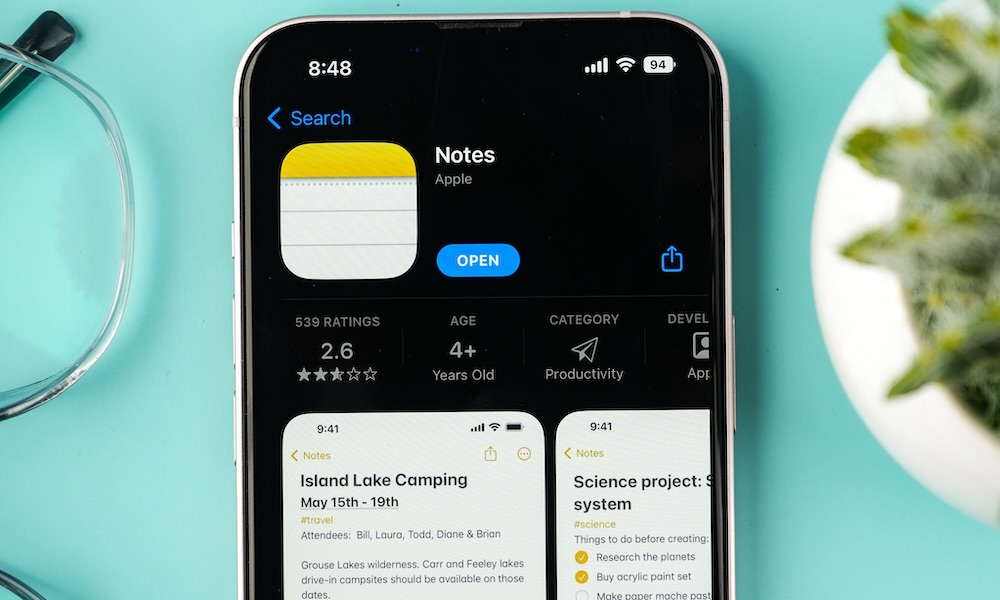
The Notes app on your iPhone is a hidden gem that often goes unnoticed. While it may not have flashy updates every year, it is a powerful tool with many features waiting to be explored. Whether you use it for your grocery list or to jot down ideas, Notes can do so much more than you think. Here are three simple settings in Notes that can enhance your experience and make you appreciate the app even more.
1. Secure Your Notes with Face ID
Protecting sensitive information in your notes is important. With the Notes app, you can lock individual notes with a passcode or Face ID for an added layer of security. Here’s how to set it up:
- Open the note you want to protect.
- Tap the More button (…) at the top-right corner.
- Choose Lock.
- Select Use iPhone Passcode or Create Password.
- Enter your passcode or chosen password.
- If you opt for a separate password, provide a hint in case you forget it.
- Enable Face ID or Touch ID for added security.
Your locked note will show a lock icon and will require authentication to access. You can only lock notes with text, photos, or links.
2. Link Multiple Notes
You can easily link notes together for quick reference. Here’s how:
- Open a note.
- Type “>>” in the note.
- Select a note from the list that appears.
3. Pin Important Notes
Pinning notes at the top of your list helps you access them quickly. Here’s how to pin and unpin notes:
- Open the Notes app.
- Long press on the note you want to pin.
- Choose Pin Note.
- The pinned note will appear at the top under Pinned.
- To unpin a note, long press on it and select Unpin Note.
These simple tricks can make a big difference in how you use the Notes app. It’s a versatile tool for personal organization, and with these tips, you can manage everything from personal to business affairs effectively.












Apple TV 4K: A Vintage First-Gen Retrospective

Unbeatable Deals on Australia’s Most Affordable Seven-Seat Diesel SUV

Forza Horizon 6: Revving Up for a 2027 Release on PS5

Embracing Success: A Geek’s Guide to Conquering the Stereotypes of Villainy

Uncovering the Bronze Age Influence in Paradox’s Afterworld: A Deeper Dive Beyond the Top Five Reference Points

iPhone Duo: The Future of Mobile Dominance

Tech Advisor: The Delayed Android 17 QPR1 Update for Pixel 11

Venture Capital Firm Monte Carlo Capital Secures €13 Million for Fund II to Back Early-Stage DeepTech, AI, and SpaceTech Startups

The Battle Over iPhone Driver’s Licenses: Florida and Rhode Island Stand Firm

EU Takes Action Against Instagram and Facebook for Violating Illegal Content Rules

Warning: Facebook Creators Face Monetization Loss for Stealing and Reposting Videos

Facebook’s New Look: A Blend of Instagram’s Style

Facebook Compliance: ICE-tracking Page Removed After US Government Intervention

Facebook and Instagram to Reduce Personalized Ads for European Users

InstaDub: Meta’s AI Translation Tool for Instagram Videos

Reclaim Your Account: Facebook and Instagram Launch New Hub for Account Recovery

Meta discontinues Messenger apps for Windows and macOS

Breaking Updates: Meta Connect 2025 Unveils Latest Developments

How Smart is the AI-Powered Huawei Mate 10 – with EMUI 8.0?

I used a 2012 Smartphone in 2018 – Here’s what happened.

How to send ANY file Anywhere!

NEW Oneplus 5T Sandstone White Unboxing – The Ultimate Oneplus 5T?

HUAWEI P20 – THE SMARTPHONE REVOLUTION IS HERE?

How OnePlus succeeded when they should have failed.

Samsung sent us THIS! #AD

Ulefone Power 3 – Quad Camera Smartphone that last 2 weeks!

EPIC Smartphone FAILS that people will never forget.
-
 Facebook12 months ago
EU Takes Action Against Instagram and Facebook for Violating Illegal Content Rules
-
 Facebook12 months ago
Warning: Facebook Creators Face Monetization Loss for Stealing and Reposting Videos
-
 Facebook10 months ago
Facebook’s New Look: A Blend of Instagram’s Style
-
 Facebook12 months ago
Facebook Compliance: ICE-tracking Page Removed After US Government Intervention
-
 Facebook10 months ago
Facebook and Instagram to Reduce Personalized Ads for European Users
-
 Facebook12 months ago
InstaDub: Meta’s AI Translation Tool for Instagram Videos
-
 Facebook10 months ago
Reclaim Your Account: Facebook and Instagram Launch New Hub for Account Recovery
-
 Apple12 months ago
Meta discontinues Messenger apps for Windows and macOS
