
Mobile Tech
Boost Your iPhone’s Speed and Privacy with These 9 Essential Settings Changes

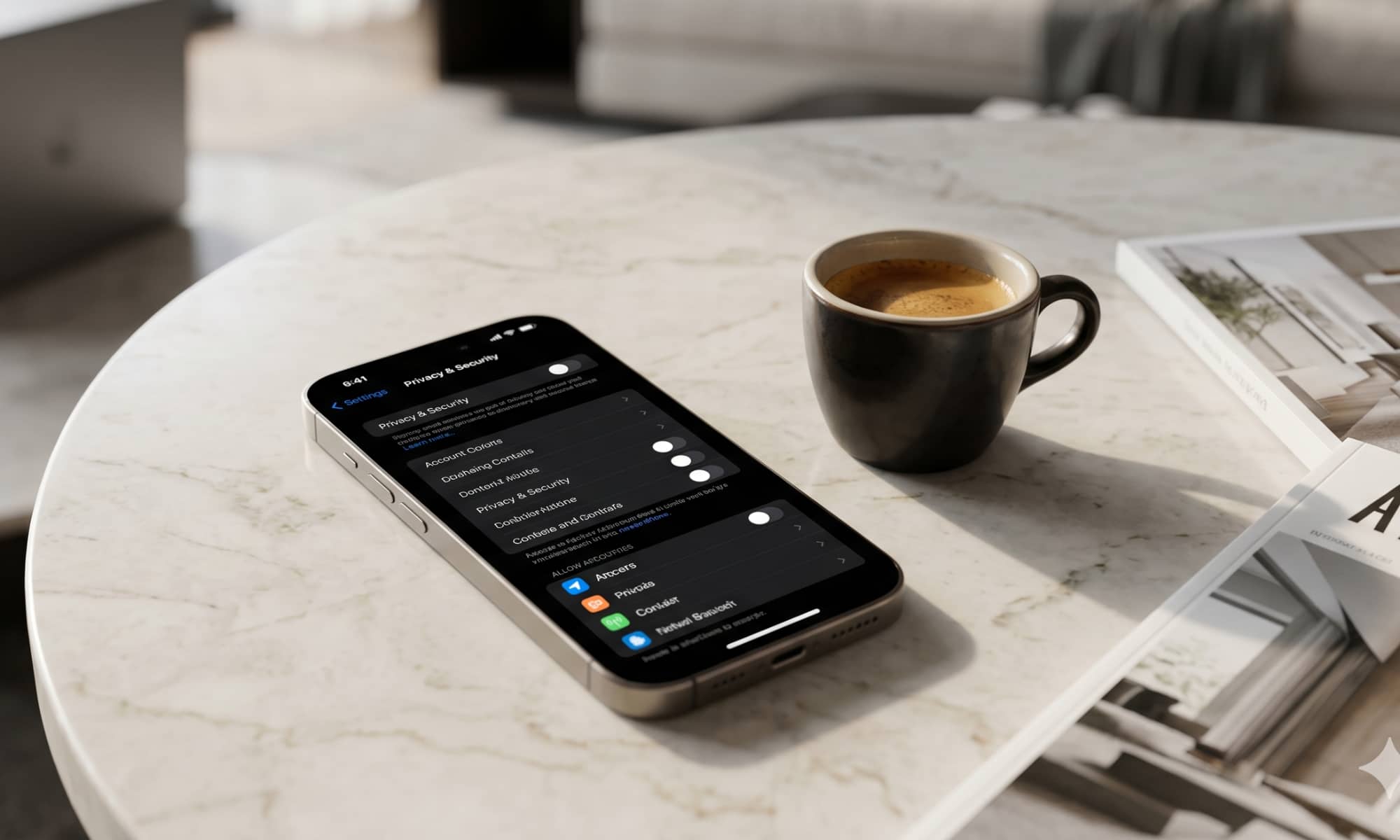
Maximizing iPhone Privacy: 9 Essential Settings to Review
Apple has designed the iPhone to be user-friendly straight out of the box, with default settings that focus on convenience, personalization, battery life, and simplicity. However, not all features are flawless. Some operate in the background continuously, while others discreetly monitor your activity, provide unnecessary suggestions, or transmit usage data to Apple.
It is crucial to take a moment to ensure that your iPhone is not excessively tracked by Apple. Fortunately, making a few minor adjustments can enhance your device’s privacy and even boost its performance. If you’re unsure where to begin, we’ve got you covered.
Not everyone may feel the need to disable every setting mentioned here. Some users might be comfortable sharing data with Apple, while others may find that their iPhones function seamlessly without any changes. Nonetheless, continue reading for insights into 9 key settings that warrant your attention.












Enter to Win a Cutting-Edge Apple MacBook Neo in Our Giveaway!

Breaking Barriers: Audi A6 E-Tron Shatters World Record with 831-Mile Range on a Single Charge

Microsoft’s Public Push: Nadella’s Communication Shake-Up

Amazon’s Multi-Platform Seller Dashboard: Streamlining Sales Across Walmart, eBay, Shopify, and TikTok

Secure Your Copy: GTA 6 Collectors Edition Now Available for Pre-Order

Oppo Find X10: Unveiling the Official Release Date

Pixel Watch 5 Receives Game-Changing Update: What’s New?

Duqu Secures €1.5 Million Funding to Revolutionize Invoice Financing in Amsterdam

Digital Duality: Google’s AI Gets a Human Touch in Gemini 3.8 Live

EU Takes Action Against Instagram and Facebook for Violating Illegal Content Rules

Warning: Facebook Creators Face Monetization Loss for Stealing and Reposting Videos

Facebook’s New Look: A Blend of Instagram’s Style

Facebook Compliance: ICE-tracking Page Removed After US Government Intervention

Facebook and Instagram to Reduce Personalized Ads for European Users

InstaDub: Meta’s AI Translation Tool for Instagram Videos

Reclaim Your Account: Facebook and Instagram Launch New Hub for Account Recovery

Meta discontinues Messenger apps for Windows and macOS

Breaking Updates: Meta Connect 2025 Unveils Latest Developments

The BEST $300 Phone (2018) ft. MKBHD, Technical Guruji, iJustine + More

Samsung Galaxy S9 Plus Gaming Review! (vs OnePlus 5T)

THE BEST PHONE HTC EVER MADE?

The Truth about Google?

Samsung S9/ S9+ vs iPhone X vs Galaxy Note 8 Battery Life DRAIN TEST

Samsung S9 / S9+ vs Mate 10 Pro vs iPhone X Charging SPEED Test

The BEST APPS in 2018 – ft. MKBHD, UrAvgConsumer, iJustine + More

The ULTIMATE Smartphone Unboxing!!

HOW GOOD can a $250 Smartphone Camera be!?
-
 Facebook11 months ago
EU Takes Action Against Instagram and Facebook for Violating Illegal Content Rules
-
 Facebook11 months ago
Warning: Facebook Creators Face Monetization Loss for Stealing and Reposting Videos
-
 Facebook10 months ago
Facebook’s New Look: A Blend of Instagram’s Style
-
 Facebook11 months ago
Facebook Compliance: ICE-tracking Page Removed After US Government Intervention
-
 Facebook10 months ago
Facebook and Instagram to Reduce Personalized Ads for European Users
-
 Facebook12 months ago
InstaDub: Meta’s AI Translation Tool for Instagram Videos
-
 Facebook10 months ago
Reclaim Your Account: Facebook and Instagram Launch New Hub for Account Recovery
-
 Apple11 months ago
Meta discontinues Messenger apps for Windows and macOS
