
Mobile Tech
Embracing the Era of Unique WhatsApp Usernames

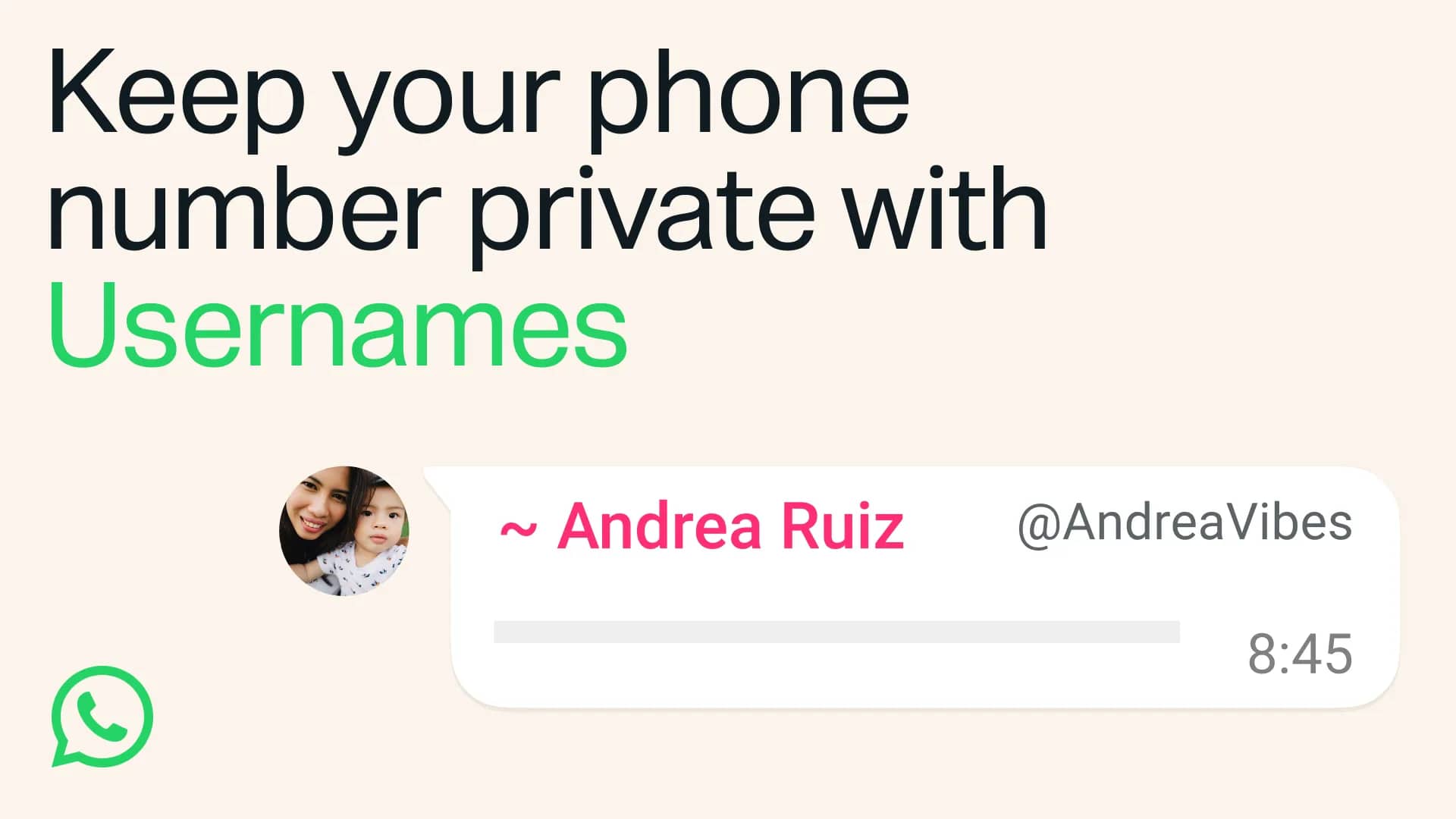
After three years of anticipation, WhatsApp has finally introduced usernames, a feature that many users have been eagerly waiting for. The messaging app announced the new feature today, although it will be gradually rolling out over the next few months. Users can reserve their usernames in advance, ensuring that they can claim them as soon as the feature becomes available for them to use.
WhatsApp’s decision to incorporate usernames marks a significant shift for the platform, which has traditionally relied solely on phone numbers for user identification. The app initially launched exclusively on smartphones, requiring users to validate their phone numbers through an SMS exchange to access the service. In recent years, WhatsApp has expanded to include support for Macs, PCs, and tablets, allowing users to access the platform from a variety of devices.
How to Reserve Your WhatsApp Username
While the ability to use usernames to contact other users may not be immediate, users can reserve their preferred usernames in advance to secure them for future use. To reserve a username, follow these steps:
- Make sure you have the latest version of WhatsApp installed on your iPhone.
- Open the WhatsApp app.
- Go to the “You” section from the bottom-right corner.
- Tap on your profile picture.
- Select “Reserve username”.
- Choose to create a new username or link your existing Instagram or Facebook username.
- Enter your new username or log in to your Instagram or Facebook account. You will be notified if the username is available or not.
- Save your username and confirm the selection.
Usernames on WhatsApp must be between 3 and 35 characters long and can only contain lowercase letters, numbers, underscores, and periods. They cannot be solely numeric or resemble web domains. Users can change their usernames at any time by accessing their profile settings and selecting the “Edit” option.
WhatsApp also reserves certain usernames for businesses, governments, and public figures to prevent others from claiming them.
How do Usernames Work?
Once your username is active, it will be displayed on your profile. Other WhatsApp users can contact you using your username, but they must already know it as there is no public directory for browsing or searching usernames. This feature offers a privacy advantage by allowing users to share their usernames with contacts without revealing their phone numbers.
Users can set a PIN to control who can contact them using their username, preventing unwanted communications. If a user changes their phone number, their username will be associated with the new number. However, usernames cannot be transferred between different phone numbers on separate devices.
Transform the following sentence into the passive voice:
“The teacher handed out the test papers to the students.”
Answer: The test papers were handed out to the students by the teacher.













JADEPUFFER: Exploiting Compromised Service Principals for Azure Resource Deletion

High-Flying Adventures and Retro Sci-Fi Thrills: A Week in PC Gaming

Peak XV Raises Seed Investment Ceiling to $5M and Reveals 18-Startup Cohort

Apple’s $5.7B Haptic Patent Suit Verdict: A Costly Blow for Tech Giant

BYD Sealion 5 Earns Respectable Three-Star Safety Rating

EU Chips Initiative Seeks €80m to Drive Innovation in AI Computing

The Witcher 3 Remastered: Unveiling the Patch Notes

Unleashing the Best Fitness Trackers with No Subscription: A Comparison of Fitbit, Garmin, and Whoop

Blocked Connections: The Reality Behind Pixel 11’s ‘Call for Me’

EU Takes Action Against Instagram and Facebook for Violating Illegal Content Rules

Warning: Facebook Creators Face Monetization Loss for Stealing and Reposting Videos

Facebook’s New Look: A Blend of Instagram’s Style

Facebook Compliance: ICE-tracking Page Removed After US Government Intervention

Facebook and Instagram to Reduce Personalized Ads for European Users

InstaDub: Meta’s AI Translation Tool for Instagram Videos

Reclaim Your Account: Facebook and Instagram Launch New Hub for Account Recovery

Meta discontinues Messenger apps for Windows and macOS

Breaking Updates: Meta Connect 2025 Unveils Latest Developments

THE INSANE DUAL BATTERY SMARTPHONE!

ELEPHONE U PRO UNBOXING AND REVIEW!

Mrwhosetheboss – 1 Million Subscribers

The Surprising TRUTH about Samsung – 15 things you did not know.

10 Incredible Android DIY Hacks!

Does a Cheap 2018 Smartphone beat a 2013 Flagship?

Samsung Galaxy S9 & S9+ UNBOXING!

Samsung Galaxy S9 Plus vs iPhone X

The BEST $300 Phone (2018) ft. MKBHD, Technical Guruji, iJustine + More
-
 Facebook11 months ago
EU Takes Action Against Instagram and Facebook for Violating Illegal Content Rules
-
 Facebook12 months ago
Warning: Facebook Creators Face Monetization Loss for Stealing and Reposting Videos
-
 Facebook10 months ago
Facebook’s New Look: A Blend of Instagram’s Style
-
 Facebook12 months ago
Facebook Compliance: ICE-tracking Page Removed After US Government Intervention
-
 Facebook10 months ago
Facebook and Instagram to Reduce Personalized Ads for European Users
-
 Facebook12 months ago
InstaDub: Meta’s AI Translation Tool for Instagram Videos
-
 Facebook10 months ago
Reclaim Your Account: Facebook and Instagram Launch New Hub for Account Recovery
-
 Apple11 months ago
Meta discontinues Messenger apps for Windows and macOS
