
Mobile Tech
Protecting Your Stolen iPhone: The Ultimate Guide to Keeping it Bricked

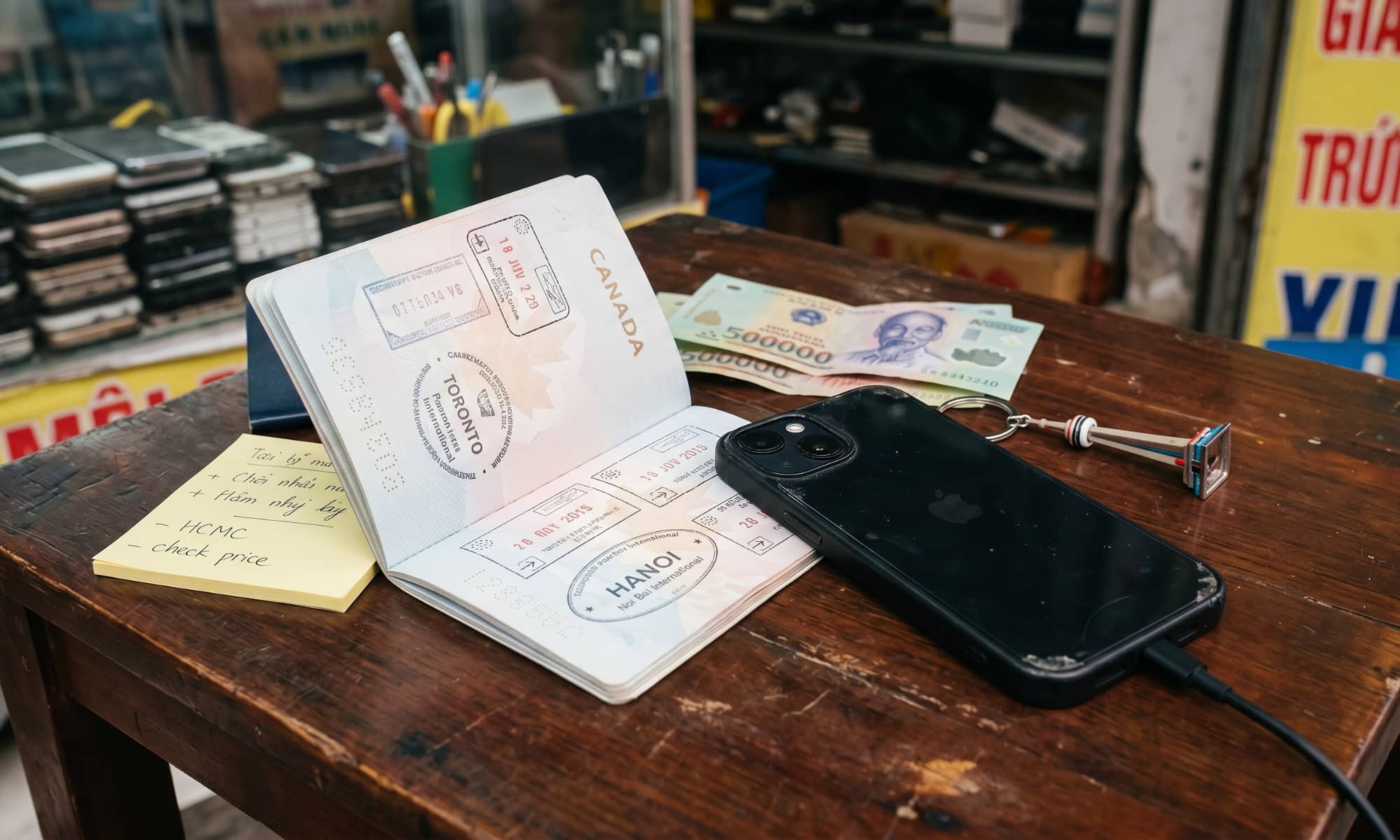
There’s not much doubt that smartphone theft is becoming a bigger problem than ever. In fact, it’s been spiralling out of control in some places, with snatch-and-grabs so common on the streets of London that Apple is reportedly building an auto-lockout feature to hamper crooks and protect users’ personal data in the event that their iPhone gets grabbed right out of their hand while unlocked.
Still, as much as Apple does to discourage iPhone thefts, the sad truth is the iPhone is still a high-profile target. Switching to Android might be a good theft deterrent, but who really wants to do that? Besides, Apple still does a better job of protecting your data in the event that your iPhone is stolen — and it offers more ways to track down your device, or at least ensure it’s useless to any thieves that do get their hands on it.
For starters, there’s Activation Lock, which has been a core feature of every iPhone since iOS 7 was released in 2013. By requiring the original owner’s Apple Account and password to activate an iPhone — even if it was forcibly wiped — Activation Lock promised to turn stolen iPhones into bricks.
This actually resulted in a significant reduction in iPhone thefts, at least until crooks figured out ways to game the system, using phishing and other social engineering tactics to try and get the original owner to remove the Activation Lock. Expensive iPhone repairs also resulted in a surge in “chop shop” style thefts where stolen iPhones could be mined for parts to be sold to repair shops on the black market. That led to Apple upping its game with Activation Lock for iPhone parts to ensure that displays, batteries, and cameras from a stolen iPhone couldn’t be swapped into a new one without the original owner’s credentials.
Unfortunately, despite all these deterrents, iPhones are still being stolen at an alarming rate. It’s a volume business for organized crime rings, and as we reported last month, there’s a whole underground market of hacking and phishing tools that try to turn $50 bricks into $800 cash cows. Thieves still end up with a lot of useless iPhones stolen from folks who are savvy enough to ignore phishing attempts and accept the fact that their lost iPhone isn’t magically turning up again. Unfortunately, these crime rings still manage to trick just enough people to make the entire operation profitable.
How to Keep Your Stolen iPhone a Total Brick
If you’ve set up your iPhone properly — turned on Find My and enabled Stolen Device Protection — and it’s stolen while the screen is locked, the thief is essentially getting a brick. If it’s an iPhone 15 or later, it can’t even be sold for marketable parts. A would-be thief is getting a virtually worthless hunk of glass and metal that’s worth little more than the value of the raw materials it’s made from.
That’s why thieves have long tried to use social engineering tactics to get users to remove the Activation Lock — either by providing their Apple Account name and password or simply removing the iPhone from the Find My portal. It’s also why crooks are even resorting to snatching unlocked iPhones out of people’s hands.
Unfortunately, if your iPhone has been stolen, the chances of getting it back are minimal, if not outright zero. You might have some hope if it was simply grabbed by an opportunistic amateur thief, but if it’s part of a professional crime ring, your device is as good as gone.
As someone who has been through this more than once over the years, I can say from experience that the first line of defense is really as simple as accepting that. Once you realize that your iPhone isn’t going to magically turn up somewhere, you’ll be far less tempted to respond to the attempts scammers will use to try and get you to hand over control — and you’re almost guaranteed to start receiving those.
Apple has a helpful support document on what to do if your iPhone or iPad has been stolen. Many of these tips may be things you already know, such as using Find My to track your device and mark it as lost, but Apple has recently updated it with some additional details on what to do after that — some of which are a bit surprising:
- Don’t include your contact information if your device was stolen. While you might see an option to enter a phone number or message about how to contact you, this information is helpful if you’ve lost your device and want to make it easier for someone who finds your device to get it back to you. If your device was stolen, the thief might use your contact information for social engineering schemes.
- Don’t remove the device from Find My. Removing the device from your Find My list removes Activation Lock, which will make it easier for the thief to erase and resell your device.
- Mark as Lost, even with Stolen Device Protection. Stolen Device Protection’s additional safeguards last only for a period of time. The best way to protect your iPhone and Apple Account is to quickly mark the stolen device as lost.
Apple’s point about avoiding the temptation to add contact information for a stolen device when putting it in Lost Mode is absolutely correct, but it’s also important to think about other areas where thieves can easily glean this information. When my daughter’s iPhone 15 Pro was stolen last year, the crooks initially surprised me by sending phishing texts to her mother and me using her full name.
After scratching my head on how they got this information from an iPhone that had not only been locked when it was stolen, but forcibly wiped by the thieves months earlier, it occurred to me that we’d entered this information in her iPhone’s Medical ID section and set it to be available even when the iPhone was locked.
When considering whether to include critical information on your Lock Screen for safety reasons, it’s important to weigh the potential tradeoff. While it can be beneficial for first responders to have access to vital details in case of an emergency, there is also the risk that thieves could exploit this information if your iPhone is stolen.
Apple recently updated its support document to mention that the additional protections for a stolen device are temporary. Although marking the device as lost can provide some level of security, it’s crucial to remain cautious.
Apple emphasizes that they will never contact you to inform you that your lost or stolen iPhone has been found. It’s essential to never share your passcode or other sensitive account information with anyone. Be wary of social engineering tactics, such as phishing messages or fake support calls.
If your iPhone is stolen, you may receive messages claiming that it has been found, some of which may appear to be from Apple or a well-meaning individual. However, it’s best not to trust these messages. Some scams may even try to convince you to remove your device from the Find My portal, which would disable Activation Lock and make the device easier to resell.
While the chances of recovering a stolen iPhone are slim, Apple’s security features can render the device essentially useless to thieves. Even if parts of the device have no resale value, it’s crucial to remain vigilant against social engineering tactics that aim to profit from stolen iPhones.
Ultimately, staying informed and cautious is key to protecting your device and personal information. By being aware of potential scams and utilizing security features like Activation Lock, you can help prevent thieves from profiting off of stolen iPhones.












Enhanced Precision: The New Surface Mouse with Haptic Feedback and Customizable Action Button

Purdue and University of Illinois Join Forces to Enhance Semiconductor Industry Talent Pool

Unveiling the Secrets of ARC Raiders: Exploring Frozen Trails, Pendola Pass, Weapon Amplification, and Beyond

Samsung Galaxy S25: Unveiling Android 17 in September – Tech Advisor

Top Phones to Run Qualcomm Snapdragon 8 Elite Gen 6 – Tech Advisor’s Picks

Navigating Expansion: Essential Tips for European Founders Entering the US Market (Sponsored)

Unveiling iOS 27.2: Enhanced features, official release date, and much more

THE BEST PHONE HTC EVER MADE?

Revolutionizing Luxury: The 2027 Bentley Torcal – A Fusion of British Elegance and Porsche Performance

EU Takes Action Against Instagram and Facebook for Violating Illegal Content Rules

Warning: Facebook Creators Face Monetization Loss for Stealing and Reposting Videos

Facebook’s New Look: A Blend of Instagram’s Style

Facebook Compliance: ICE-tracking Page Removed After US Government Intervention

Facebook and Instagram to Reduce Personalized Ads for European Users

InstaDub: Meta’s AI Translation Tool for Instagram Videos

Reclaim Your Account: Facebook and Instagram Launch New Hub for Account Recovery

Meta discontinues Messenger apps for Windows and macOS

Breaking Updates: Meta Connect 2025 Unveils Latest Developments
THE BEST PHONE HTC EVER MADE?

The Truth about Google?

Samsung S9/ S9+ vs iPhone X vs Galaxy Note 8 Battery Life DRAIN TEST

Samsung S9 / S9+ vs Mate 10 Pro vs iPhone X Charging SPEED Test

The BEST APPS in 2018 – ft. MKBHD, UrAvgConsumer, iJustine + More

The ULTIMATE Smartphone Unboxing!!

HOW GOOD can a $250 Smartphone Camera be!?

10 Android Apps you NEED to try in 2018

They could not believe how cheap this Phone is
-
 Facebook11 months ago
EU Takes Action Against Instagram and Facebook for Violating Illegal Content Rules
-
 Facebook11 months ago
Warning: Facebook Creators Face Monetization Loss for Stealing and Reposting Videos
-
 Facebook10 months ago
Facebook’s New Look: A Blend of Instagram’s Style
-
 Facebook11 months ago
Facebook Compliance: ICE-tracking Page Removed After US Government Intervention
-
 Facebook10 months ago
Facebook and Instagram to Reduce Personalized Ads for European Users
-
 Facebook11 months ago
InstaDub: Meta’s AI Translation Tool for Instagram Videos
-
 Facebook10 months ago
Reclaim Your Account: Facebook and Instagram Launch New Hub for Account Recovery
-
 Apple11 months ago
Meta discontinues Messenger apps for Windows and macOS
