
Tech News
Unleash Your Creativity: Customize Your Samsung Galaxy with This Secret App

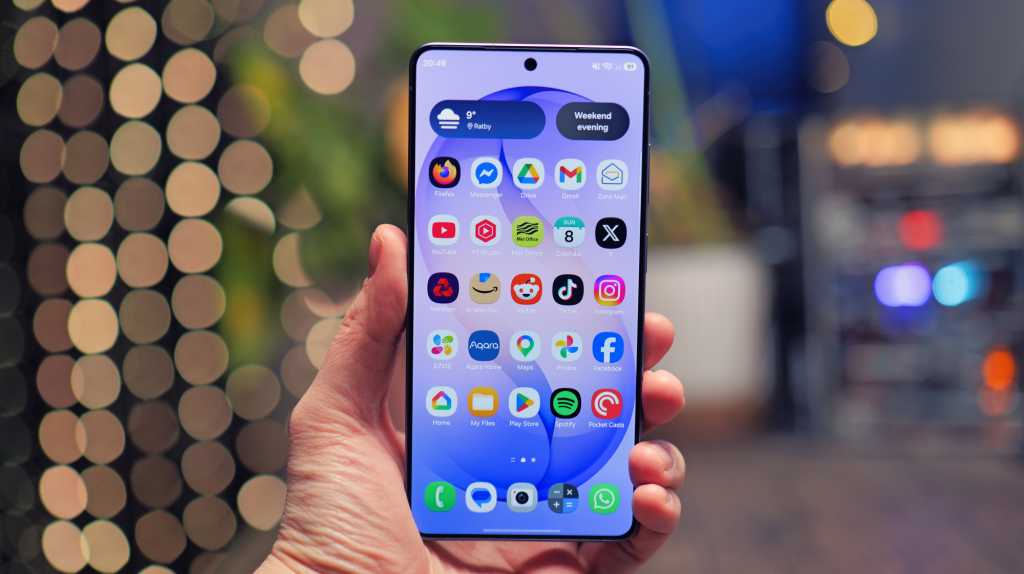
Summary generated by Smart Answers AI
In summary:
- Tech Advisor features Samsung’s Good Lock app, a hidden customization hub offering over 20 modules for Galaxy devices running One UI 6 or later.
- The app allows extensive personalization through modules like Theme Park’s AI generator, LockStar for lock screens, and MultiStar for enhanced multitasking capabilities.
- Compatible with Galaxy S23 series and newer models, Good Lock enhances Samsung phones with features like custom gestures, camera enhancements, and advanced notification management.
Samsung has been a leader in producing quality smartphones for years.
However, the true power of One UI lies not only in the system settings but also in an often overlooked app by many Galaxy phone users: Good Lock. Discover here the functionalities of the app, the recommended modules, and how to set up Good Lock.
What is Samsung Good Lock?
Good Lock is an official Samsung service that serves as a central hub for a variety of add-on modules. These modules delve deep into specific areas of One UI such as the lock screen, navigation, camera, notifications, multitasking, and more. This results in a level of customization that was previously only achievable through custom ROMs.
The app is completely free, developed directly by Samsung, ensuring a secure experience like One UI itself.
Which Galaxy devices is Good Lock available for?
Good Lock is compatible with every Samsung Galaxy phone running One UI 6 or later. This includes:
- Galaxy S series: S23, S23, S23 Ultra, and newer models (including the S26 range)
- Galaxy Z series: Z Flip 5 and Z Fold 5 onwards
- Galaxy A series: Selected models with One UI 6
- Galaxy Tab: Tab S9 and newer
Good Lock can be found in the Samsung Galaxy Store and, since the end of 2025, it is also available on the Google Play Store, removing previous restrictions in certain regions. However, individual modules may still have regional limitations.
Important: The individual modules are not automatically installed. Users can choose which modules to activate, saving storage space and keeping the system organized.
How to install Good Lock
- Open the Galaxy Store on your Samsung device (or the Google Play Store).
- Search for “Good Lock”. Look for the icon featuring four colored, interlocking jigsaw pieces.
- Install and launch the app.
- Select the modules you desire directly in Good Lock and download them by tapping the icon with a down arrow inside a box
Tip: Start by installing two or three modules that cater to your specific needs, rather than installing all modules at once.
How is Good Lock structured?
Good Lock acts as the control center itself. Once installed, users will encounter a user-friendly interface with four main sections:
- Make up: Modules for visual customization, including themes, lock screen, and wallpapers.
- Life up: Modules for enhanced functionality and efficiency, such as navigation, camera, multitasking, and audio.
- Clock: Specifically for clock-related modules (e.g., ClockFace for the Always-On Display).
- Extensions: Additional modules that span across both the ‘Make up’ and ‘Life up’ main categories.
Users can download and install modules directly from the interface by tapping on the desired module. Currently, there are over 20 modules available in total.
PC-Welt
Theme Park
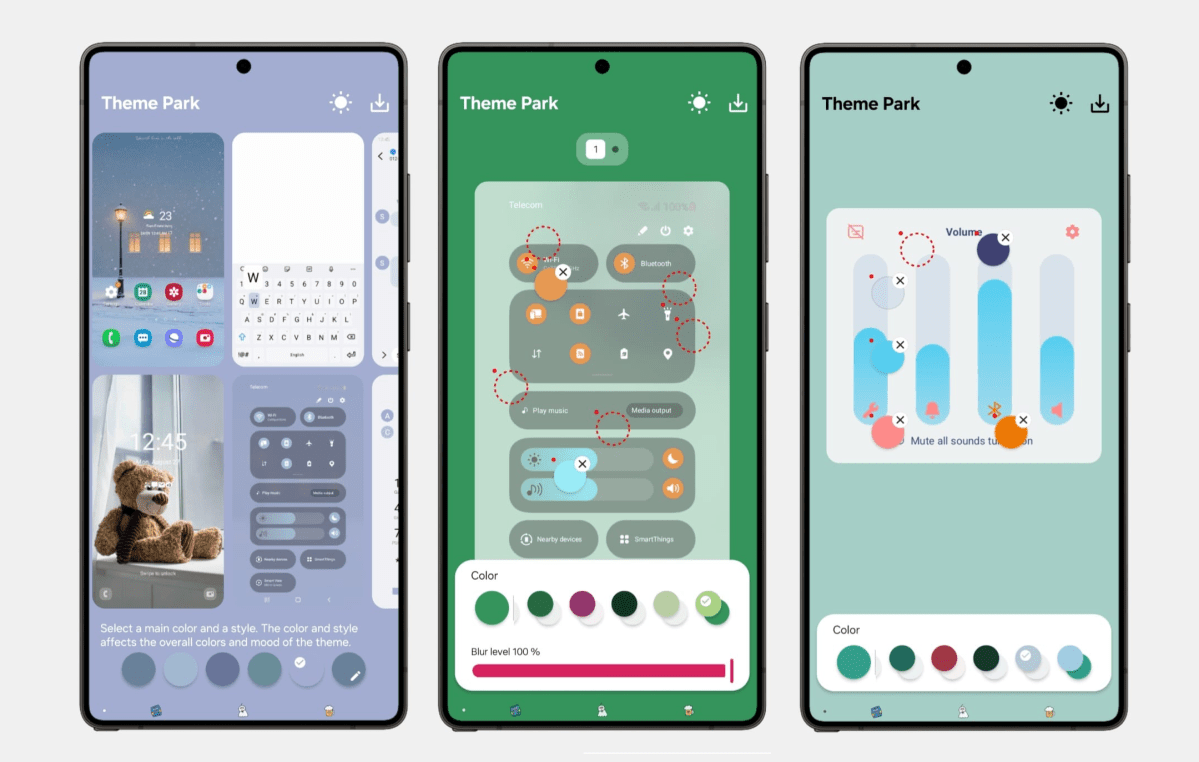
Theme Park serves as a gateway to visual personalization. This module enables users to design their own themes by combining colors, icon shapes, background images, and fonts. Additionally, users can integrate and manage existing icon packs from the Play Store.
PC-Welt
Since 2026, an AI theme generator has been introduced. Users can describe in text their desired theme, and the AI will automatically create a suitable color scheme, including icons and background images.
One-Handed Operation
For users of Galaxy S Ultra or Z Fold, one-handed operation can be challenging. One Hand Operation addresses this with six configurable Edge gestures (three per side). Each gesture can be customized individually to perform actions like Back, App Overview, Screenshot, Torch, Notifications, and more.
Unique to this module is its ability to work alongside the standard navigation bar, adding extra swipe gestures to it.
LockStar
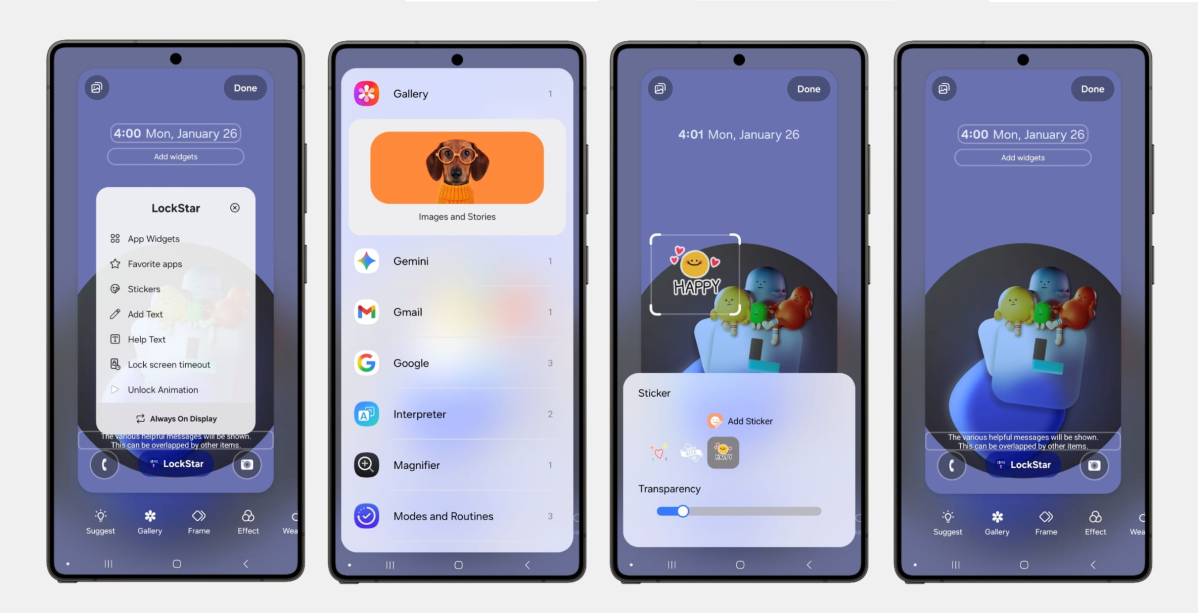
While the lock screen is the initial point of contact with a smartphone, One UI offers limited customization options. LockStar enhances this by providing extensive customization possibilities. Users can freely rearrange elements like the clock, date, widgets, and app shortcuts on the lock screen in both portrait and landscape orientations. Users can also hide elements they do not prefer.
PC-Welt
LockStar introduces the ability to unlock app widgets on the lock screen that are not permitted by default on Samsung devices. This feature allows users to view calendar events, step counts, or weather forecasts directly on the lock screen without unlocking the phone. Users can also place app shortcuts as desired. For instance, tapping the camera icon will launch the camera without needing to unlock the device first.
2026 has brought animated unlock effects to LockStar. The ‘Swirl’ animation, for example, sweeps the lock screen inwards during the unlocking process, while other styles like ‘Curtain’, ‘Ripple’, ‘Mosaic’, or ‘Wave’ add visual flair to unlocking the device.
MultiStar
MultiStar significantly enhances multitasking capabilities. Users can open any app in split-screen mode or as a pop-up window, even apps that do not officially support it. New for 2026 are app pairs on the home screen, allowing the simultaneous launch of two apps in split-screen mode.
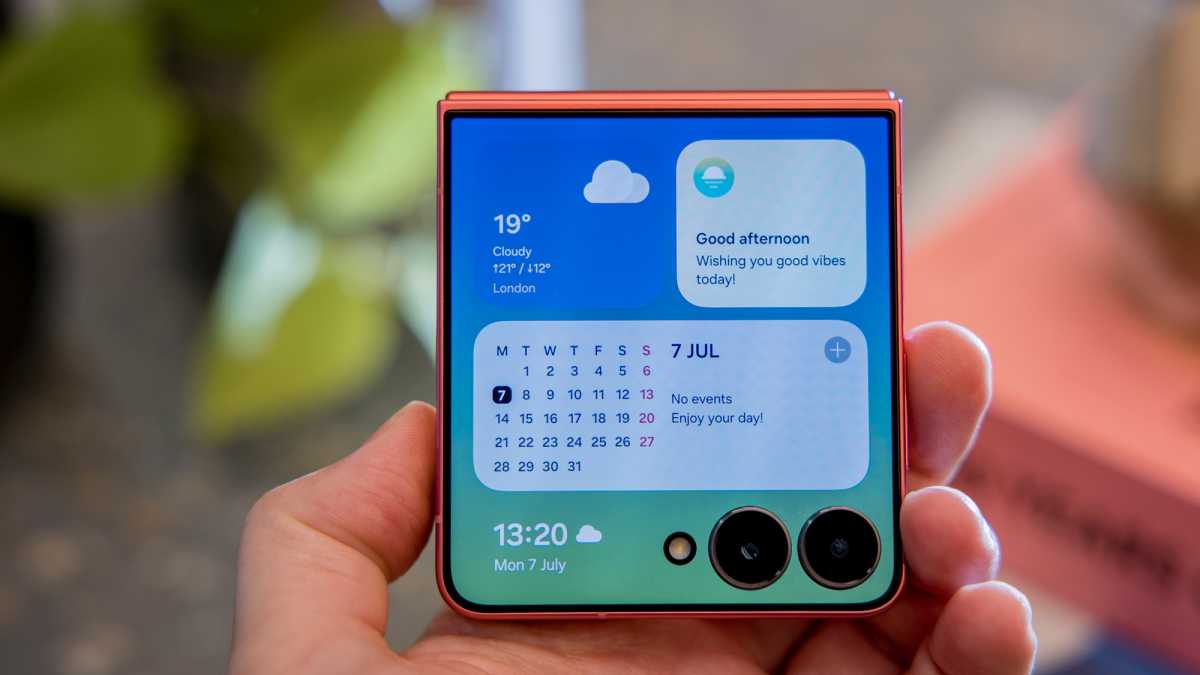
For foldable device users, MultiStar offers control over how apps transition between the cover and main screens when the device is opened or closed. Among its features is the ability to run any app on the Z Flip cover screen, a feature that is disabled by default.
Dominik Tomaszewski / Foundry
Samsung DeX users can enjoy features such as higher resolutions or the ability to run more than five apps simultaneously on the connected display.









The Surprising Decision: Tim Cook’s Early Departure Before iPhone Duo Launch

BMW’s Survey Reveals Surprising EV Range Preferences Among Americans

Enhancing Efficiency: The Power of Windows Search in Windows 11

Revving Up for Forza Horizon 6: Drift Edition on PS5 with Epic Expansion Pack

Advancing Robotics and Automation: DOE’s National Laboratory Projects

Maximizing AI ROI: A Comprehensive Guide to Metrics, Formulas, and Frameworks

Oppo Find X10 Unveiled: Global Launch Set for October 21st

AI Leaderboard Arena Surges to $3.1B Valuation in Record Time

Outpacing OpenAI: Meta’s Rise to the Top in the AI Agent Race

EU Takes Action Against Instagram and Facebook for Violating Illegal Content Rules

Warning: Facebook Creators Face Monetization Loss for Stealing and Reposting Videos

Facebook’s New Look: A Blend of Instagram’s Style

Facebook Compliance: ICE-tracking Page Removed After US Government Intervention

Facebook and Instagram to Reduce Personalized Ads for European Users

InstaDub: Meta’s AI Translation Tool for Instagram Videos

Reclaim Your Account: Facebook and Instagram Launch New Hub for Account Recovery

Meta discontinues Messenger apps for Windows and macOS

Breaking Updates: Meta Connect 2025 Unveils Latest Developments

I used a 2012 Smartphone in 2018 – Here’s what happened.

How to send ANY file Anywhere!

NEW Oneplus 5T Sandstone White Unboxing – The Ultimate Oneplus 5T?

HUAWEI P20 – THE SMARTPHONE REVOLUTION IS HERE?

How OnePlus succeeded when they should have failed.

Samsung sent us THIS! #AD

Ulefone Power 3 – Quad Camera Smartphone that last 2 weeks!

EPIC Smartphone FAILS that people will never forget.

The Best Android Launcher of 2018?
-
 Facebook12 months ago
EU Takes Action Against Instagram and Facebook for Violating Illegal Content Rules
-
 Facebook12 months ago
Warning: Facebook Creators Face Monetization Loss for Stealing and Reposting Videos
-
 Facebook10 months ago
Facebook’s New Look: A Blend of Instagram’s Style
-
 Facebook12 months ago
Facebook Compliance: ICE-tracking Page Removed After US Government Intervention
-
 Facebook10 months ago
Facebook and Instagram to Reduce Personalized Ads for European Users
-
 Facebook12 months ago
InstaDub: Meta’s AI Translation Tool for Instagram Videos
-
 Facebook10 months ago
Reclaim Your Account: Facebook and Instagram Launch New Hub for Account Recovery
-
 Apple12 months ago
Meta discontinues Messenger apps for Windows and macOS
