
Tech News
Beware: The Android Trojan That Has Evaded Google Play Protect – A Warning from Tech Advisor

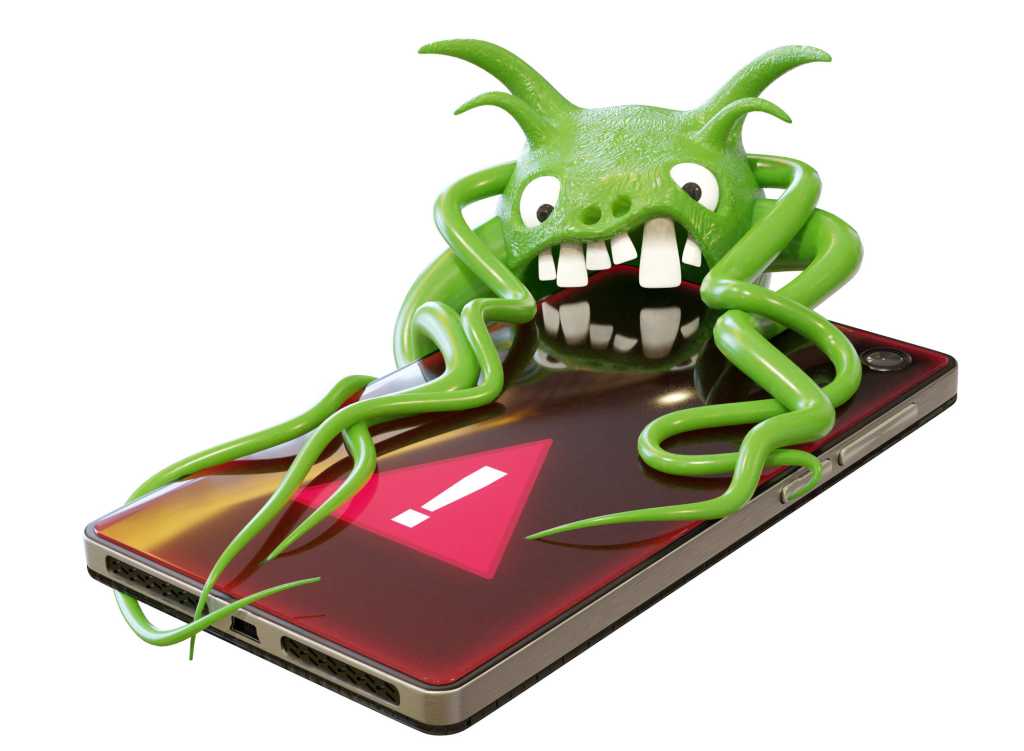
Mobile devices are increasingly becoming targets for malware, with Trojans like ToxicPanda 20 finding their way onto smartphones through non-secure app stores or phishing links. Once installed, this Trojan can grant itself extensive permissions and intercept two-factor authentication codes.
ToxicPanda 20 is equipped with 167 different commands that attackers can remotely trigger, allowing them to mimic essential system components and carry out suspicious activities in the background without the victim’s knowledge.
Protecting Yourself from Android Malware
To safeguard your device from malware like ToxicPanda 20, experts recommend downloading Android apps exclusively from secure sources like the Google Play Store. Avoid clicking on suspicious links or attachments and ensure timely installation of security updates to prevent vulnerabilities.
While Google Play Protect may not be effective against this Trojan, having a dedicated antivirus scanner on your device can provide an added layer of security. If your smartphone does get infected, follow these steps:
- Disconnect Internet Connection: Disable Wi-Fi and mobile data to prevent the spread of the virus.
- Close All Apps: Quit all running applications to halt any malicious activity.
- Restart Device: A simple restart can sometimes resolve minor issues or temporarily disable the virus.
- Activate Safe Mode: Boot your phone in Safe Mode to isolate potential problematic apps.
If these steps fail to resolve the issue, performing a full factory reset may be necessary to eliminate the malware.
Additionally, take proactive measures to secure your phone against theft.










Revolutionary Lexus LFA EV: Emulating Sequential Gearshifts

Fortnite’s Linux Launch: Easy Anti-Cheat Update and Steam Deck Speculation

Introducing Three Affordable Sky Sports Packages: A Game Changer for Sports Fans

Oppo Find X10 Pro Max Camera Review: Stunning Sample Shots from Tech Advisor

The Top Five Contenders: Meet the Companies Battling in the Startup Battlefield Finals at Disrupt 2026

The True Cost of Apple HomeView Wall Mount: Uncovering Hidden Expenses and Sacrifices

MYSTERY UNBOXING FROM GOOGLE!

2027 BMW i5: Enhanced Range at Same Price

Stock Milestone: Record High Achieved After Rollercoaster Year

EU Takes Action Against Instagram and Facebook for Violating Illegal Content Rules

Warning: Facebook Creators Face Monetization Loss for Stealing and Reposting Videos

Facebook’s New Look: A Blend of Instagram’s Style

Facebook Compliance: ICE-tracking Page Removed After US Government Intervention

Facebook and Instagram to Reduce Personalized Ads for European Users

InstaDub: Meta’s AI Translation Tool for Instagram Videos

Reclaim Your Account: Facebook and Instagram Launch New Hub for Account Recovery

Meta discontinues Messenger apps for Windows and macOS

Breaking Updates: Meta Connect 2025 Unveils Latest Developments
MYSTERY UNBOXING FROM GOOGLE!

TOP 6 Smartphones from Companies you NEVER Expected!

A Surprise Smartphone from EE!

DOOGEE MIX 2 VS DOOGEE MIX 1!

INCREDIBLE Smartphone Gadgets on Amazon!

10 Android Apps you NEED to try in 2017 / 2018

The Most Bizarre Smartphone we’ve seen all year.

Best Tech under $2000 – December 2017 / January 2018!

This could be your next Smartphone.
-
 Facebook12 months ago
EU Takes Action Against Instagram and Facebook for Violating Illegal Content Rules
-
 Facebook12 months ago
Warning: Facebook Creators Face Monetization Loss for Stealing and Reposting Videos
-
 Facebook10 months ago
Facebook’s New Look: A Blend of Instagram’s Style
-
 Facebook12 months ago
Facebook Compliance: ICE-tracking Page Removed After US Government Intervention
-
 Facebook10 months ago
Facebook and Instagram to Reduce Personalized Ads for European Users
-
 Facebook1 year ago
InstaDub: Meta’s AI Translation Tool for Instagram Videos
-
 Facebook10 months ago
Reclaim Your Account: Facebook and Instagram Launch New Hub for Account Recovery
-
 Apple12 months ago
Meta discontinues Messenger apps for Windows and macOS
